


Porta: AR/VR property concept
Porta
Property listings make it easy to compare photographs and prices, but much harder to judge whether a space will work in daily life. Scale, circulation and furnishing are left to imagination. My 0-to-1 challenge was to turn a collection of property features into a decision-making experience, connecting discovery, spatial understanding and the practical next step of arranging a viewing.
Back to LabAR/VR property concept
Property UX / AR tools / UI
AI + Figma
Visual Identity
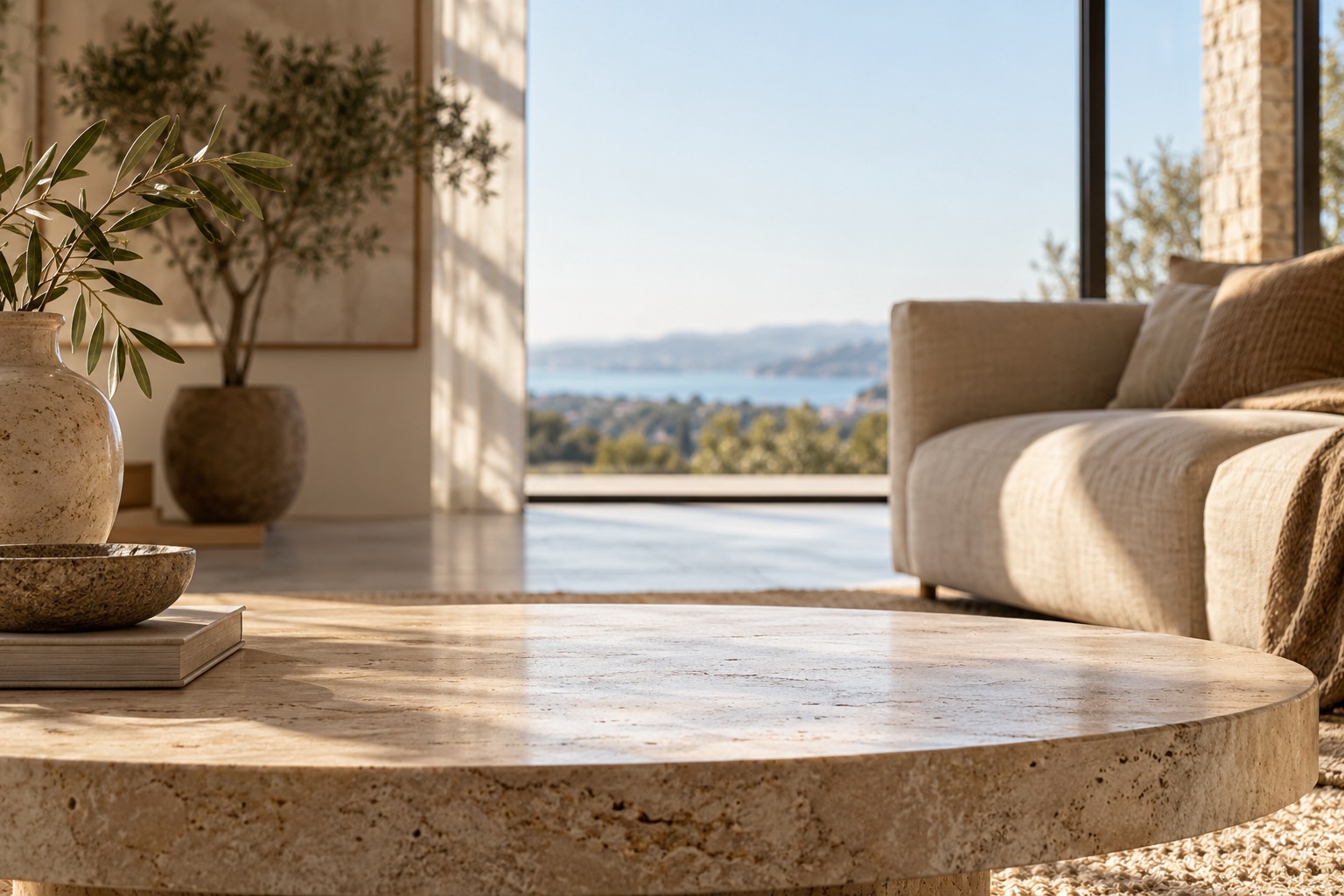
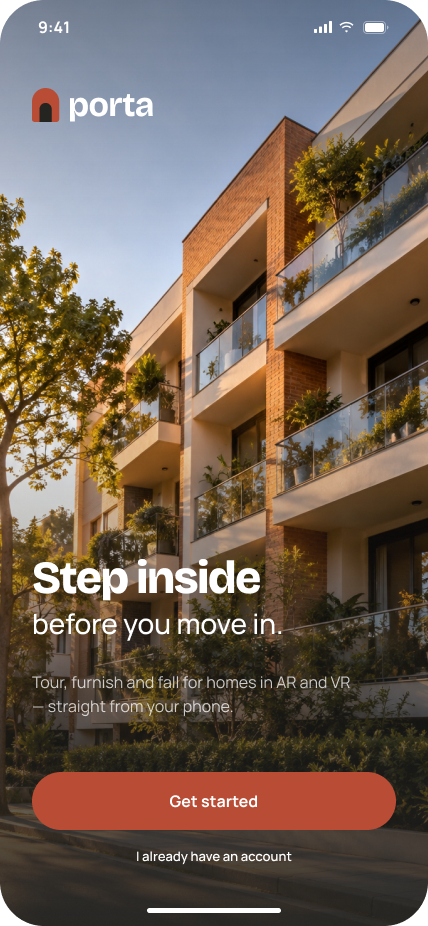
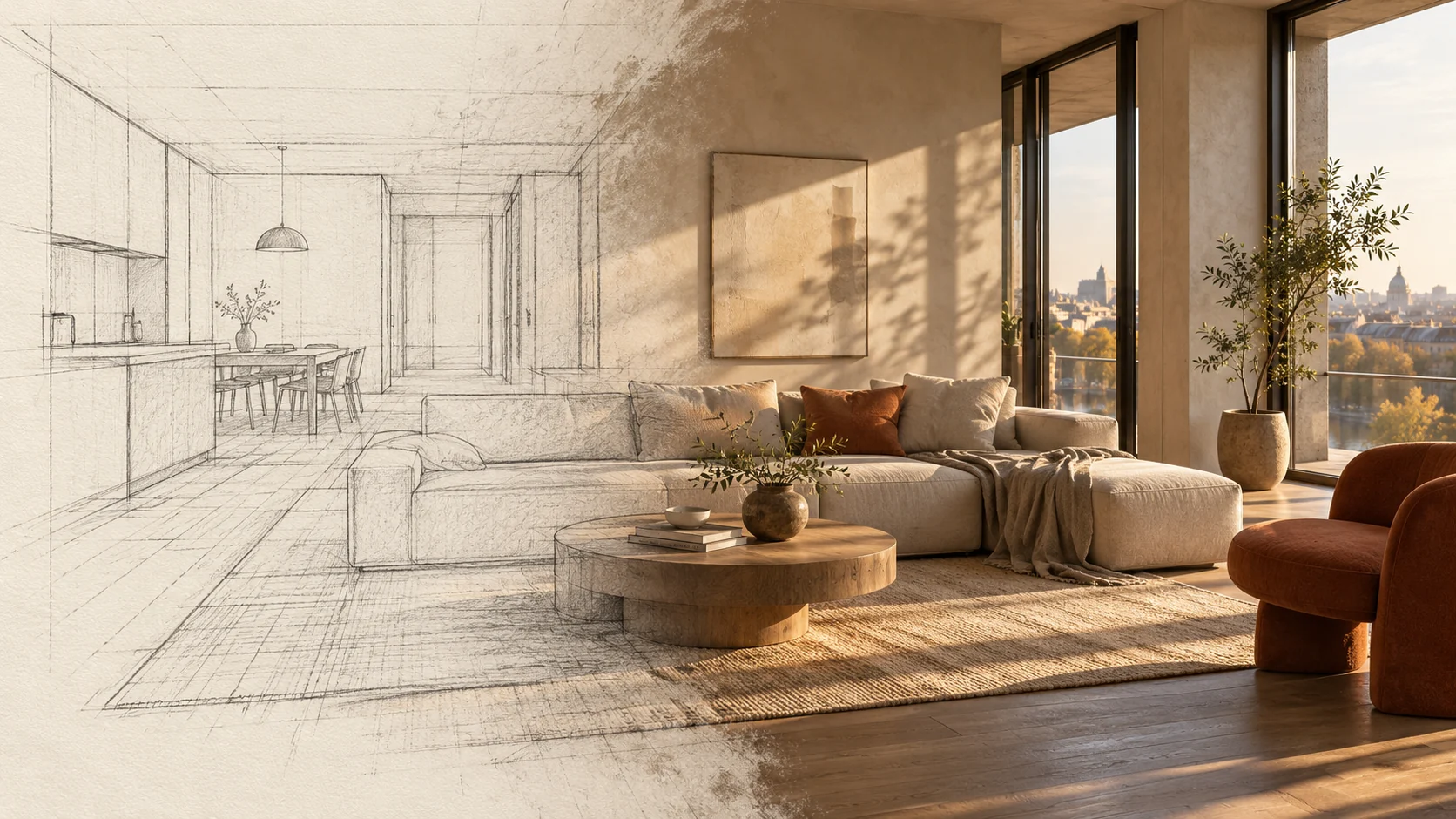
Porta needed the confidence of a considered property brand without the immaculate distance of a showroom. I chose a warm off-white, near-black structure and a terracotta accent: a palette that can sit beside wood, plaster and daylight without fighting the photographs. The accent has warmth, but it still earns its place by identifying an action or a point of interest.
Bricolage Grotesque brings personality to the larger moments; Manrope keeps the practical detail composed. I used generous spacing and an architectural sense of hierarchy to let property information breathe. The identity leaves the rooms open to interpretation. I wanted someone to notice the space and begin imagining their own life in it, rather than admire the interface from a distance.
- WARM NEUTRALS, TERRACOTTA ACCENTS
- CHARACTER IN THE HEADLINES
- STRUCTURE AROUND THE PHOTOGRAPHY
- SPACE FOR A PERSONAL INTERPRETATION
Colors
#242421 #B94C35 #F6F3EC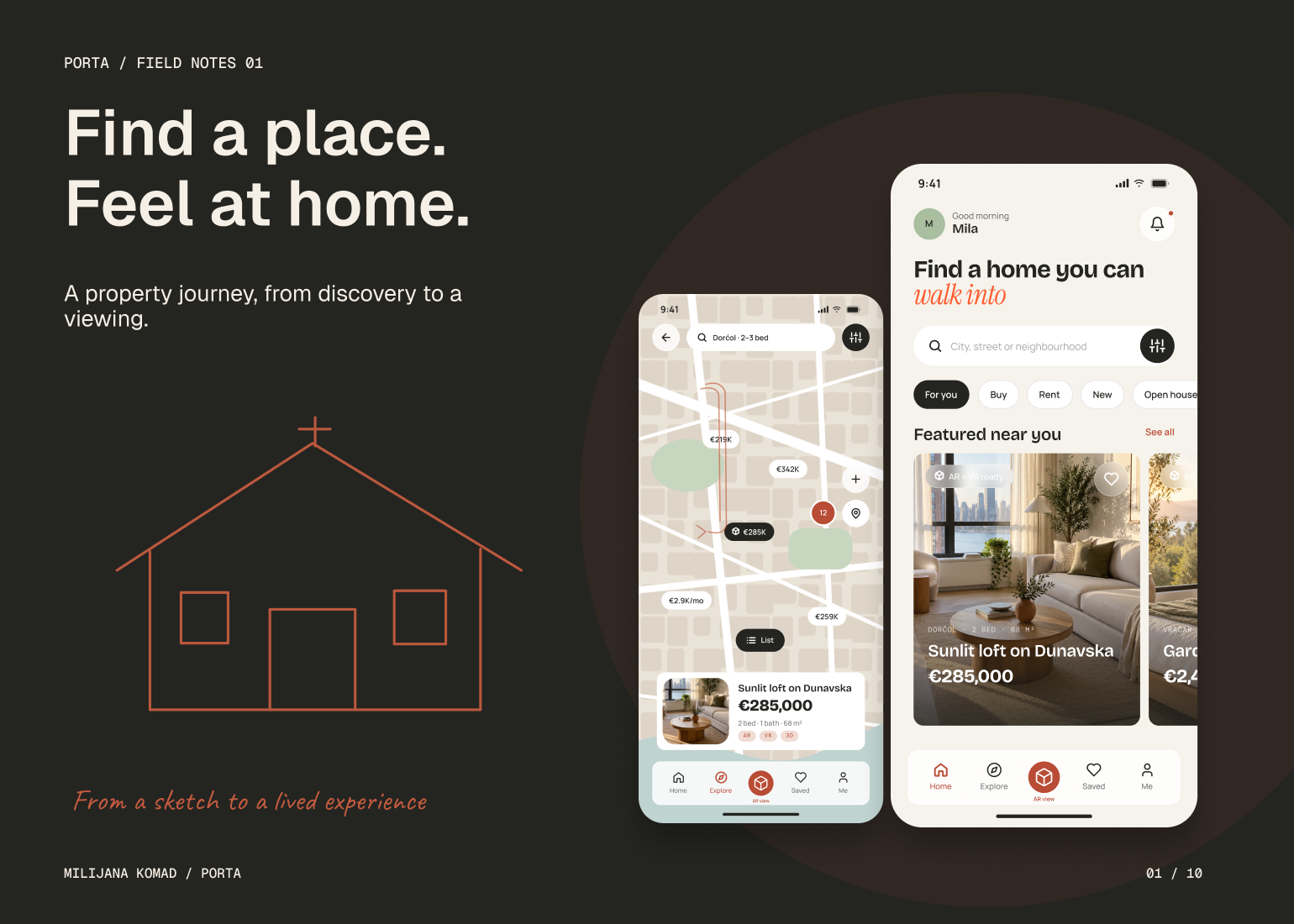
The Solution
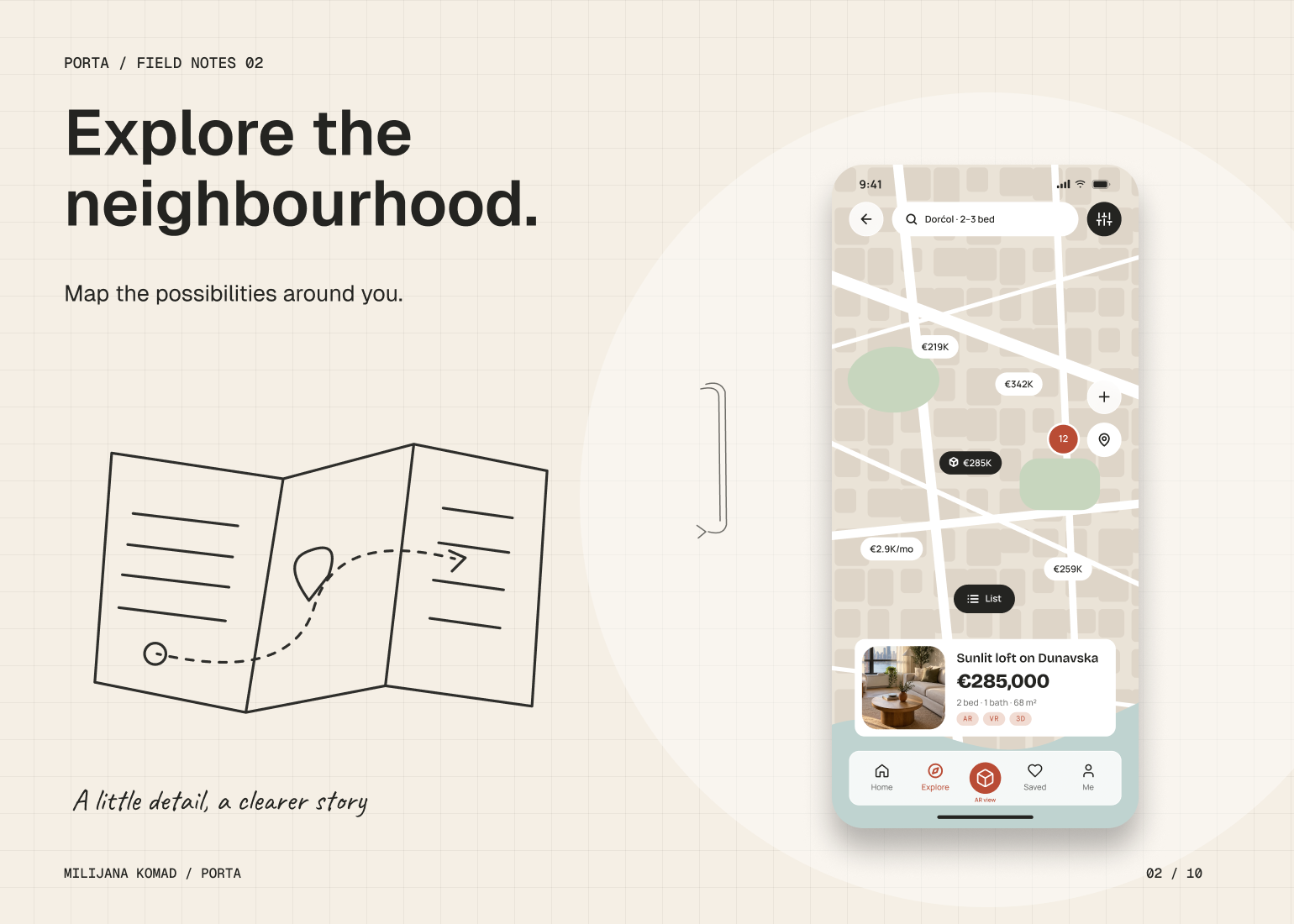
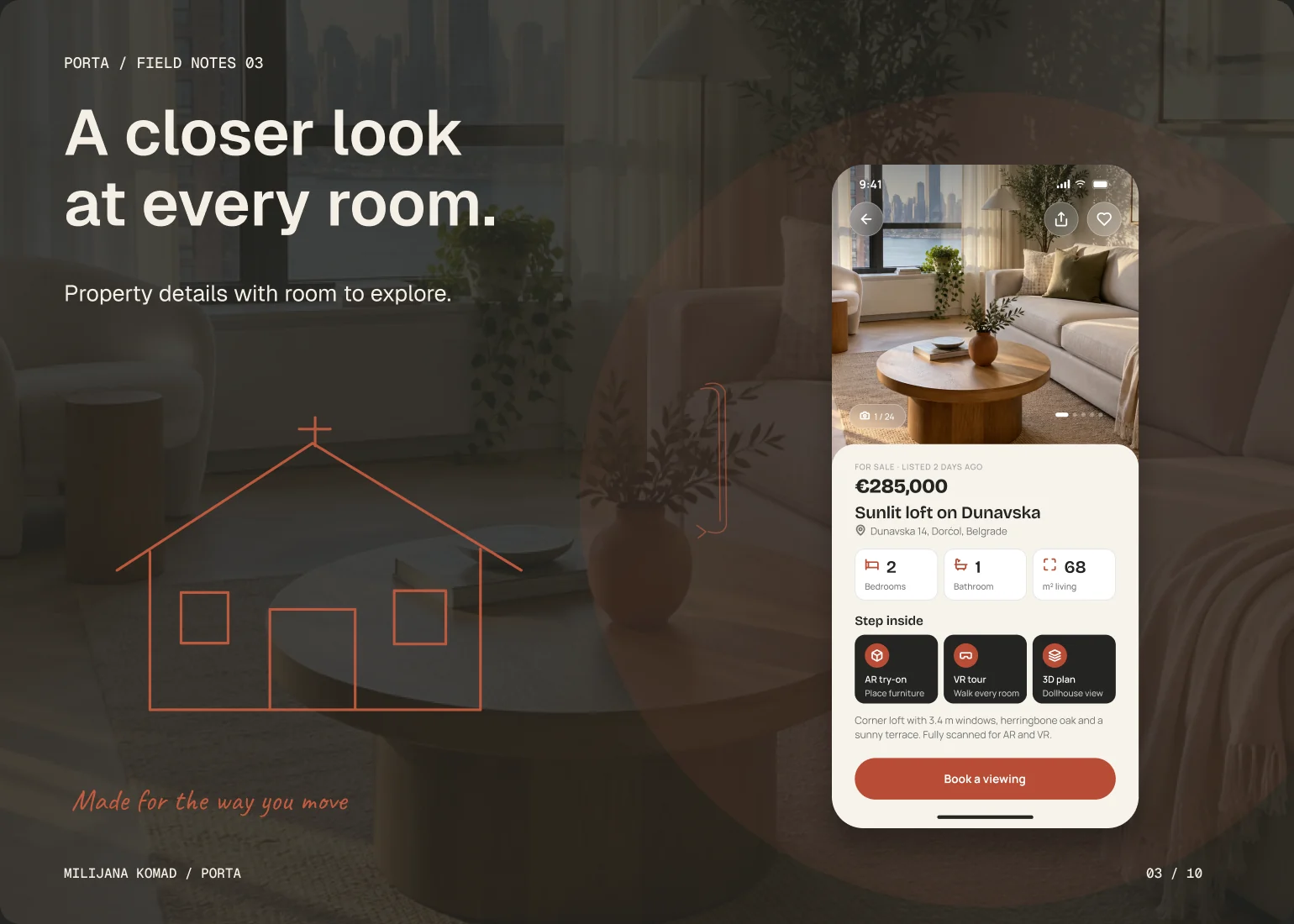
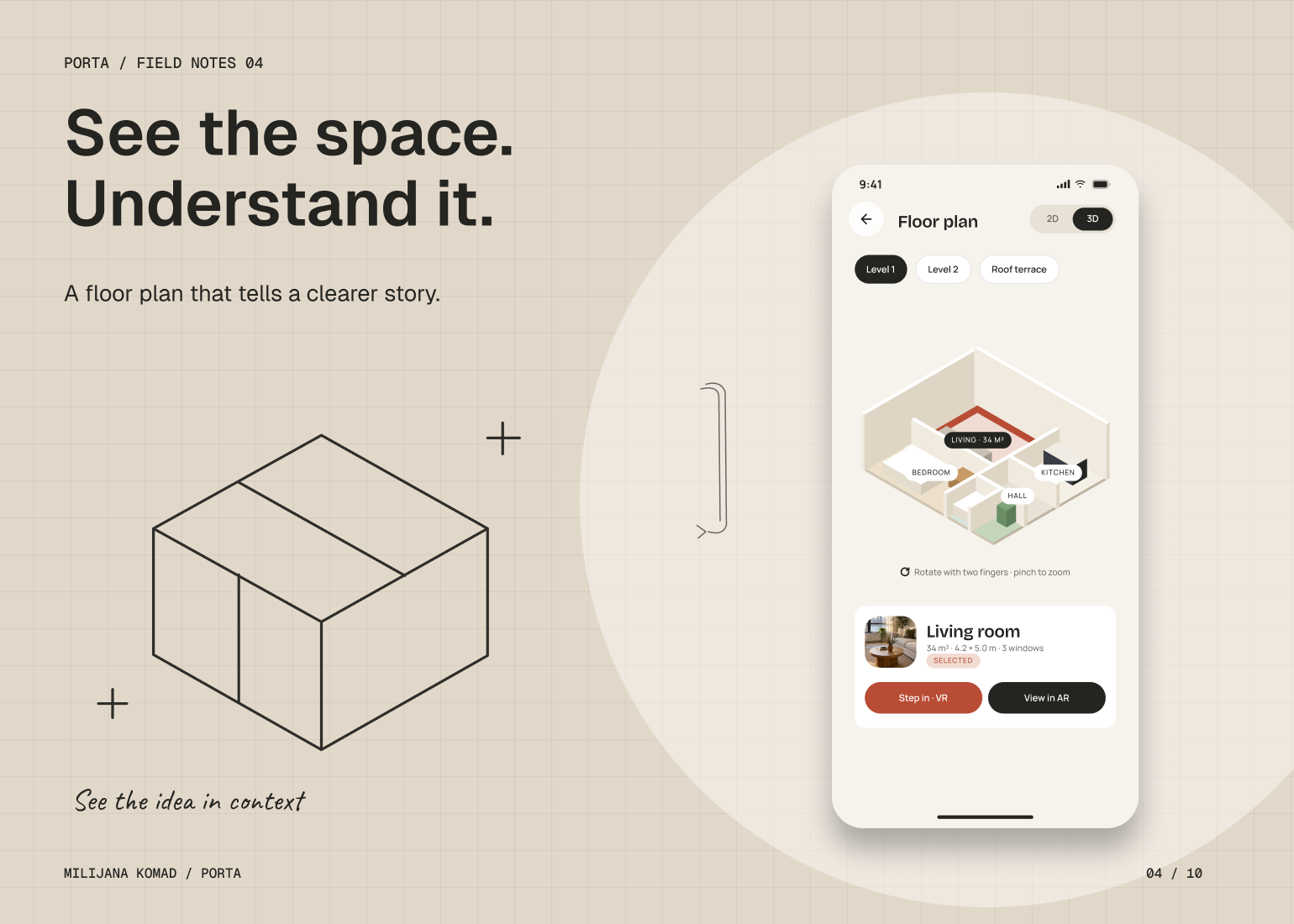
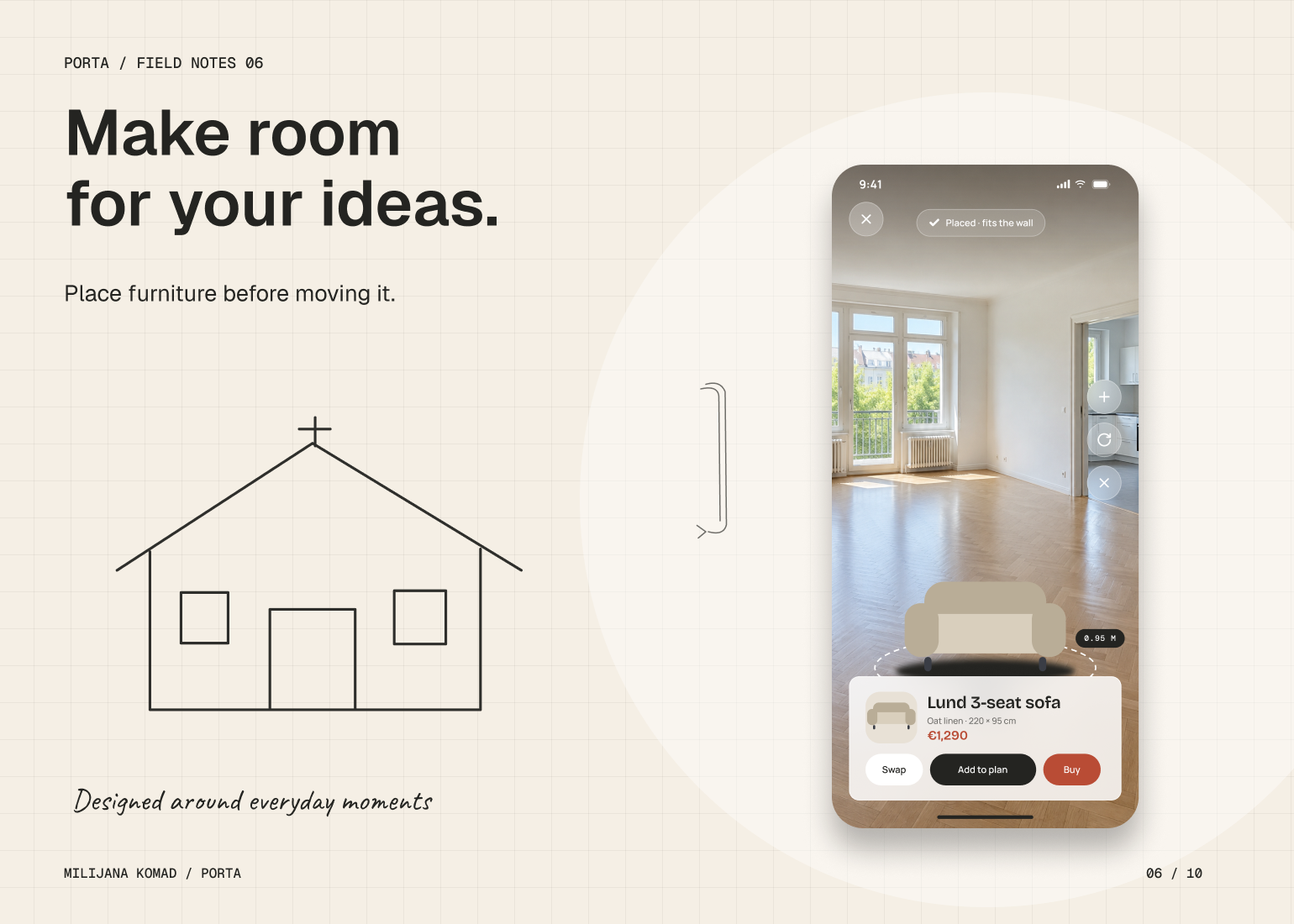
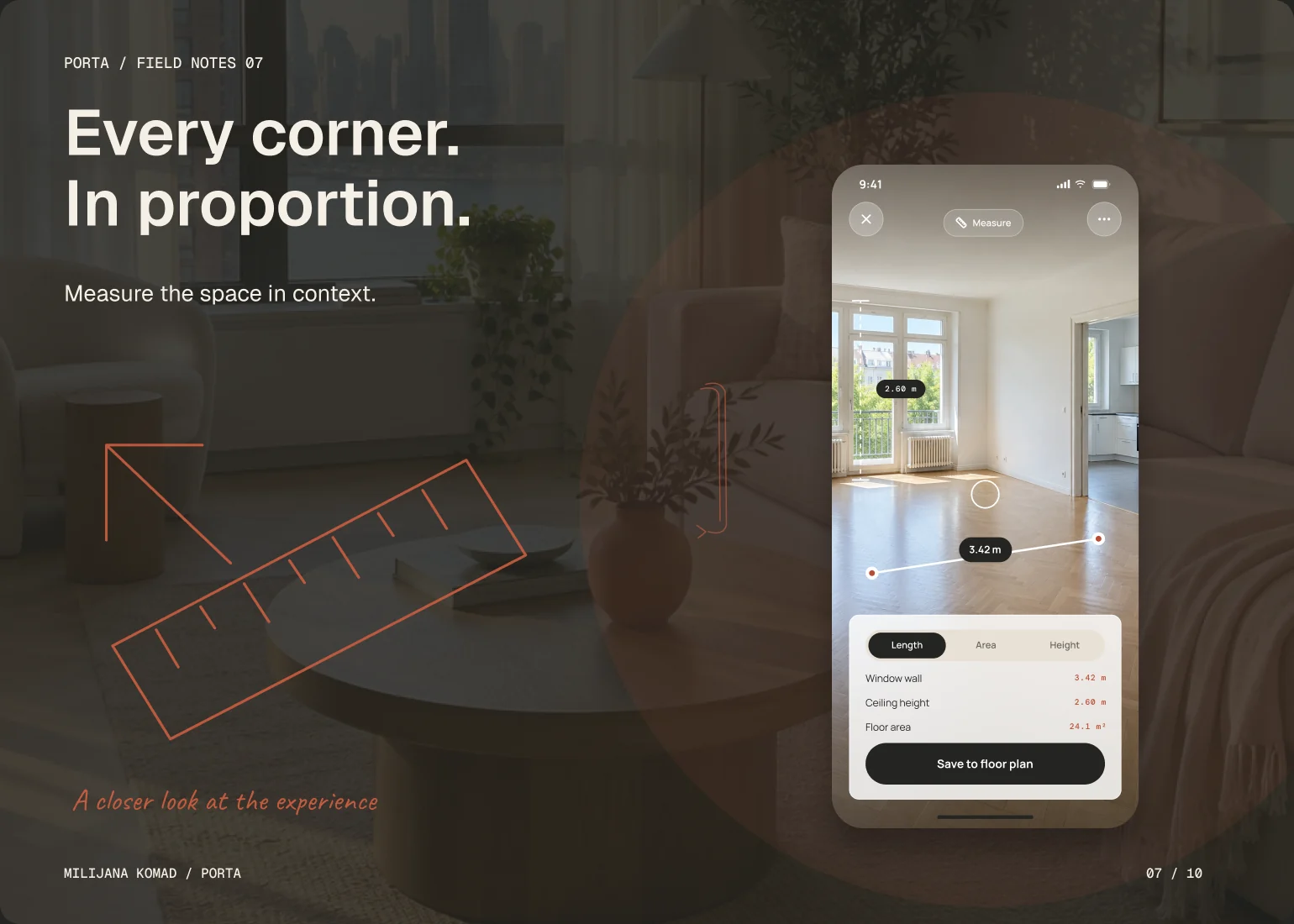
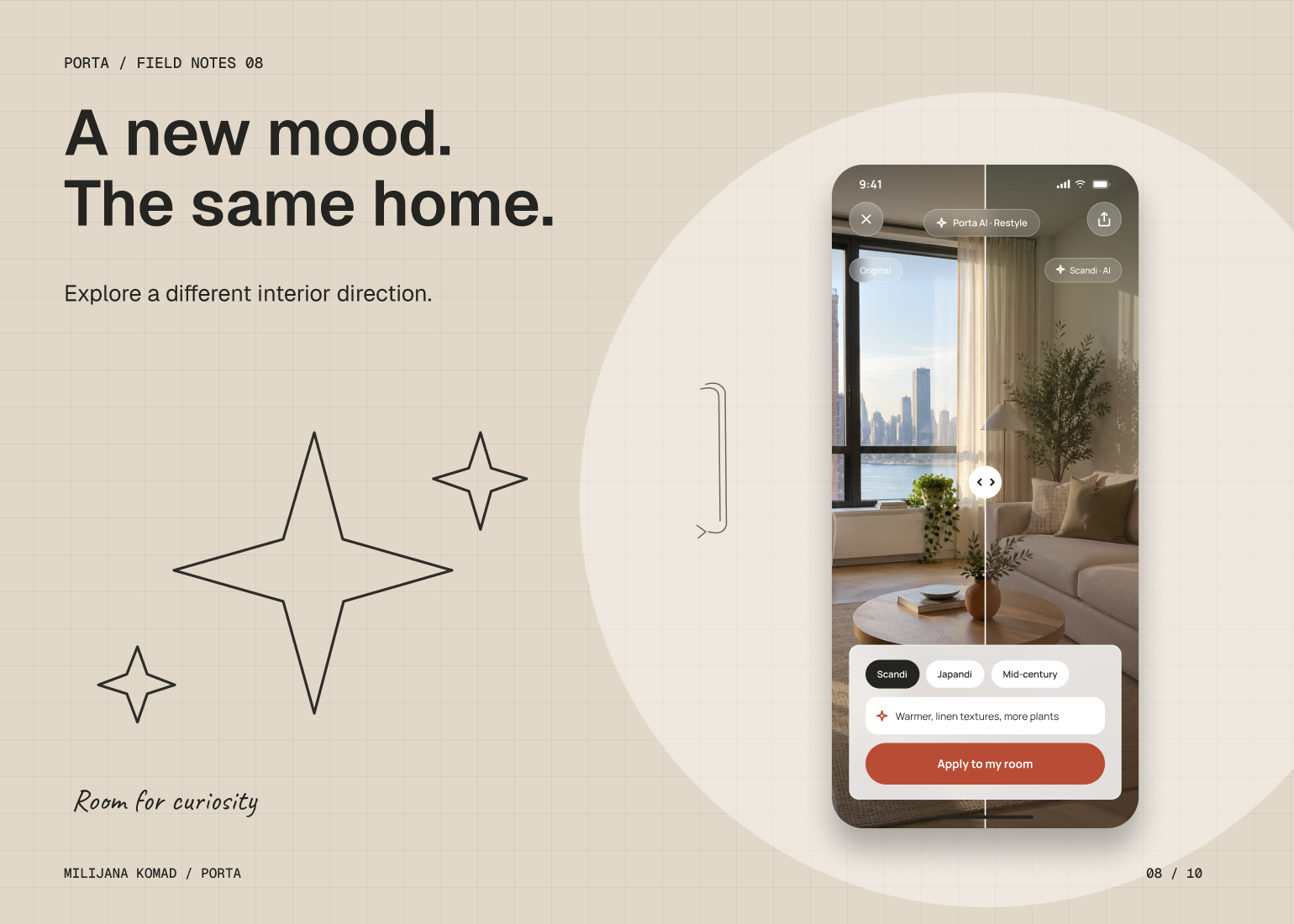
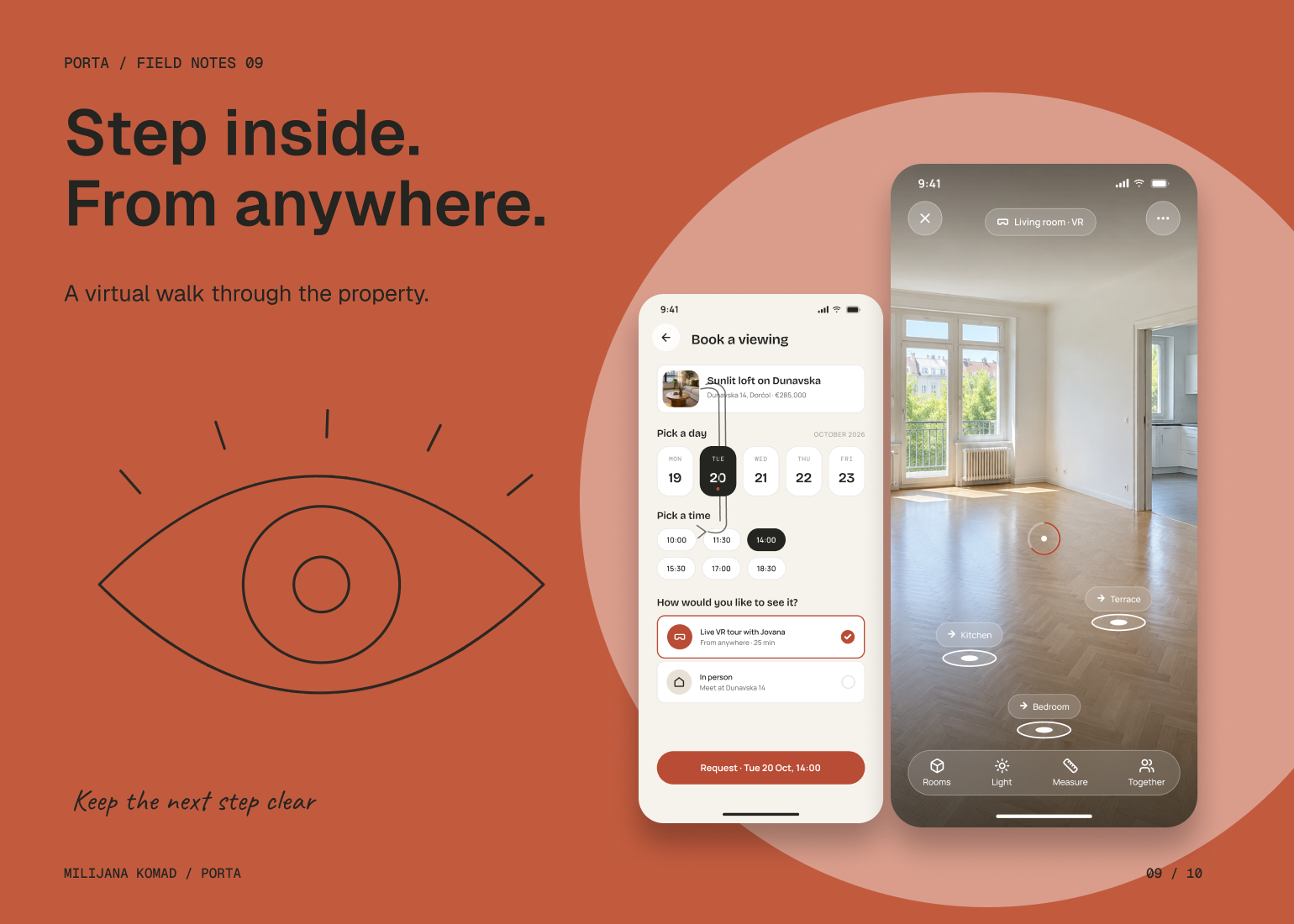
I structured the journey around increasing levels of commitment. Search and map views help people establish a shortlist; listing details and room views provide context; spatial tools answer the questions that photographs leave open. I kept these as connected layers of the same property, so moving into a floor plan, measurement or virtual tour does not mean losing the original listing.
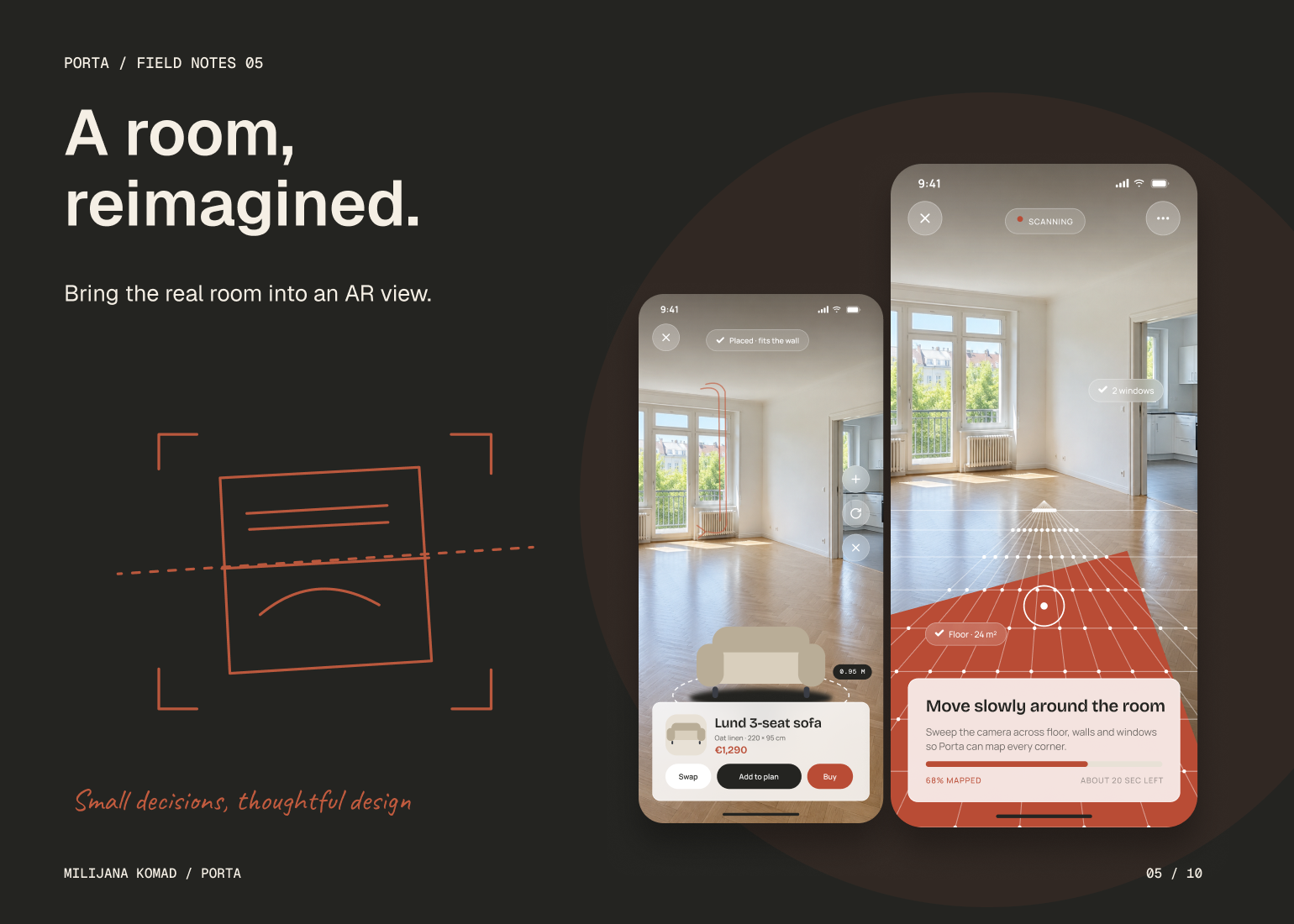
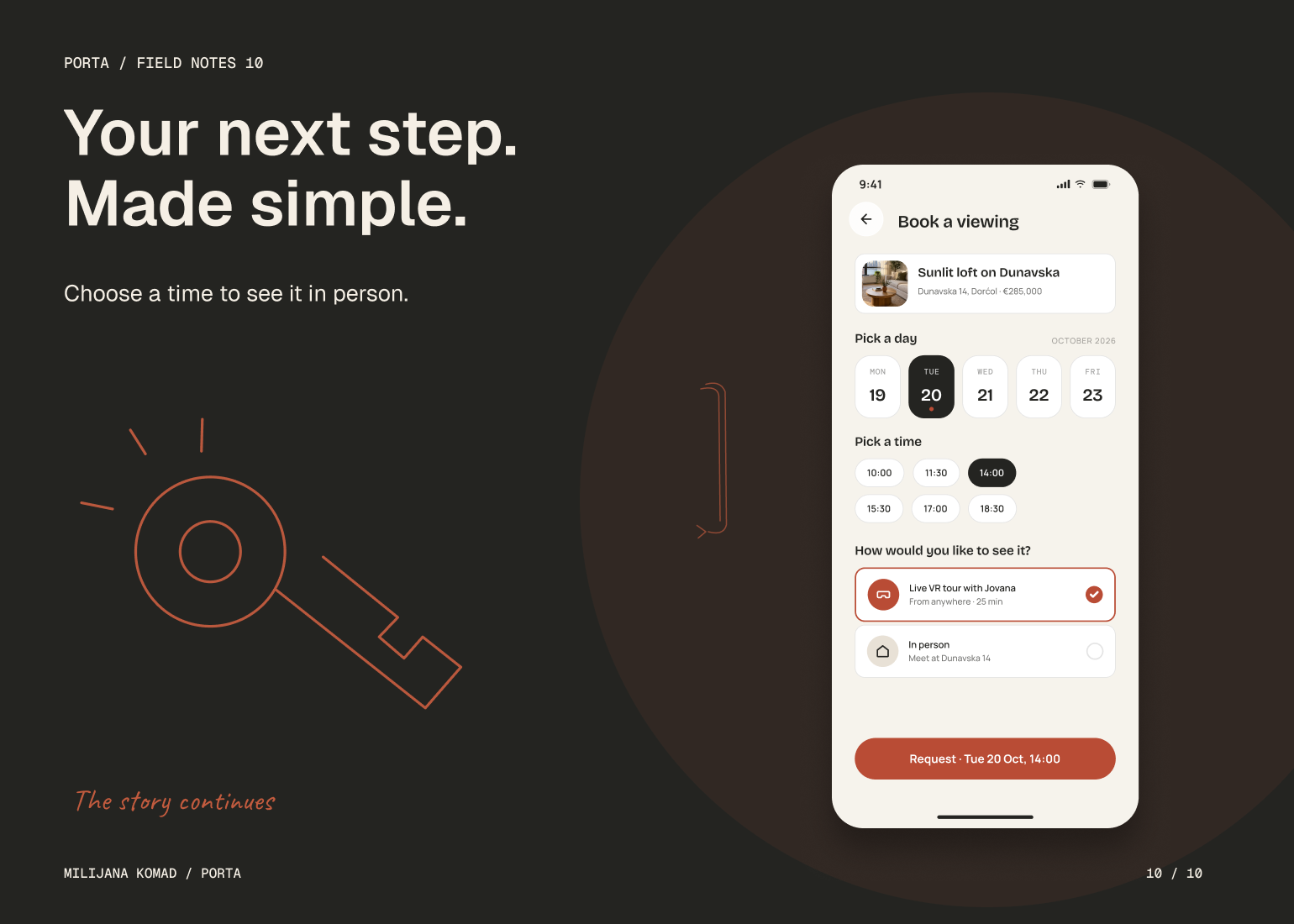
I gave each immersive interaction a specific job. AR measurement addresses scale, furniture placement explores fit, and interior restyling supports comparison between possible directions. The viewing flow then provides a clear handoff from exploration to an appointment. This keeps the spatial technology tied to a decision the person actually needs to make, with a consistent information hierarchy across conventional and immersive views.