


Oda: AR smart-home concept
Oda
Connected homes often inherit the structure of their devices: separate controls, separate applications and little explanation of how an automated action will affect the room. My 0-to-1 challenge was to establish a more coherent model for a spatial home assistant. The task was to bring room context, voice requests and automation together while keeping proposed actions understandable and under the occupant's control.
Back to LabAR smart-home concept
Voice + spatial UX / Smart home / UI
AI + Figma

Visual Identity
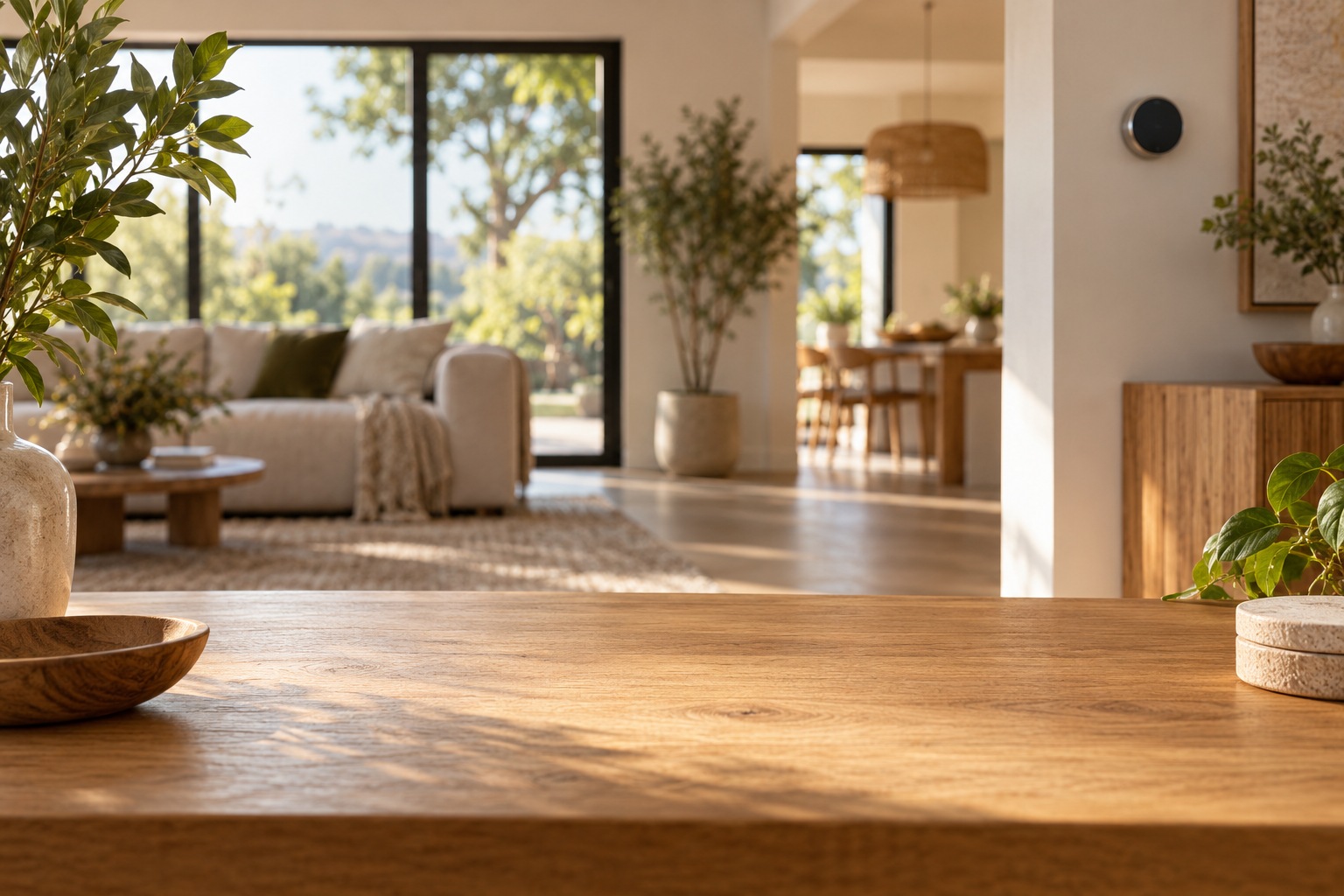
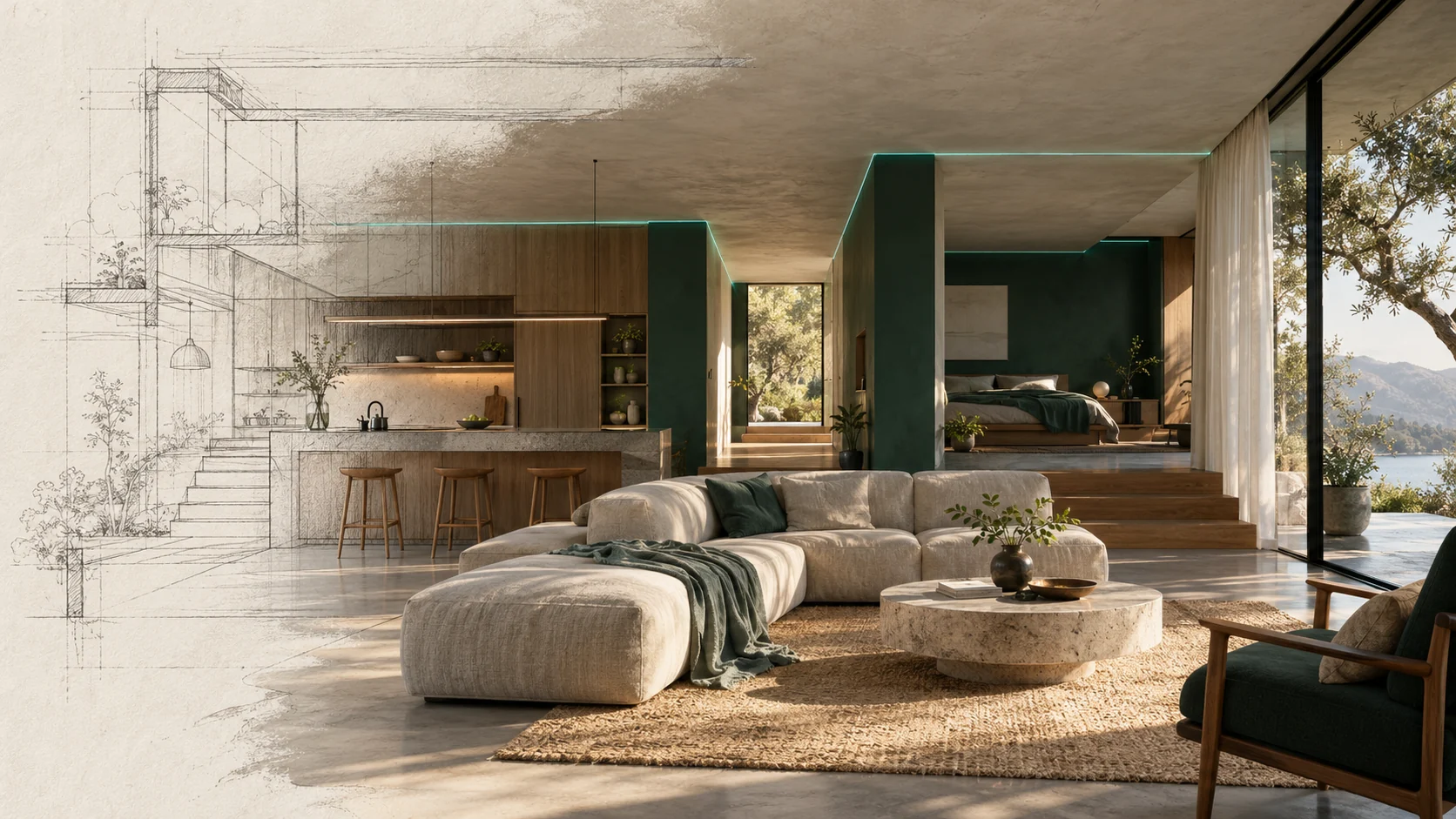
I did not want Oda to dress the home as a control room. Deep green and teal give the system a recognizable presence, while pale, mineral-like surfaces leave room for the textures of the actual space. The palette has to work beside furniture, daylight and live camera imagery. That context mattered more to me than making another striking dashboard.
IBM Plex Sans and IBM Plex Mono gave me a useful pairing: one for conversation and navigation, the other for readings, values and system detail. I used that distinction to make the interface easier to scan without turning every difference into another color. The identity has a technical backbone, but its manners are domestic. It should feel comfortable in the room.
- DEEP GREEN, TEAL AND MINERAL NEUTRALS
- A DISTINCT VOICE FOR SYSTEM DATA
- LEGIBLE LAYERS IN A REAL ROOM
- TECHNICAL PRECISION WITH DOMESTIC WARMTH
Colors
#19342E #287568 #E9ECE7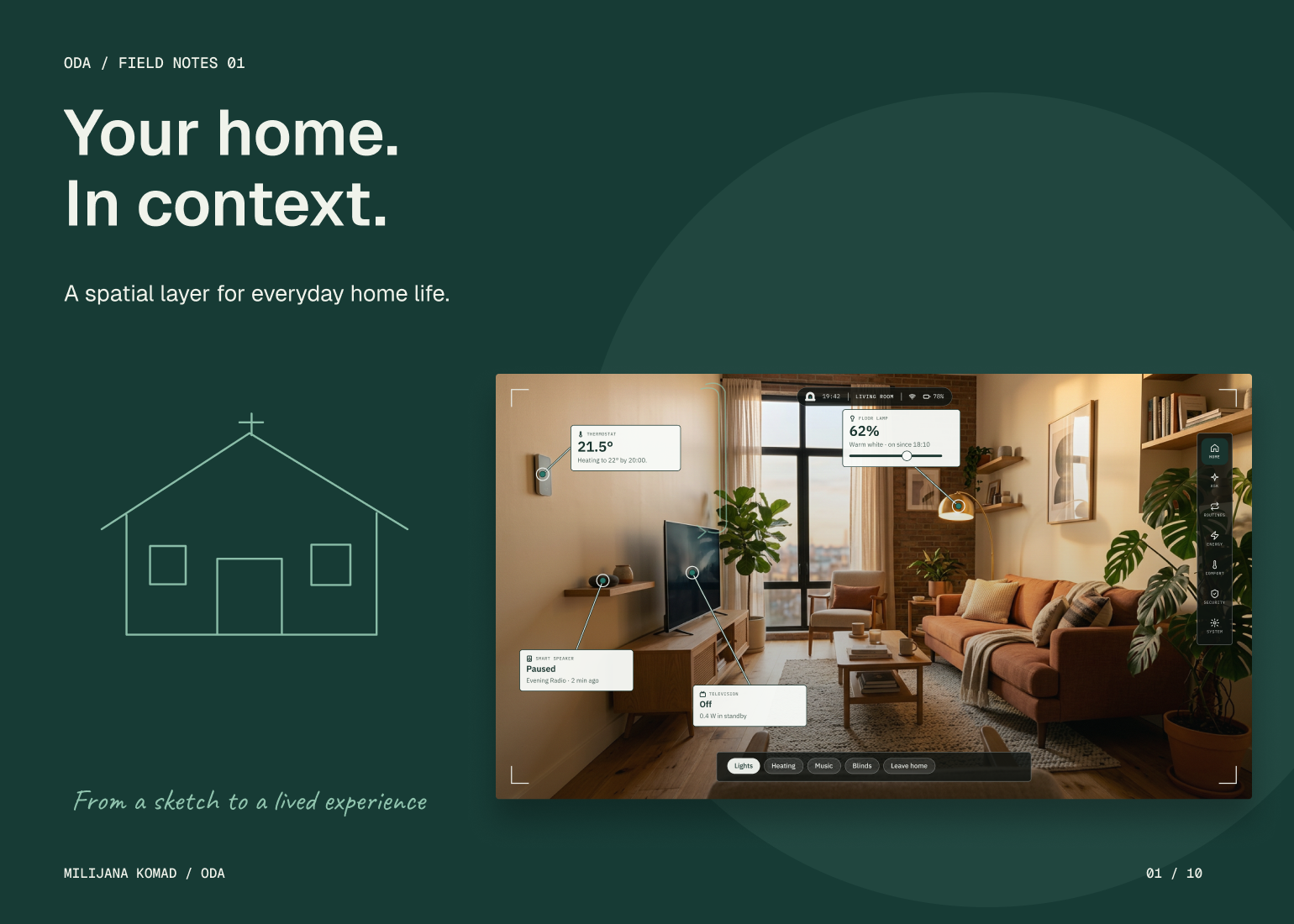
The Solution
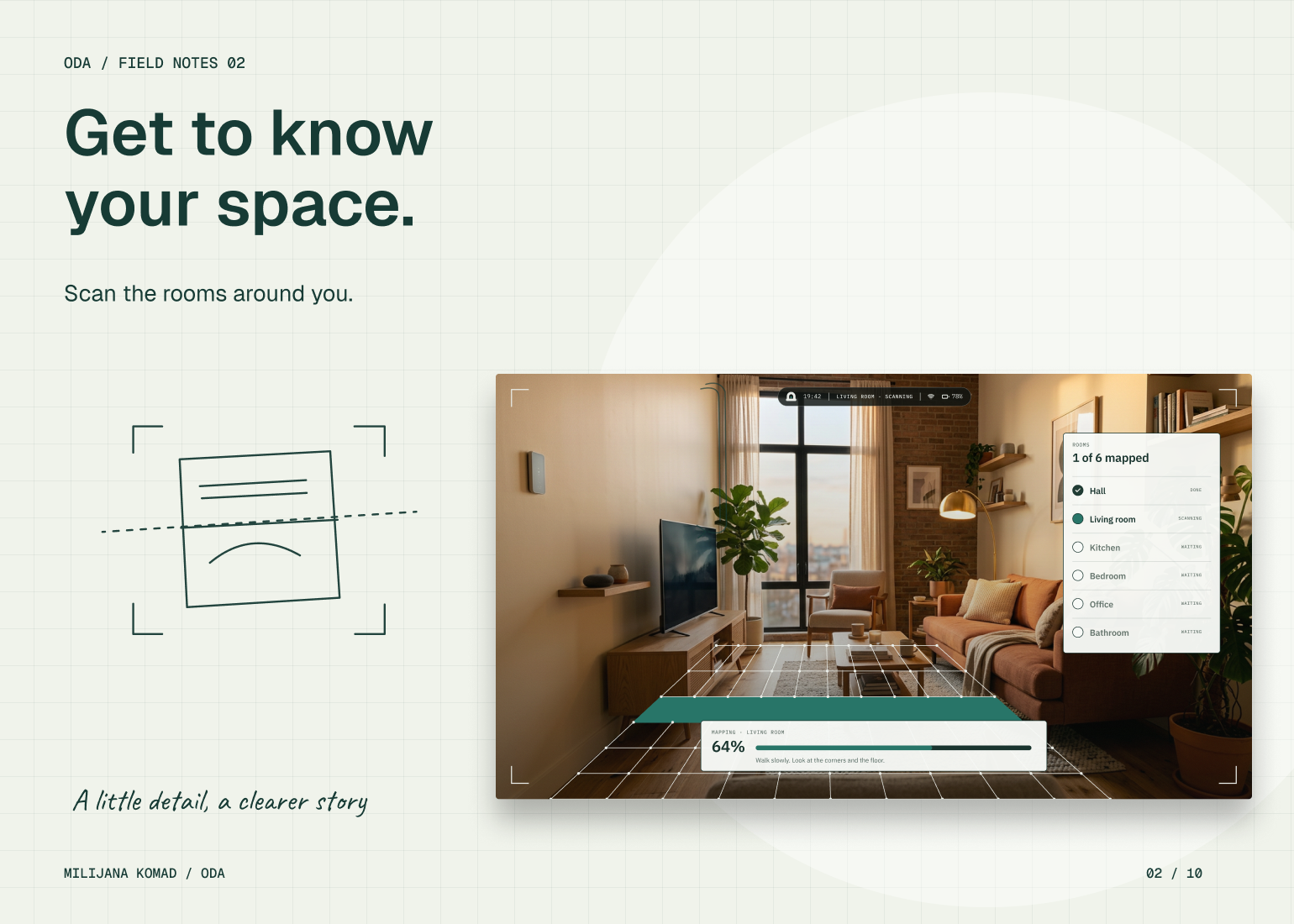
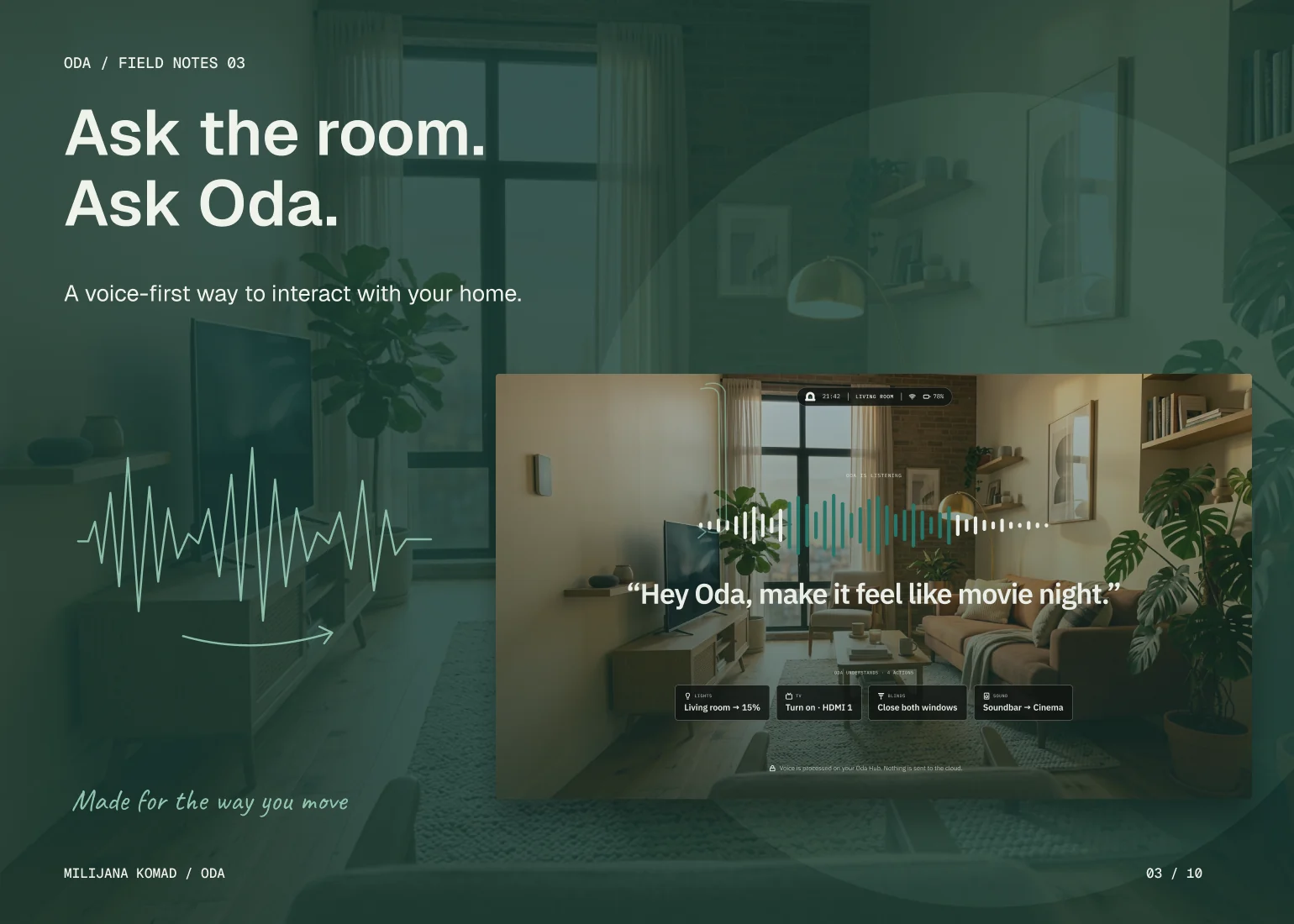
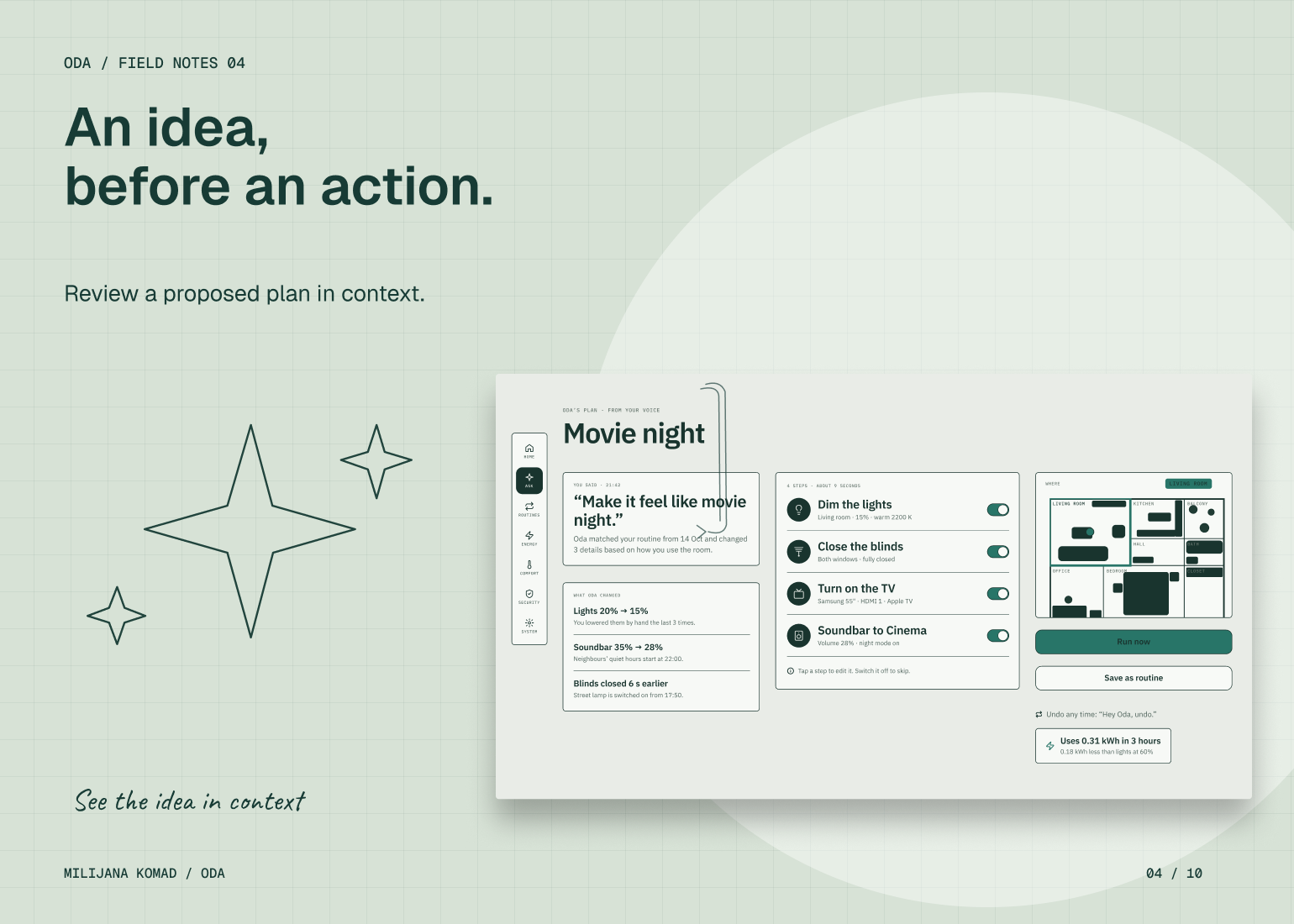
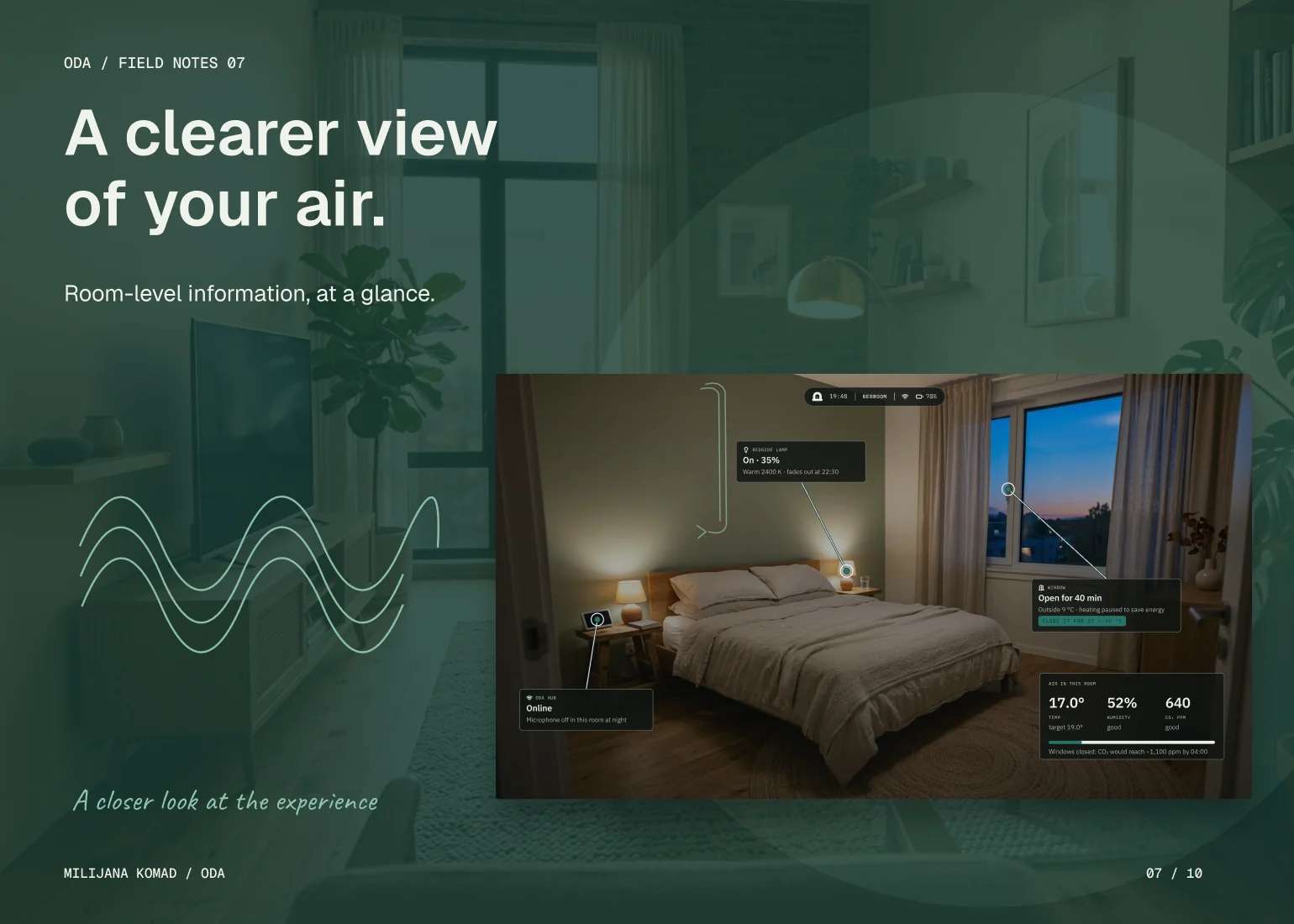
I made the room the organizing principle of the information architecture. Devices and environmental signals appear in relation to a place, while voice provides a second entry point for expressing an intention. A request leads to a reviewable plan, separating what the assistant proposes from what the person agrees to do. That distinction gives automation a clear interaction boundary.
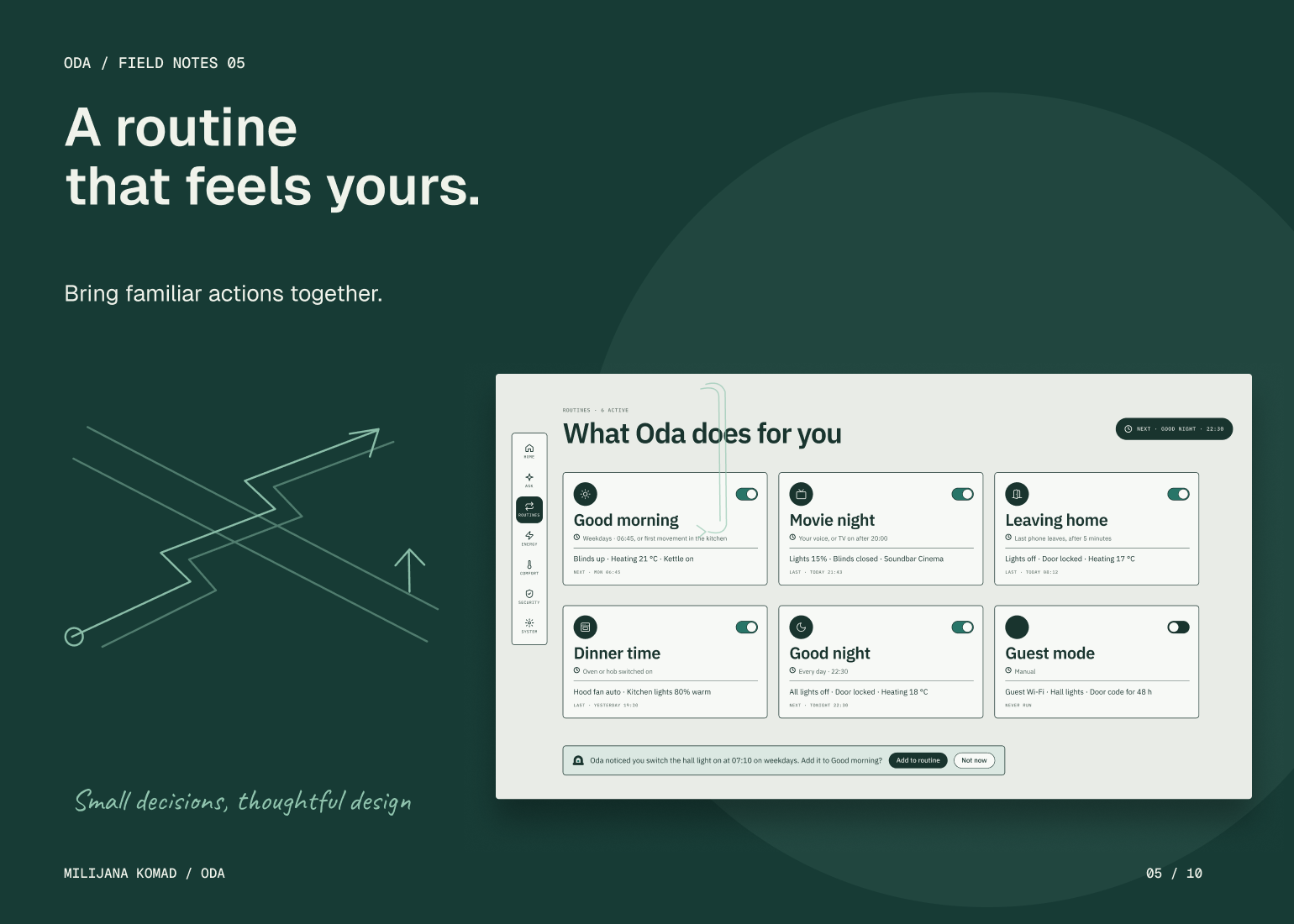
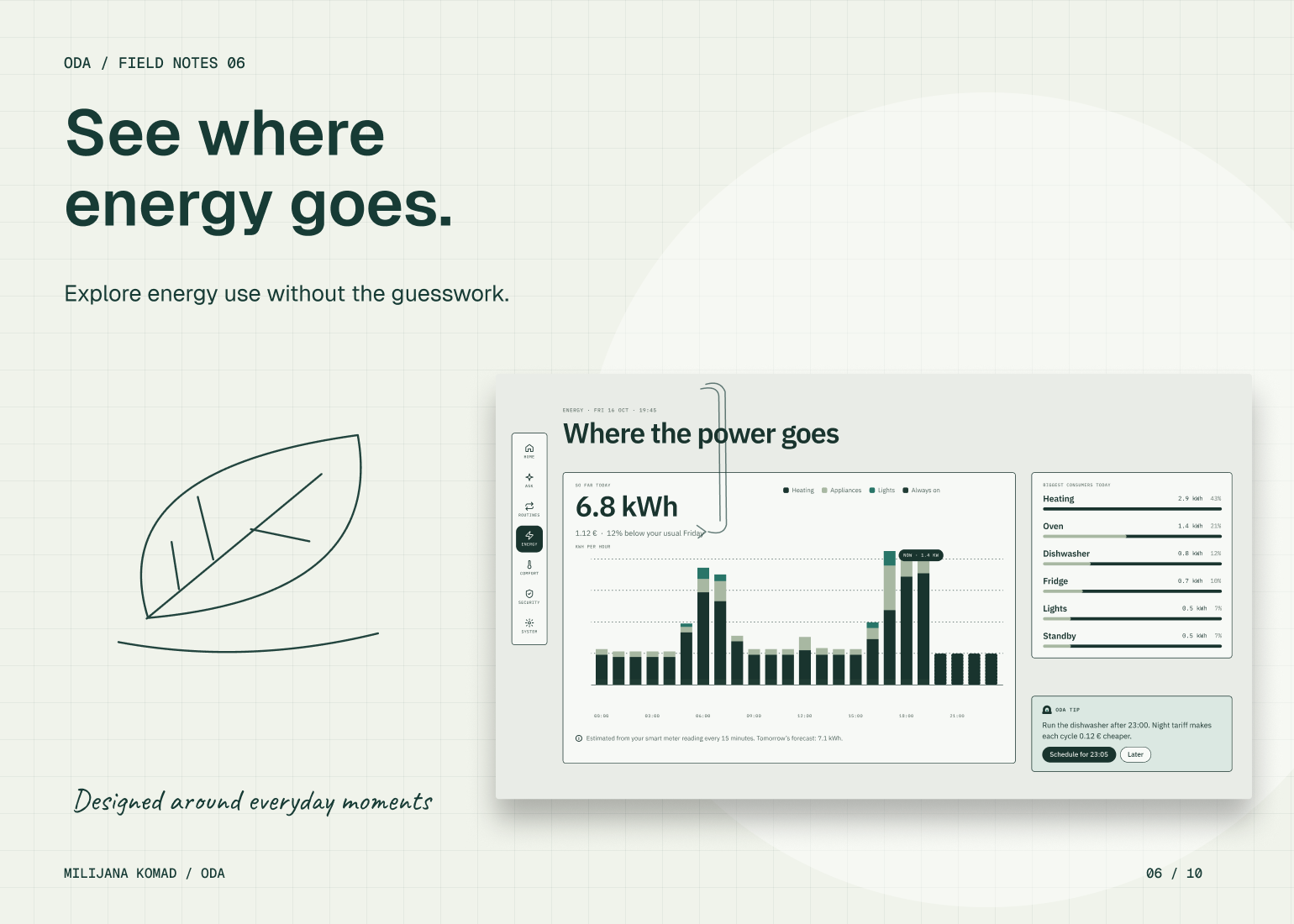
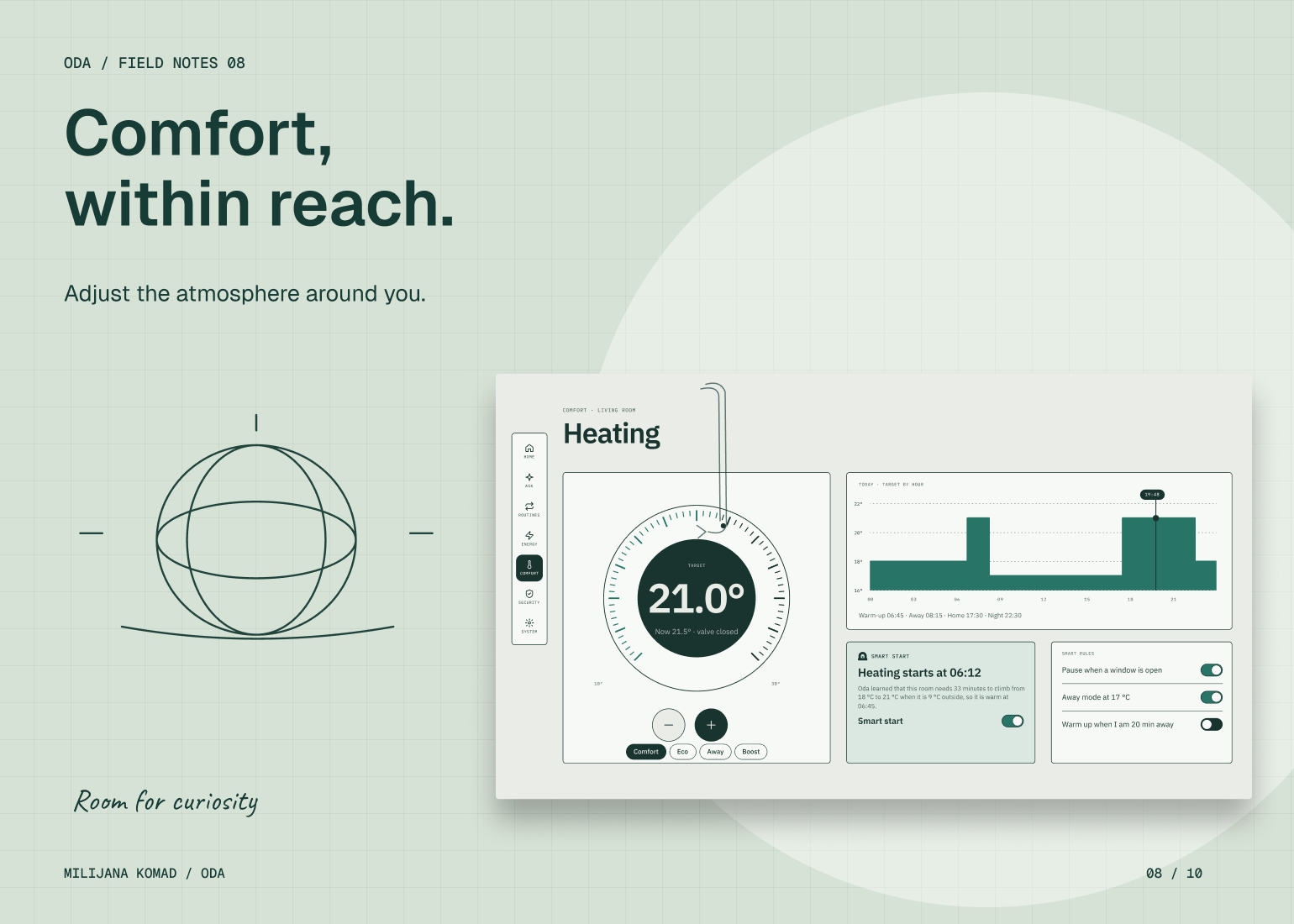
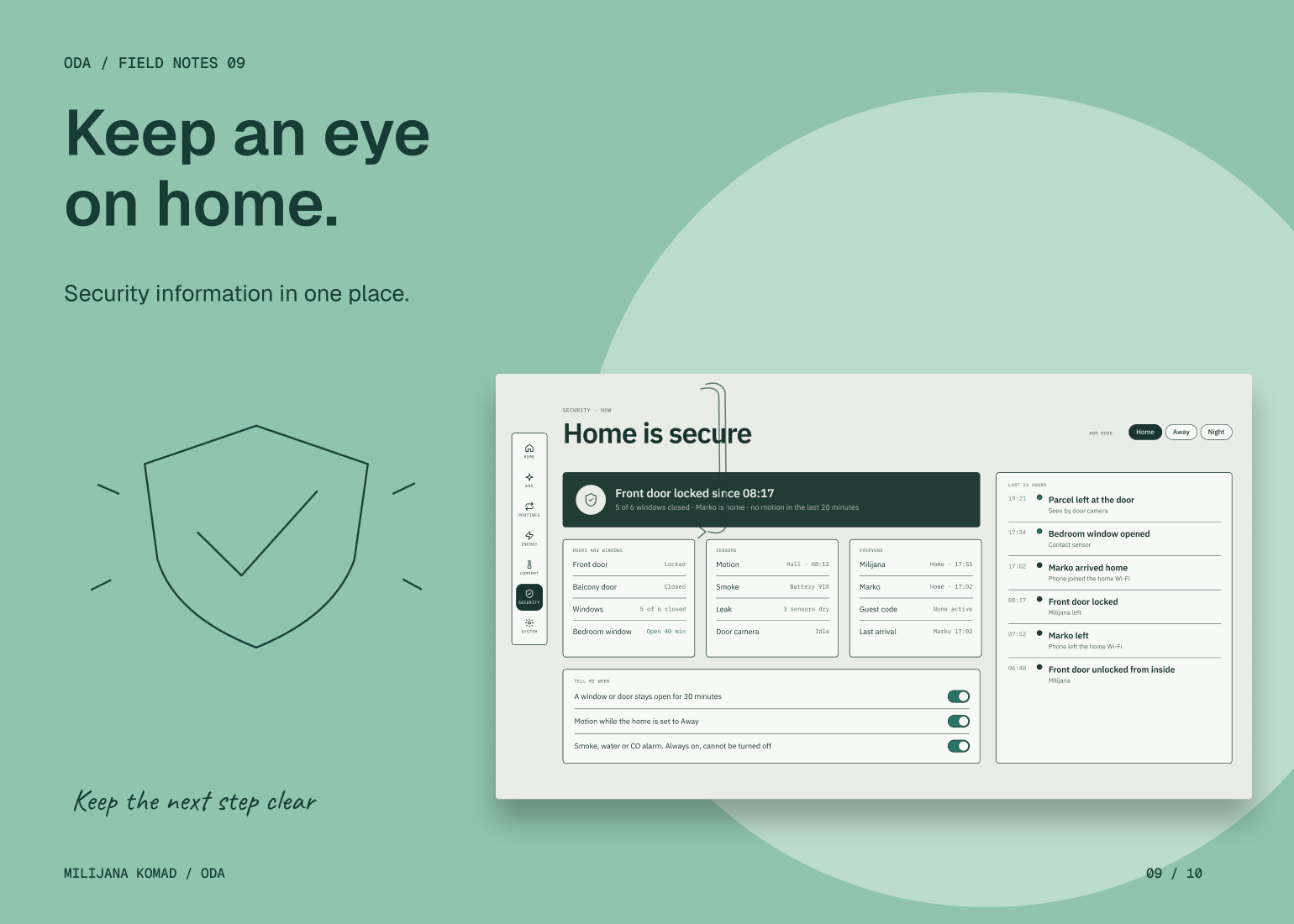
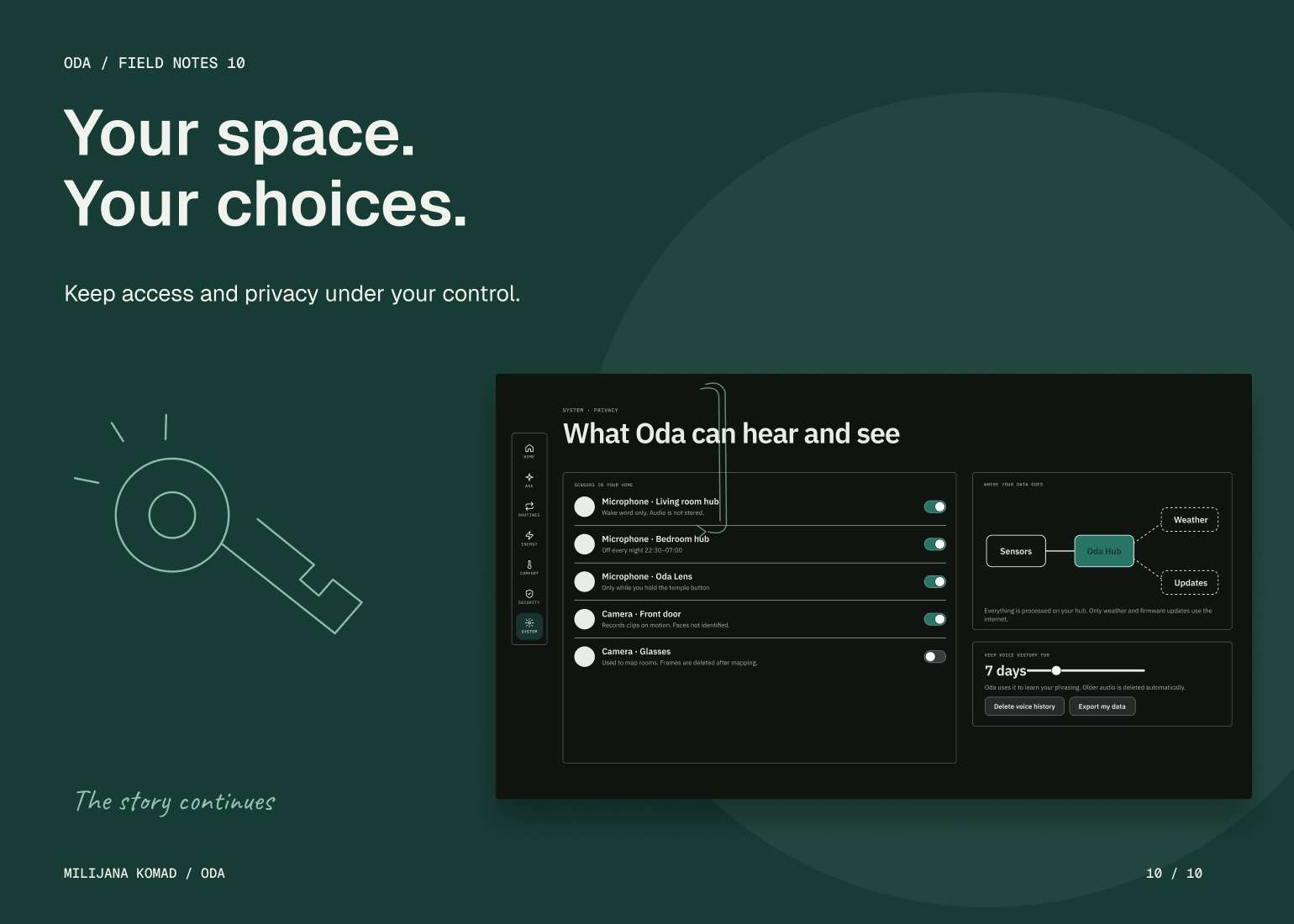
I extended the same model to routines, energy, comfort and security. Summaries establish what matters now; detailed views explain an individual condition or action. Routine history provides a place to inspect what happened, and access and privacy have explicit destinations. The solution replaces a device-led control structure with a contextual one, while preserving the feedback and controls needed to understand the system.