


Nit: AR item-finder concept
Nit
Finding a misplaced object is a fragmented task: remember its last location, search the area and recognize when you are finally close enough. A map pin alone does not solve the last few meters, especially indoors. My 0-to-1 task was to connect location, remembered context and proximity guidance into one finding journey that remains useful when an item is nearby, left behind or genuinely lost.
Back to LabAR item-finder concept
Spatial UX / Finding flow / UI
AI + Figma

Visual Identity
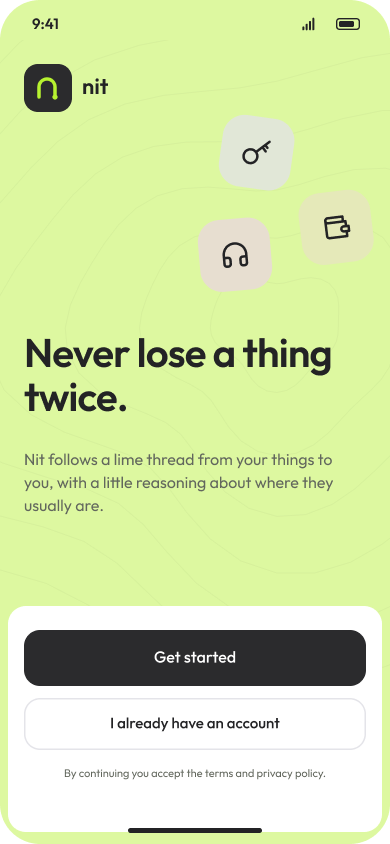
Nit did not need the visual urgency of an alarm. Someone looking for their keys is already providing enough of that. I built the identity on charcoal and a soft off-white, then gave it one unmistakable signal: electric lime. Against the quiet base, that accent can make a direction, a nearby item or a moment of arrival feel immediate.
I chose Outfit for both expressive and functional type, using scale and weight to create hierarchy without introducing another typographic voice. Rounded geometry keeps the product approachable; direct labels and clear feedback keep it useful. The visual system is deliberately economical. I wanted the little burst of color to feel like the moment a search becomes a certainty: ah, there you are.
- A QUIET BASE, ONE ELECTRIC SIGNAL
- ONE TYPE FAMILY, A CLEAR HIERARCHY
- ROUNDED FORMS AND DIRECT FEEDBACK
- VISUAL EMPHASIS THAT FOLLOWS PROXIMITY

Colors
#232325 #B7F230 #F1F3ED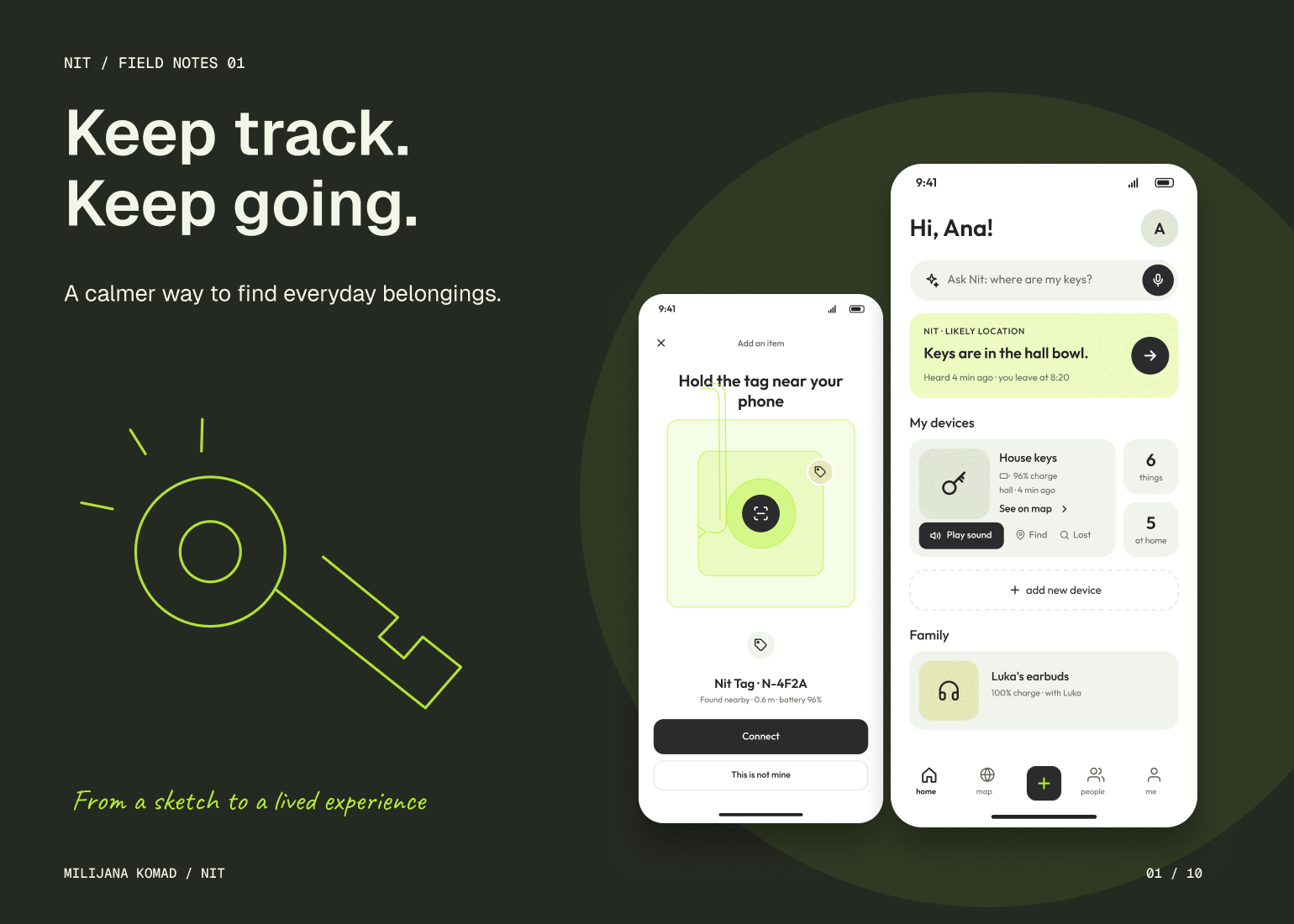
The Solution
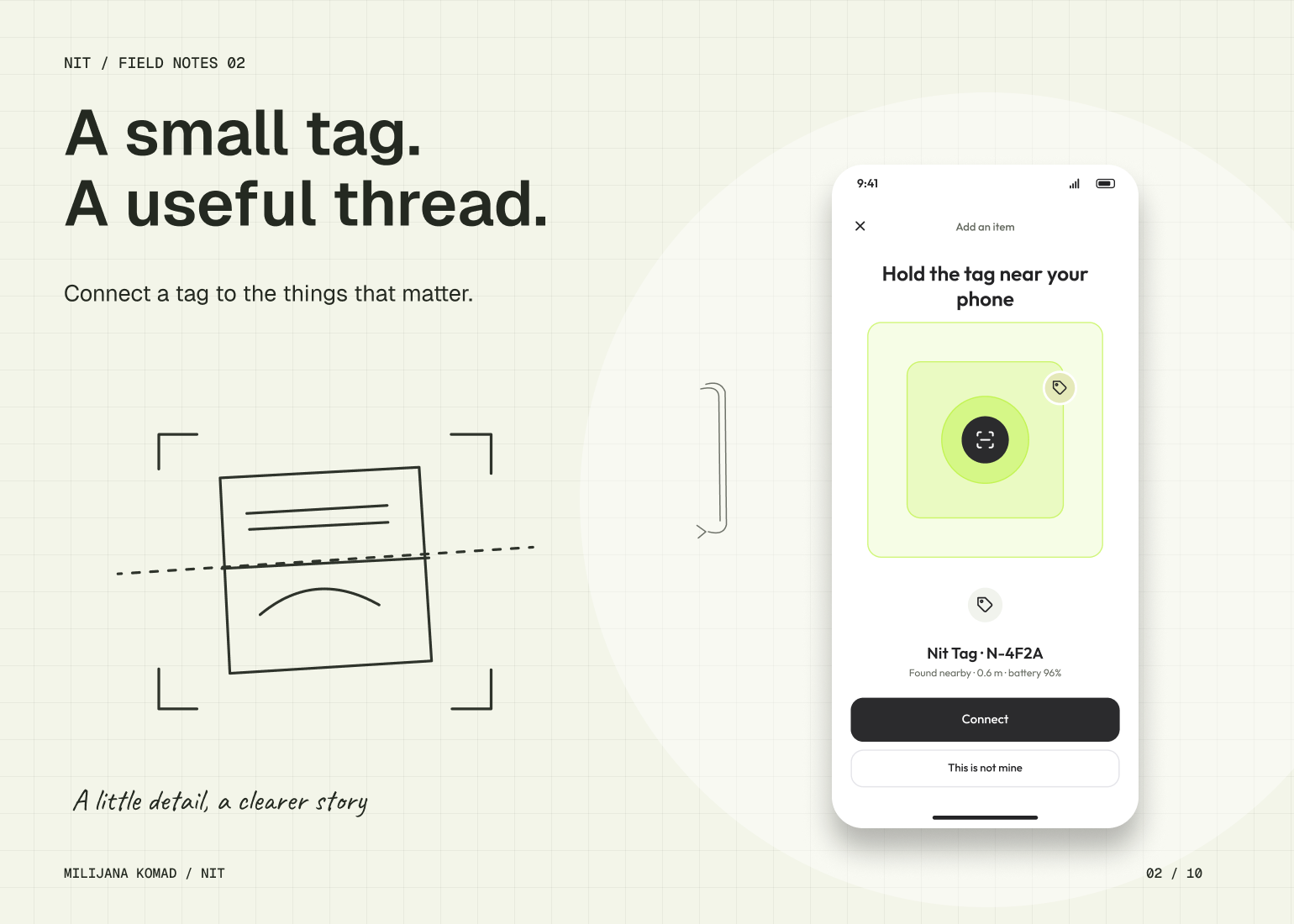
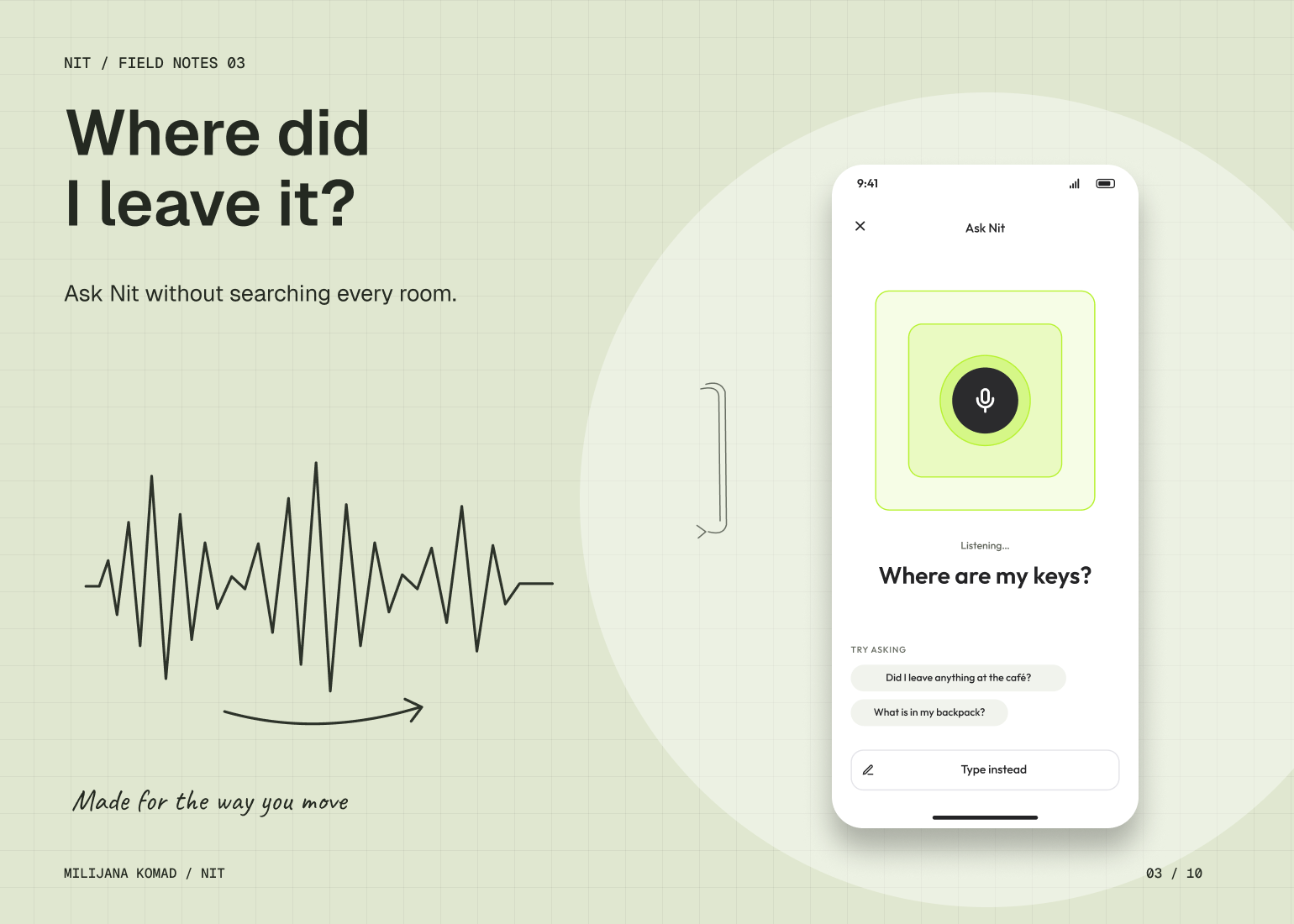
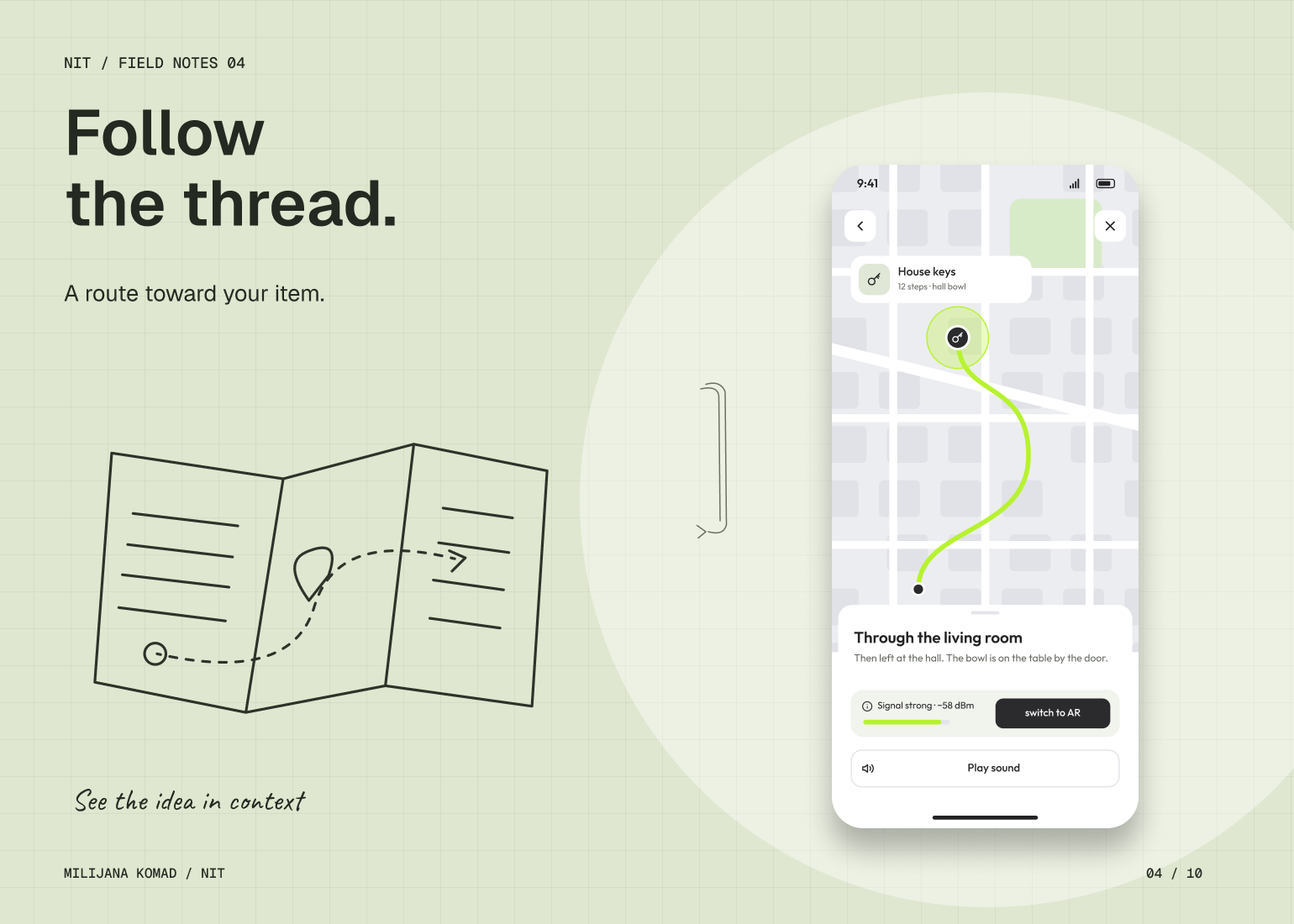
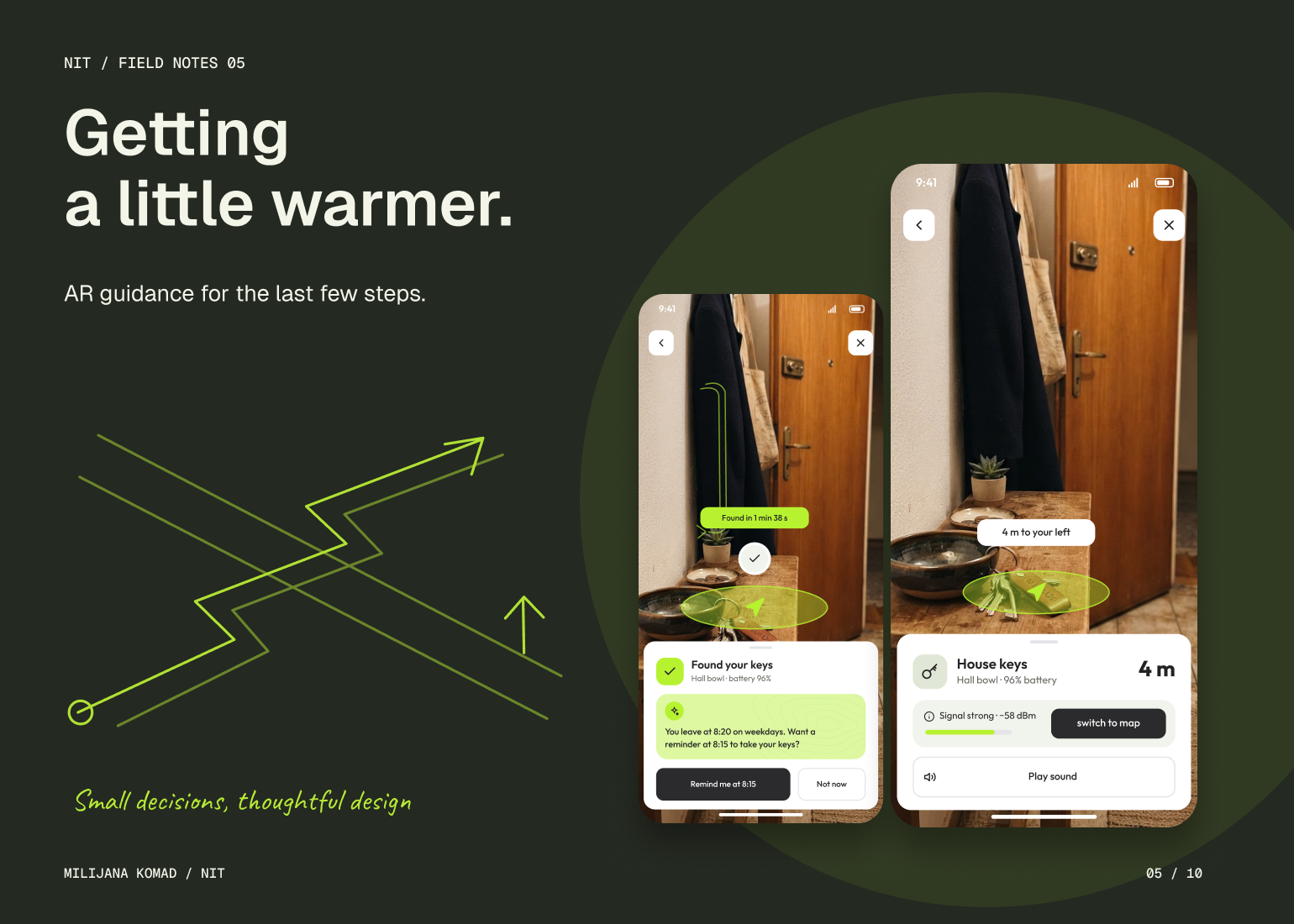
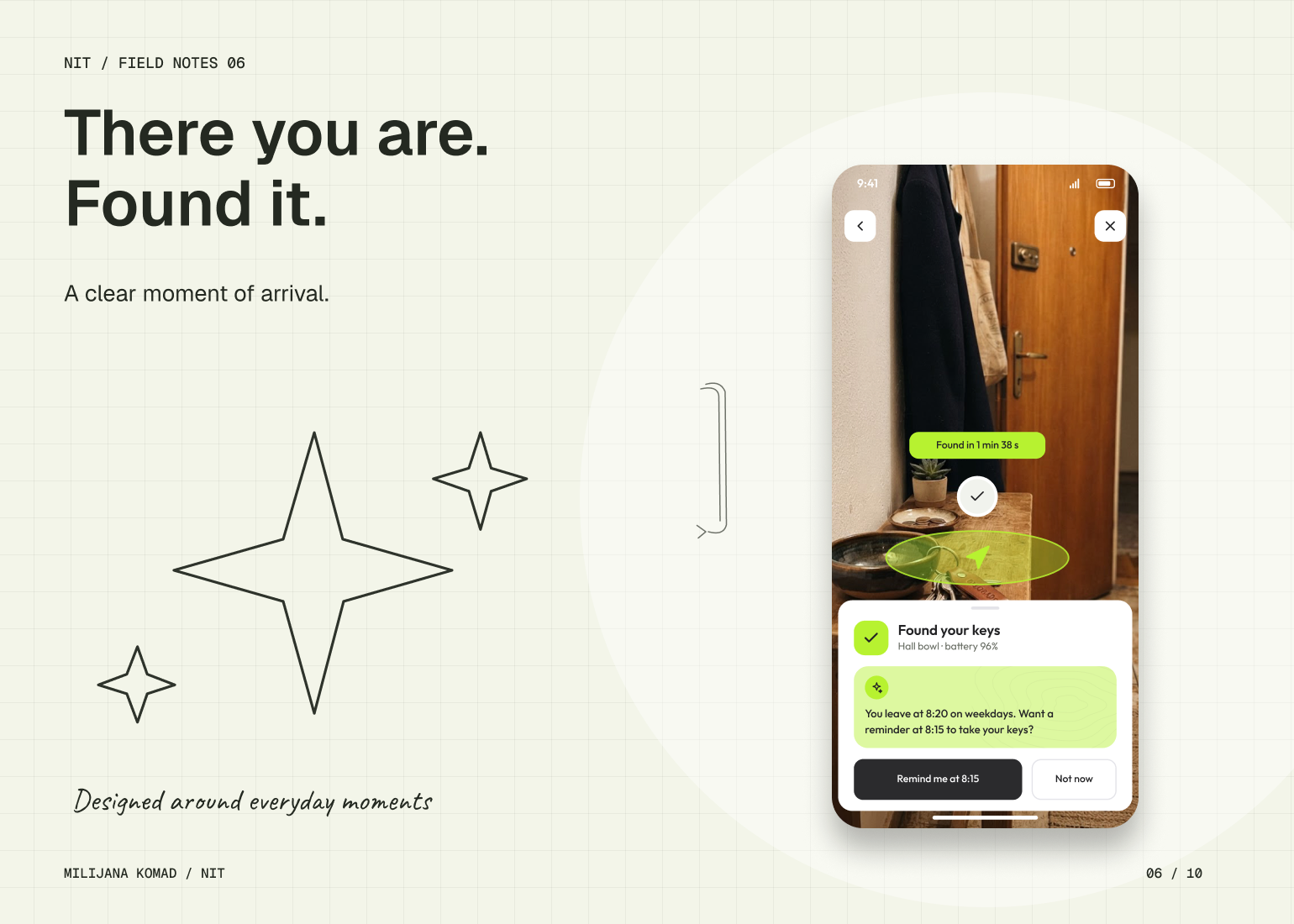
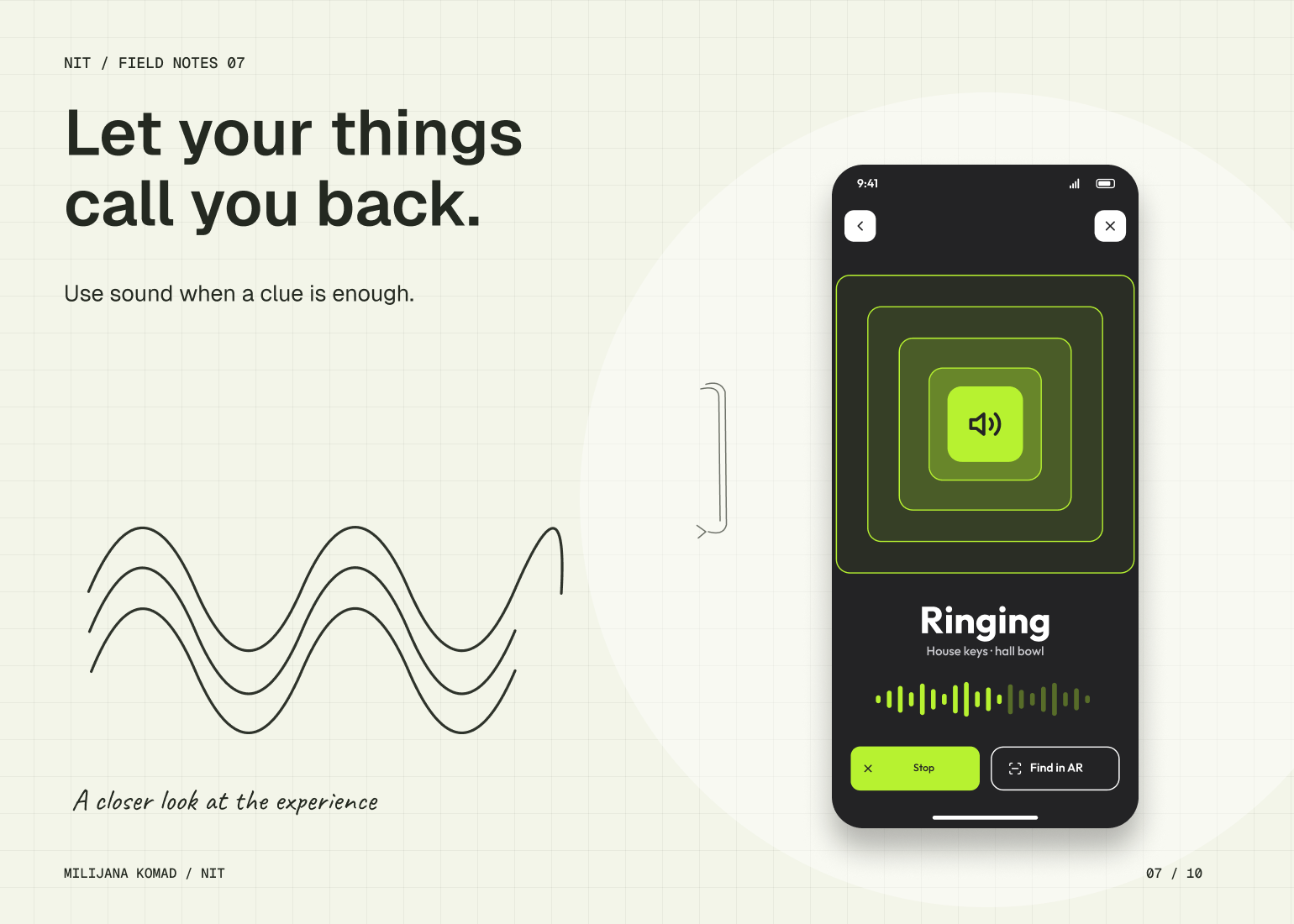
I broke the search into distinct interaction states: locate, approach and confirm. An item record anchors the journey, so a voice question, a map or a likely-place suggestion can lead into the same flow. At a distance, the interface explains where to go. Nearby, AR direction and sound provide more specific guidance. Arrival gets its own confirmation, closing the task rather than leaving someone interpreting a distance indicator.
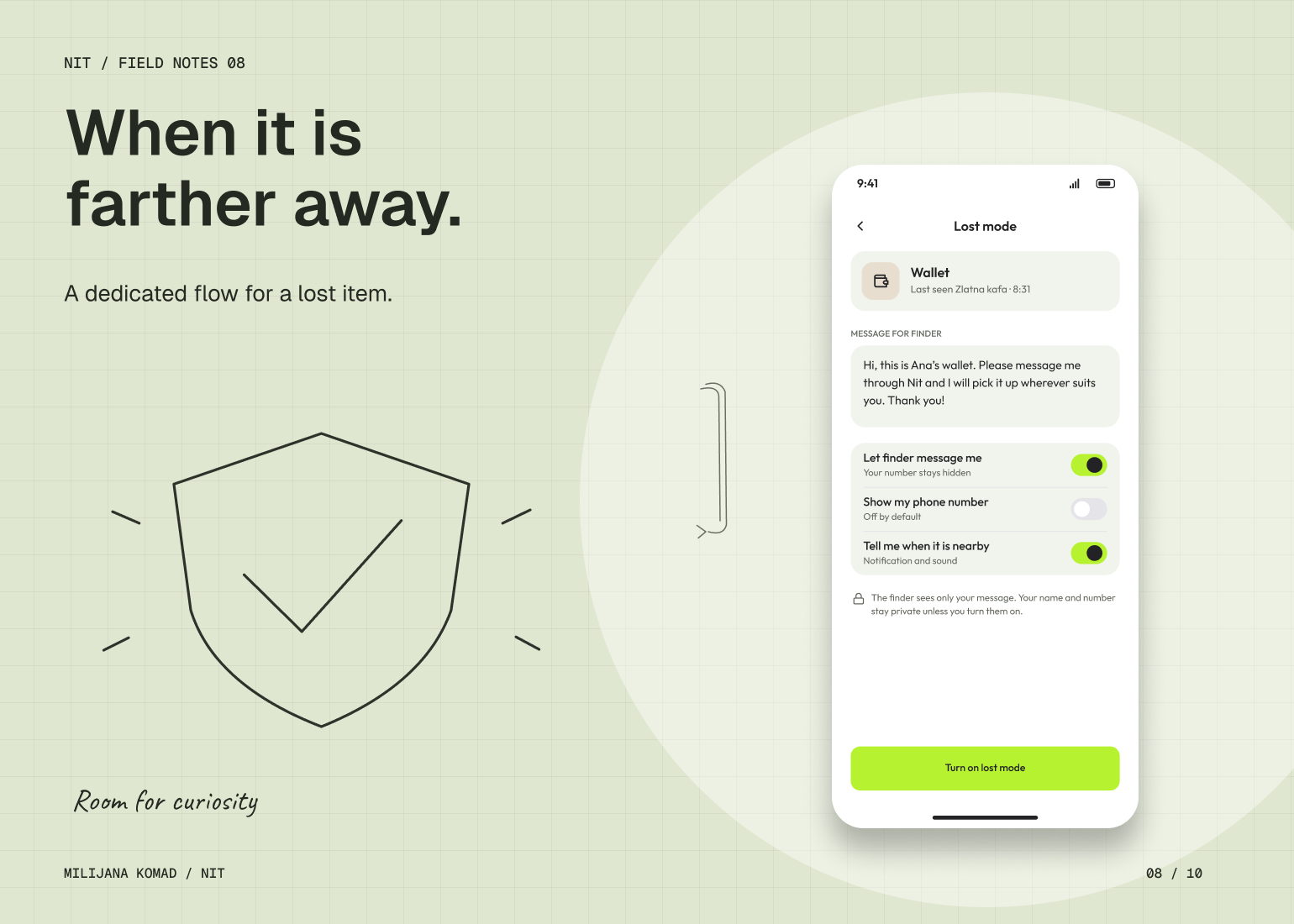
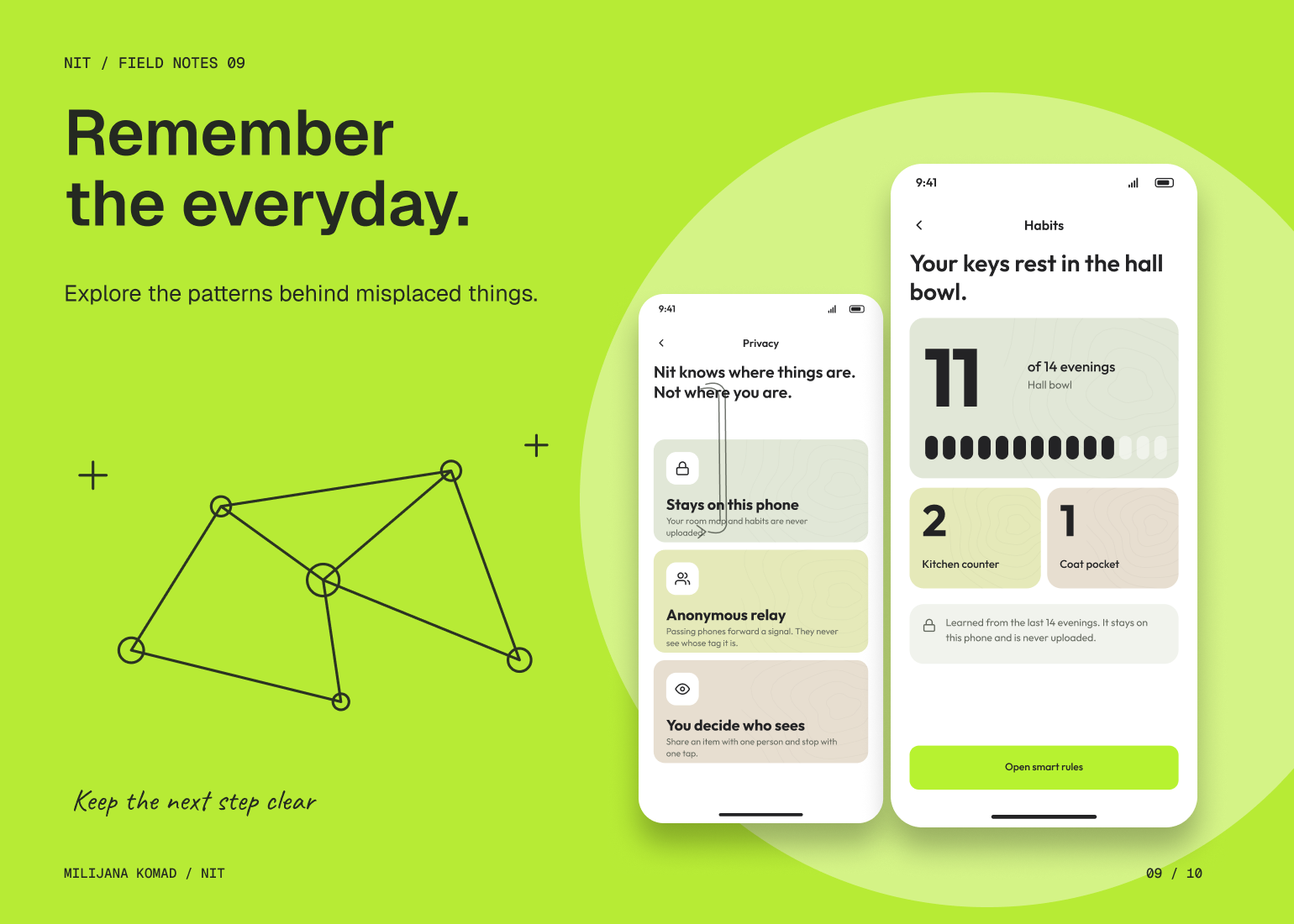
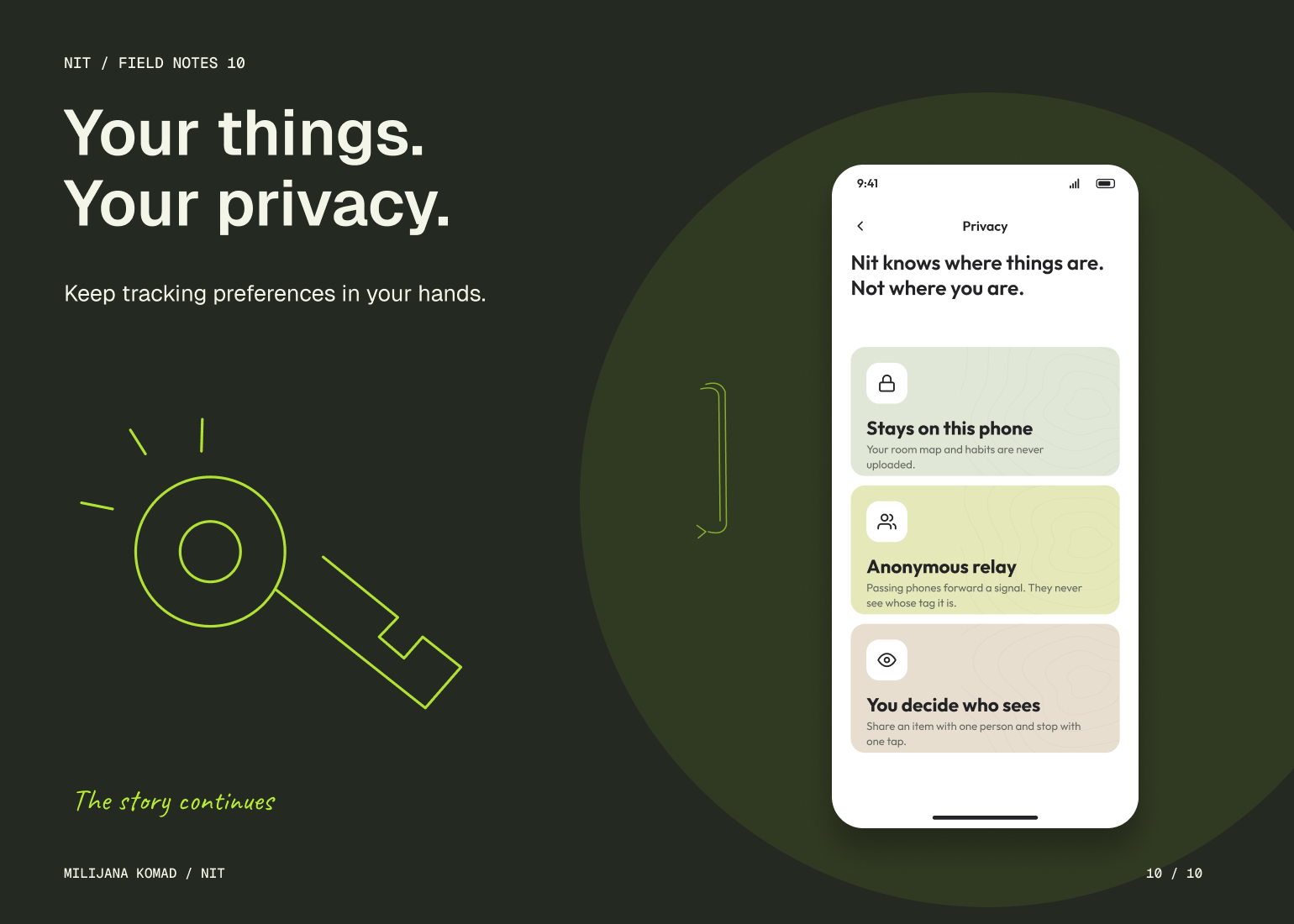
I also designed the paths around an unsuccessful search. Left-behind alerts, lost mode and finder communication address different situations instead of treating them as one error. Habits and reminders connect repeated searches to everyday context. Privacy settings explain the limits of tracking. My solution gives the search a consistent state model, with different kinds of assistance appearing when they become useful.