


CryptoWallet: Crypto wallet concept
CryptoWallet
A wallet interface needs to accommodate balances, assets, networks and transaction states without obscuring the details of an individual action. A wrong assumption at the point of transfer matters more than an impressive dashboard. My 0-to-1 challenge was to establish the information hierarchy and core transaction flows, giving people a clear distinction between reviewing their account and committing to a change.
Back to LabCrypto wallet concept
Fintech UX / Transaction flows / UI
AI + Figma

Visual Identity
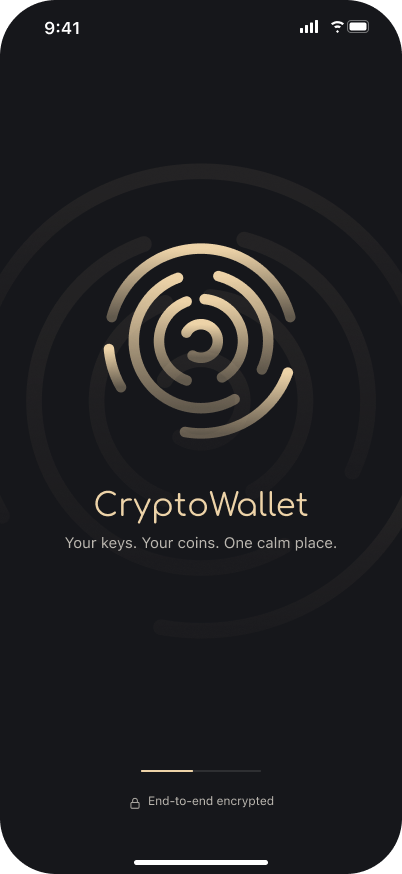
CryptoWallet did not need another electric gradient to prove it belonged to the category. I chose a dark, almost-black base, a muted champagne accent and a soft gray supporting tone. The combination gives the product a considered presence while leaving balances, transaction details and status changes in charge of the hierarchy.
Comfortaa introduces a softer, rounded character; SF Pro handles the dense functional information. I kept surfaces restrained and made the differences between primary actions, supporting detail and review states explicit. The visual identity carries a little polish, but I was careful about where that polish stops. A wallet should never make someone work harder to read an important detail simply because the screen wanted to look expensive.
- NEAR-BLACK, CHAMPAGNE AND SOFT GRAY
- A ROUNDED SIGNATURE, PRECISE FUNCTIONAL TYPE
- RESTRAINED SURFACES AND LEGIBLE DETAIL
- EMPHASIS AT THE MOMENT OF REVIEW

Colors
#16171B #EDD3A8 #BBB7B0
The Solution
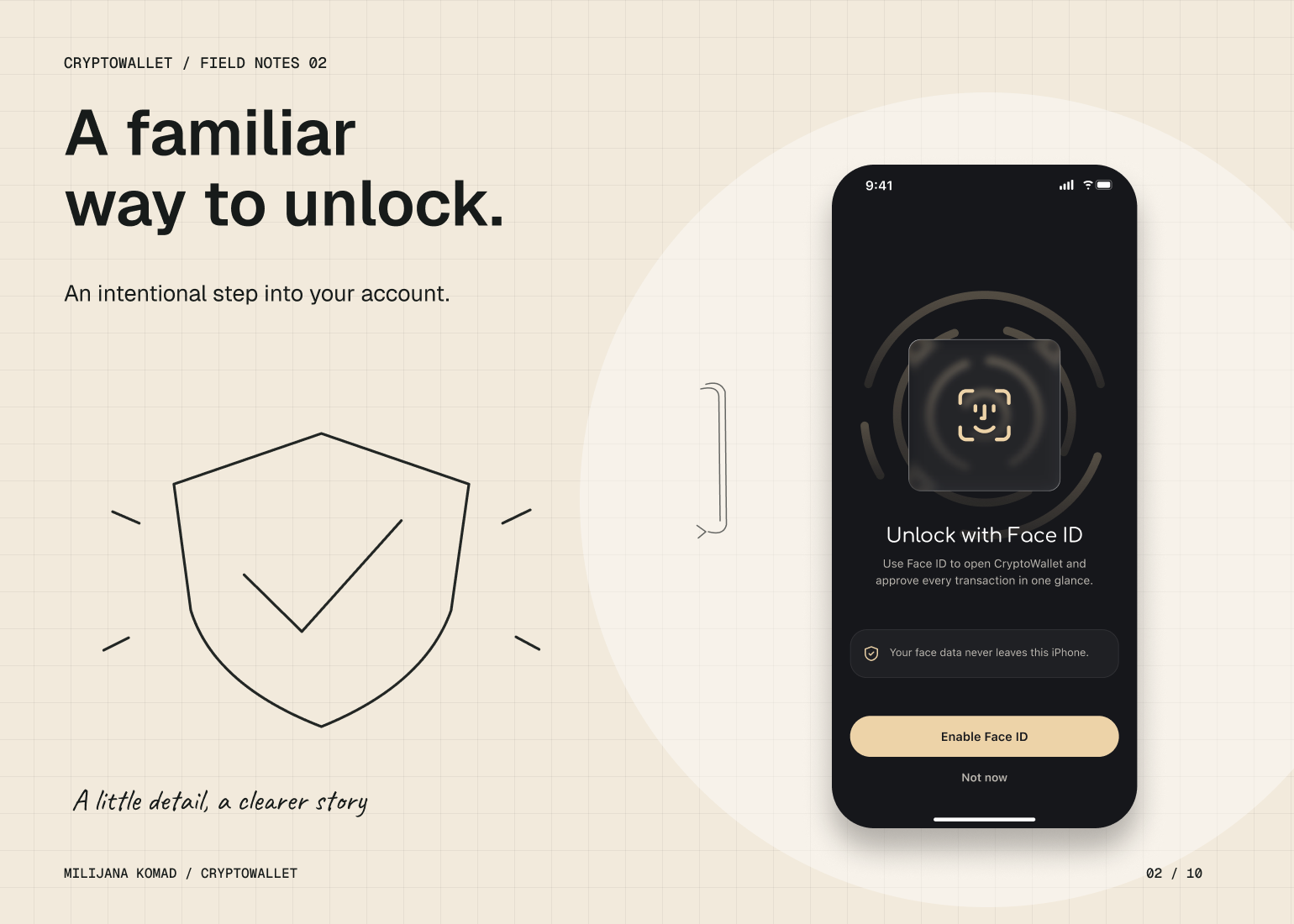
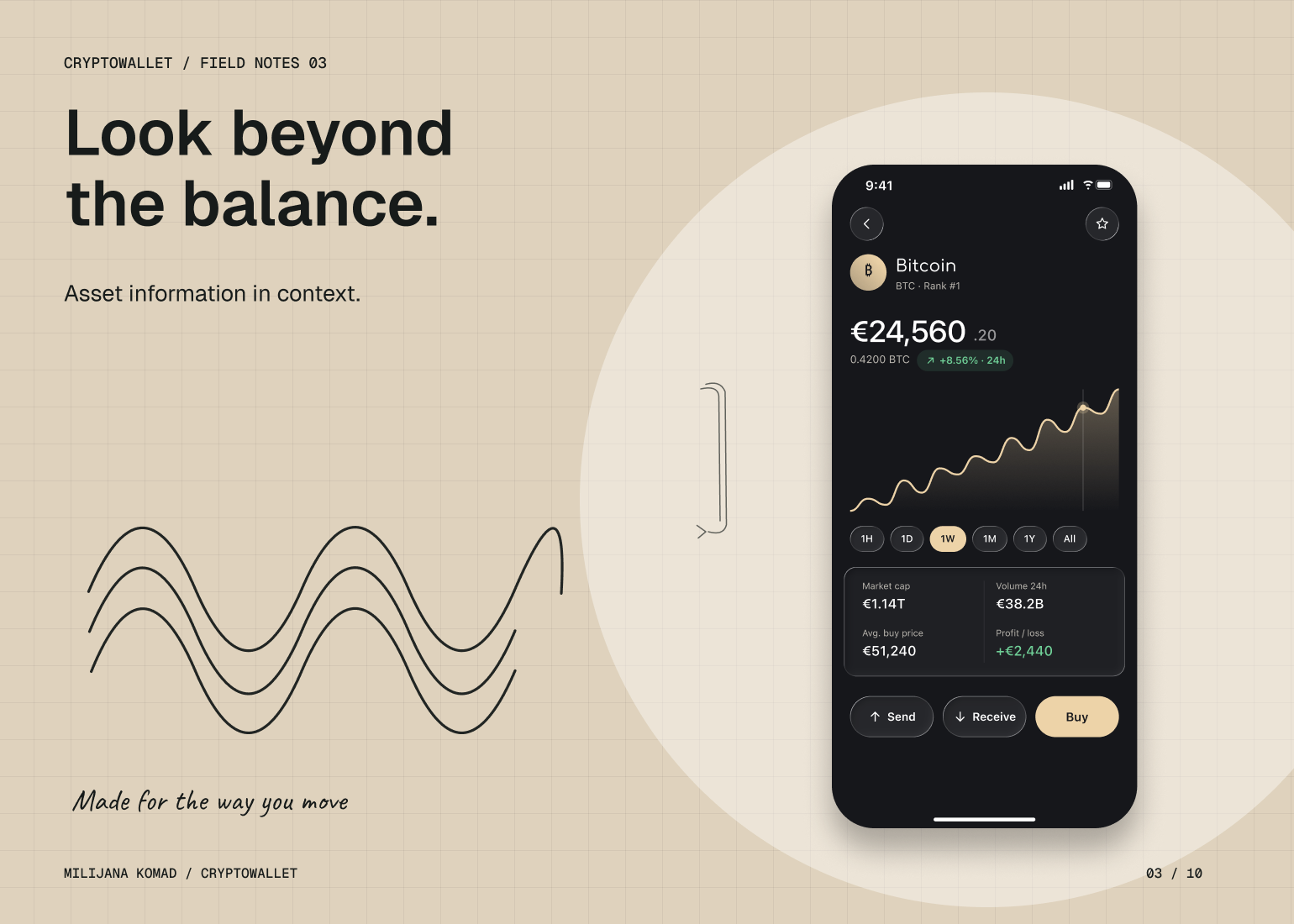
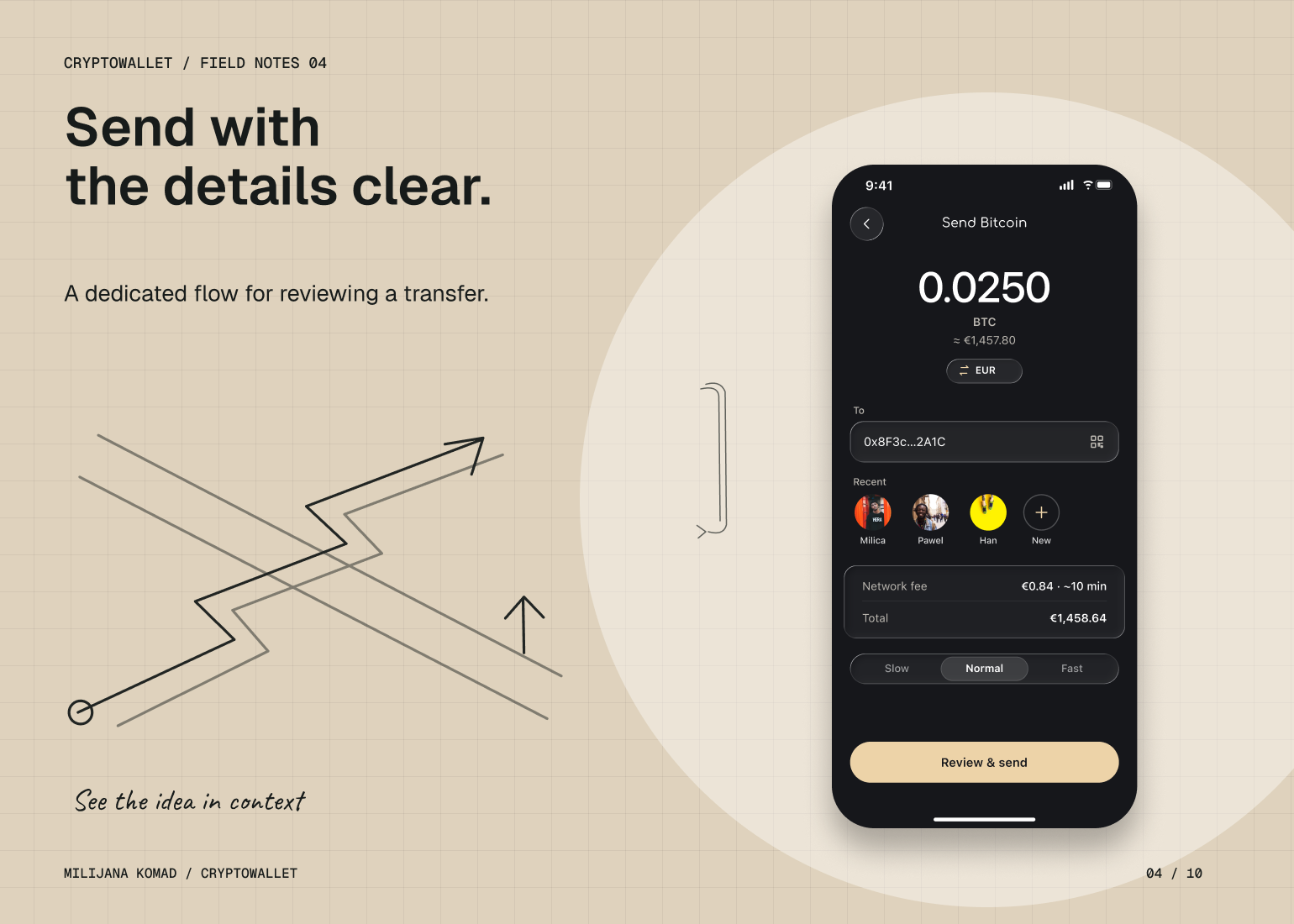
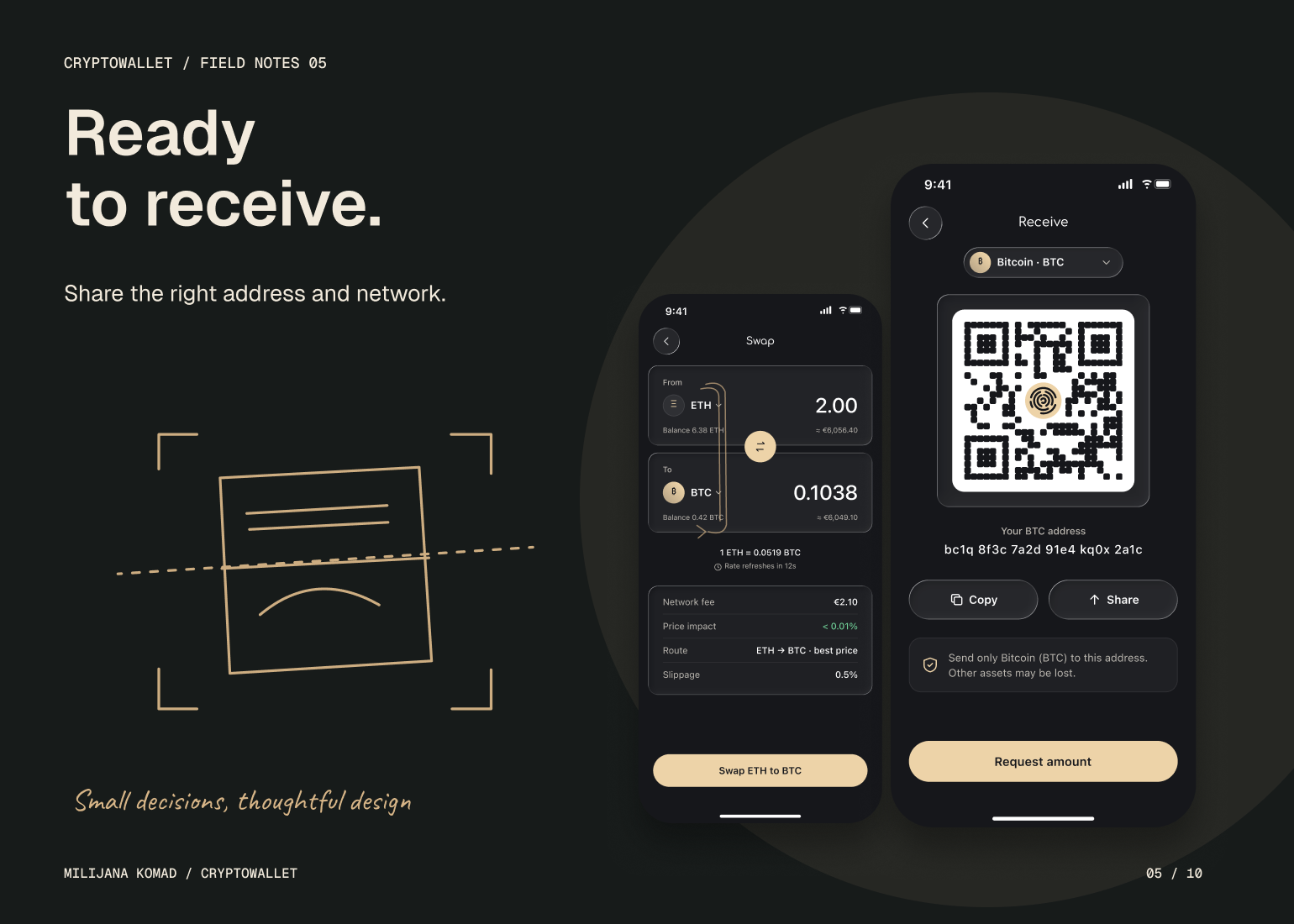
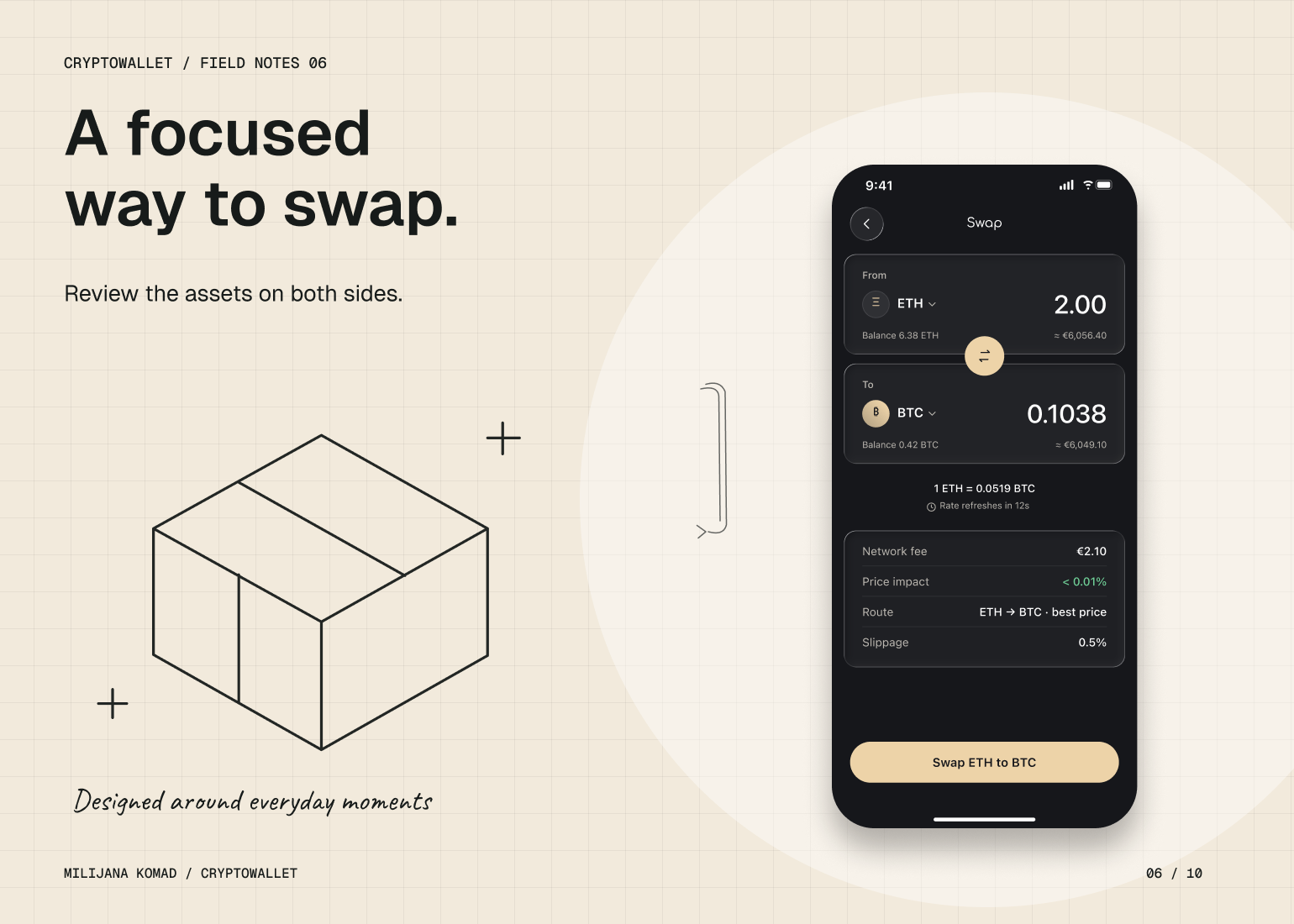
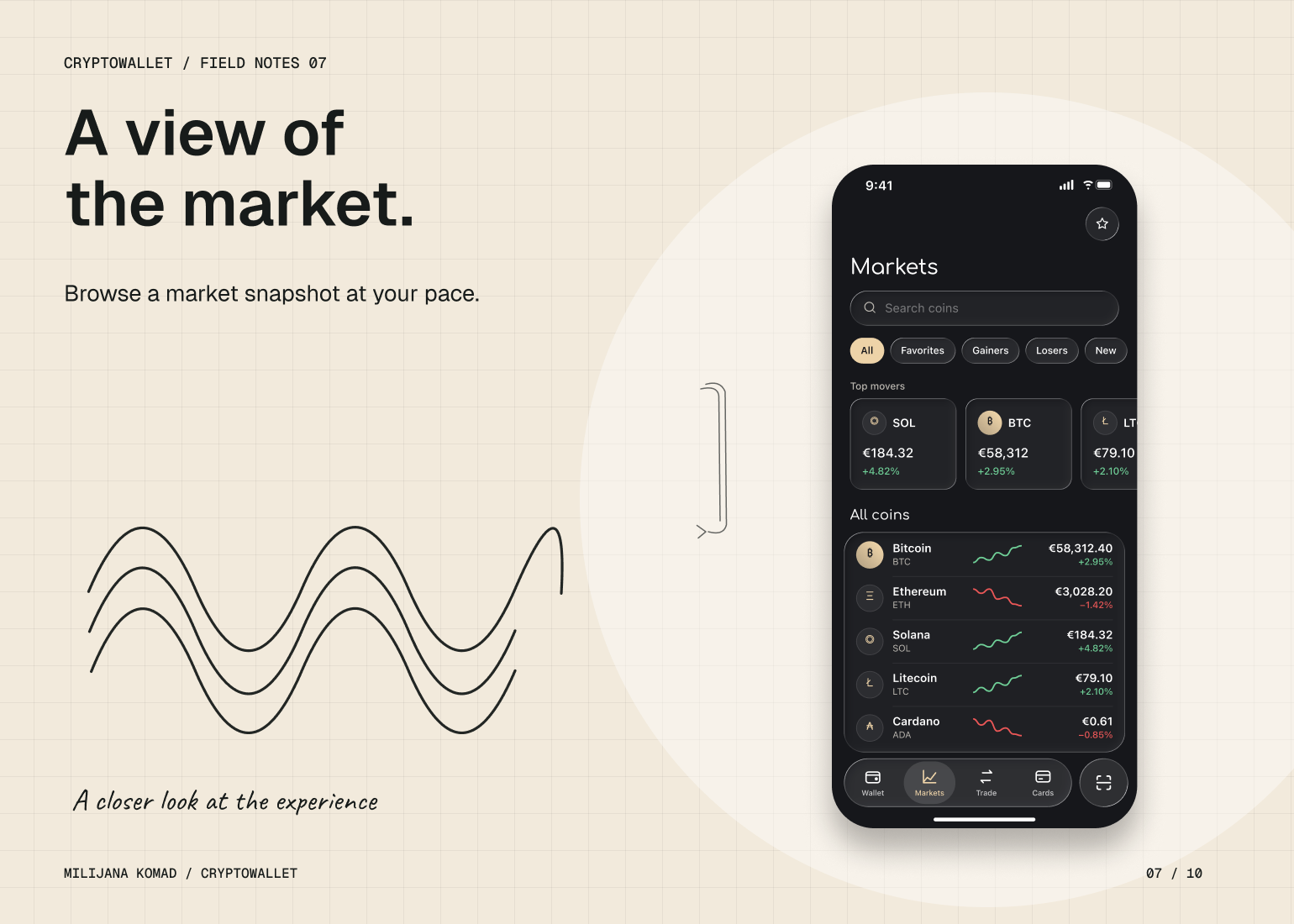
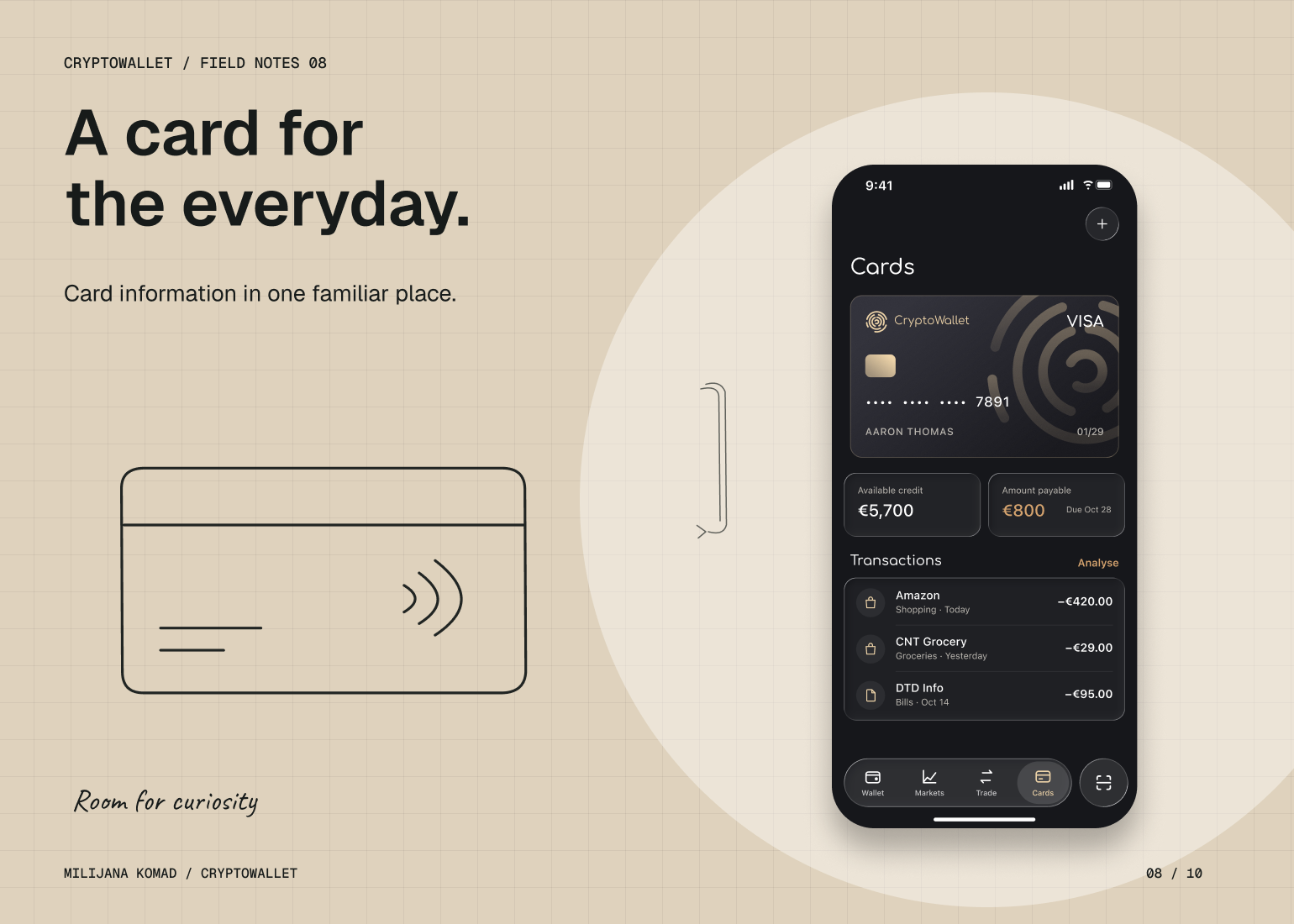
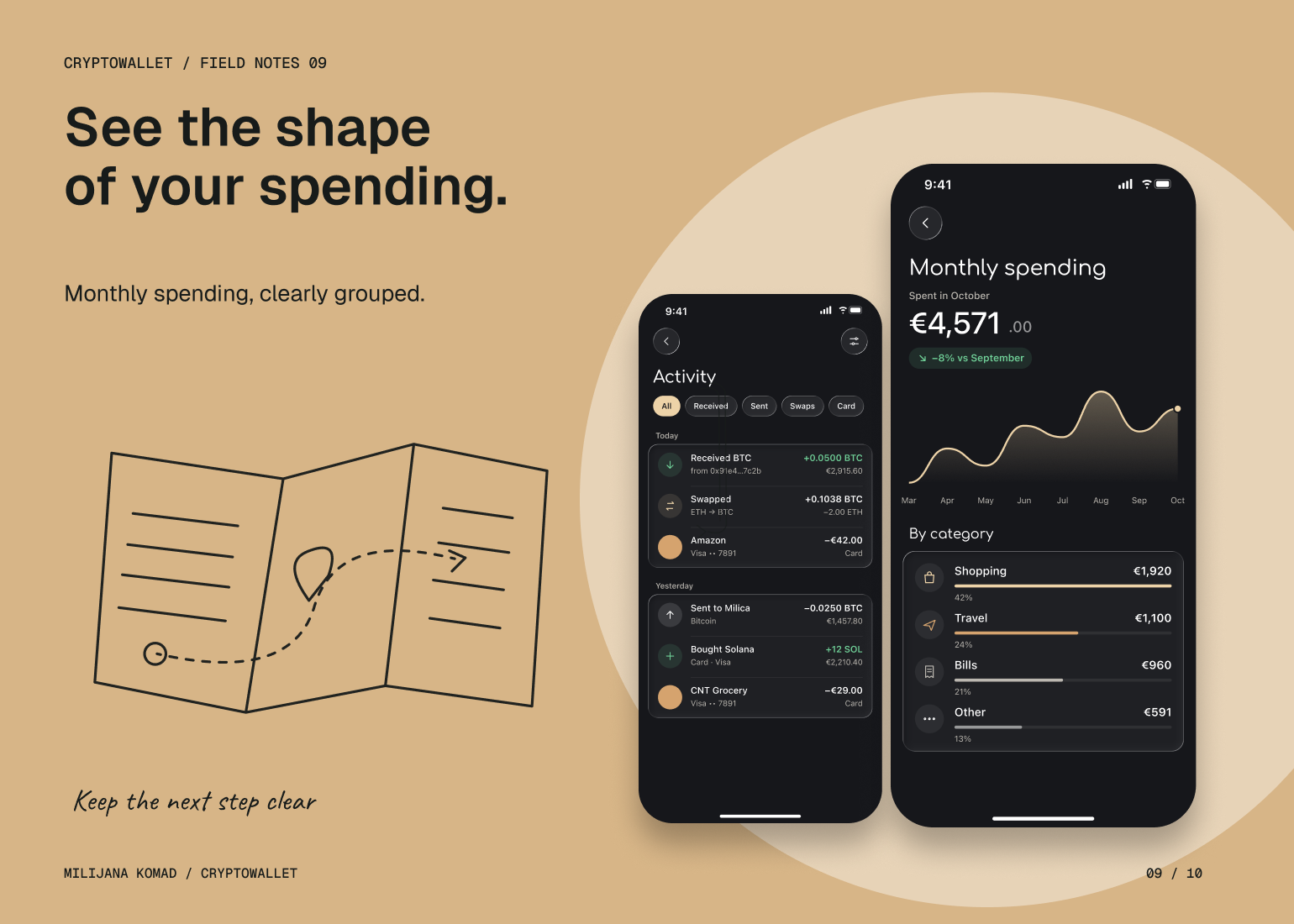
I organized the product into clear areas for holdings, activity, trading and everyday card use. Within sending, receiving and swapping, I brought the relevant asset, network and amount into the decision sequence. Entry, review and confirmation are separate interaction states, so the interface communicates where the person is in the task and what remains to be checked.
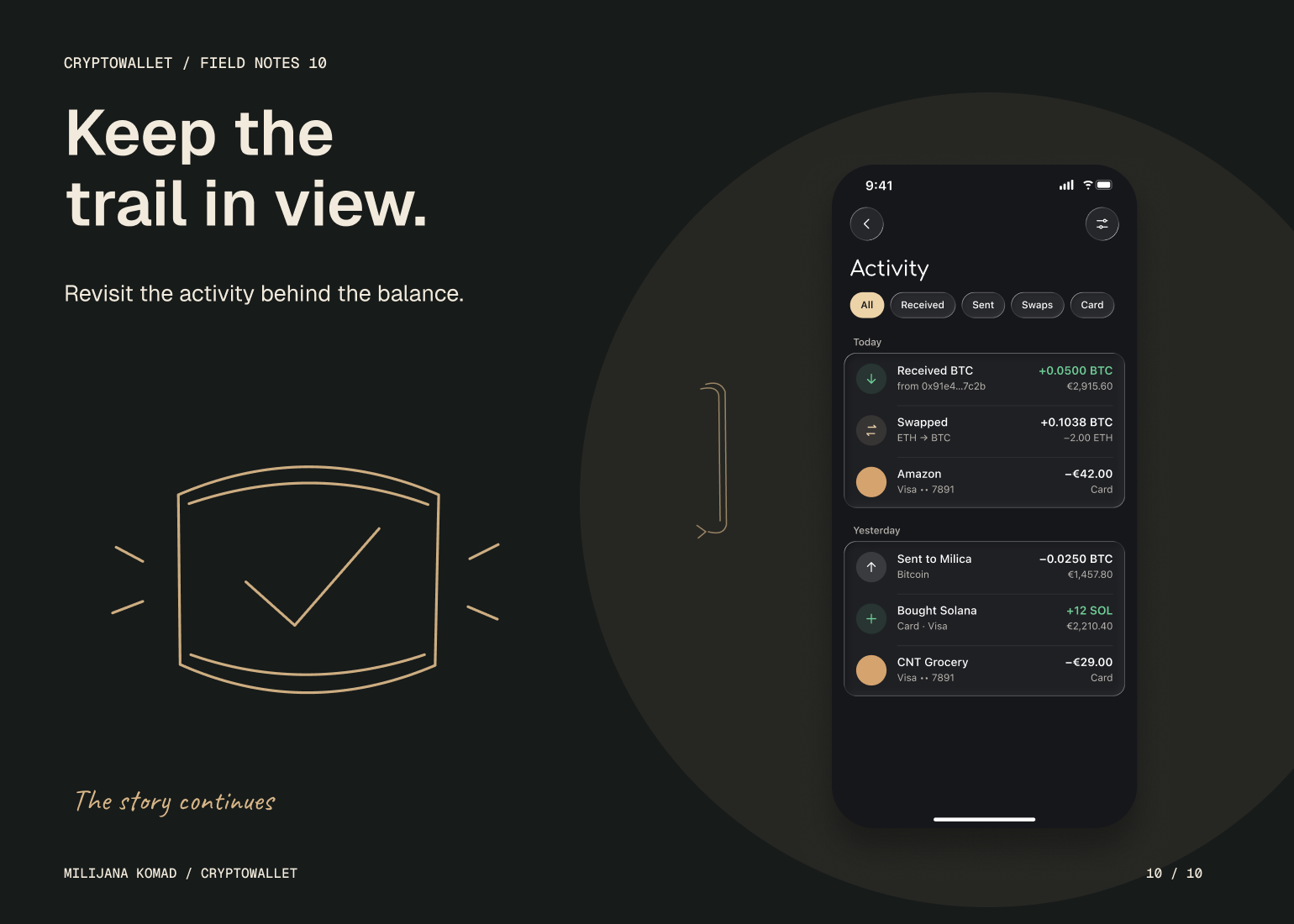
I used a restrained hierarchy to distinguish account summaries from actionable detail, with transaction history providing a route back to a specific event. Access, verification and recovery form part of that same product structure. The solution is a consistent interaction model: familiar patterns carry between tasks, while each flow gives its own critical information enough space to be understood.