


bet365
AI in the team. A selective AI rollout across multi-market design teams.

I brought AI into a large, regulated design organization early, with clear rules for quality and data, and that it keeps spreading beyond my own team.
I introduced AI into the design teams at bet365, among the first in the company. With Claude and Figma, I built shared skills with the team, from research to banners, so a large team works faster and follows the same standards. AI went only where the data rules allowed it.
bet365: AI Integration & Global Leadership
The Challenge
Integrating complex, AI-driven features into a high-stakes, globally regulated sports betting platform without compromising zero-latency performance or user trust.
My Role
Lead Product Designer & Behavioral Architect. I directed cross-regional teams (Palm Teams) to align AI capabilities with established user mental models, navigating strict compliance constraints and ethical safeguards.
The Business Impact
Established a scalable behavioral framework that increased cross-regional design consistency, reducing QA tickets by 15%. Streamlined the cross-functional workflow, cutting design-to-development handoff time by 30% while maintaining zero-latency transactional flows.
A team of pros who had not worked with AI.
The product is mature. We maintain it and fine-tune it, and every day new segments are added, for every market. The designers I joined were strong professionals. AI was not yet part of how they worked.
I came with a doctorate in digital arts, with a thesis on AI and human-computer interaction. I had been using generative tools before this initiative, and I could see where our process, with many people passing through the same steps, could be much simpler.
AI was going to reach the company sooner or later. I wanted to be among the first, and I am glad that I was.

AI illustration. How we worked: screens on the table, prompts on sticky notes. Not a real photo.
Many hands, many markets.
The app is not the same everywhere. There are region-specific versions, so it differs from market to market. That means many teams, many segments and many small variations, produced every day.
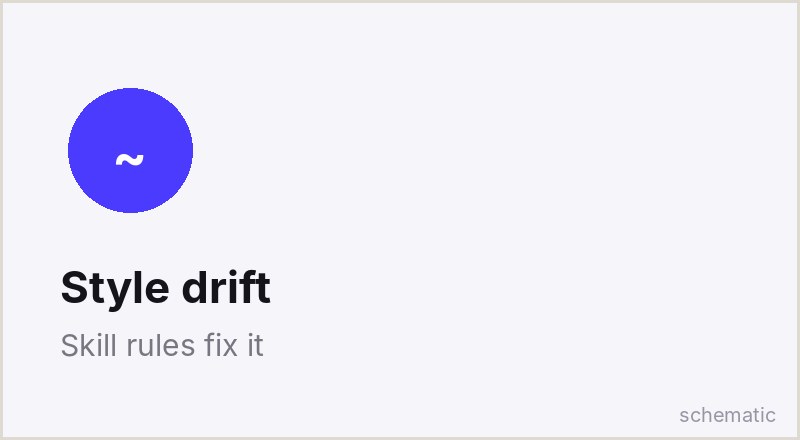
The risk was a product that looked different depending on whose hands made it.
Business goal
Move faster, and keep teams connected across markets.
Team goal
One shared order of work, so the work follows shared standards and reads as one product.
Lead, with direct reports.
I led the designers directly and I was accountable for how this rolled out. I also had to persuade other people to let us try new technology.
The Head of Design and the Product Owner were the key sponsors. I was given the role of lead first, then leader, and the room to apply my own knowledge and ideas about AI and about other things in the company.
I did
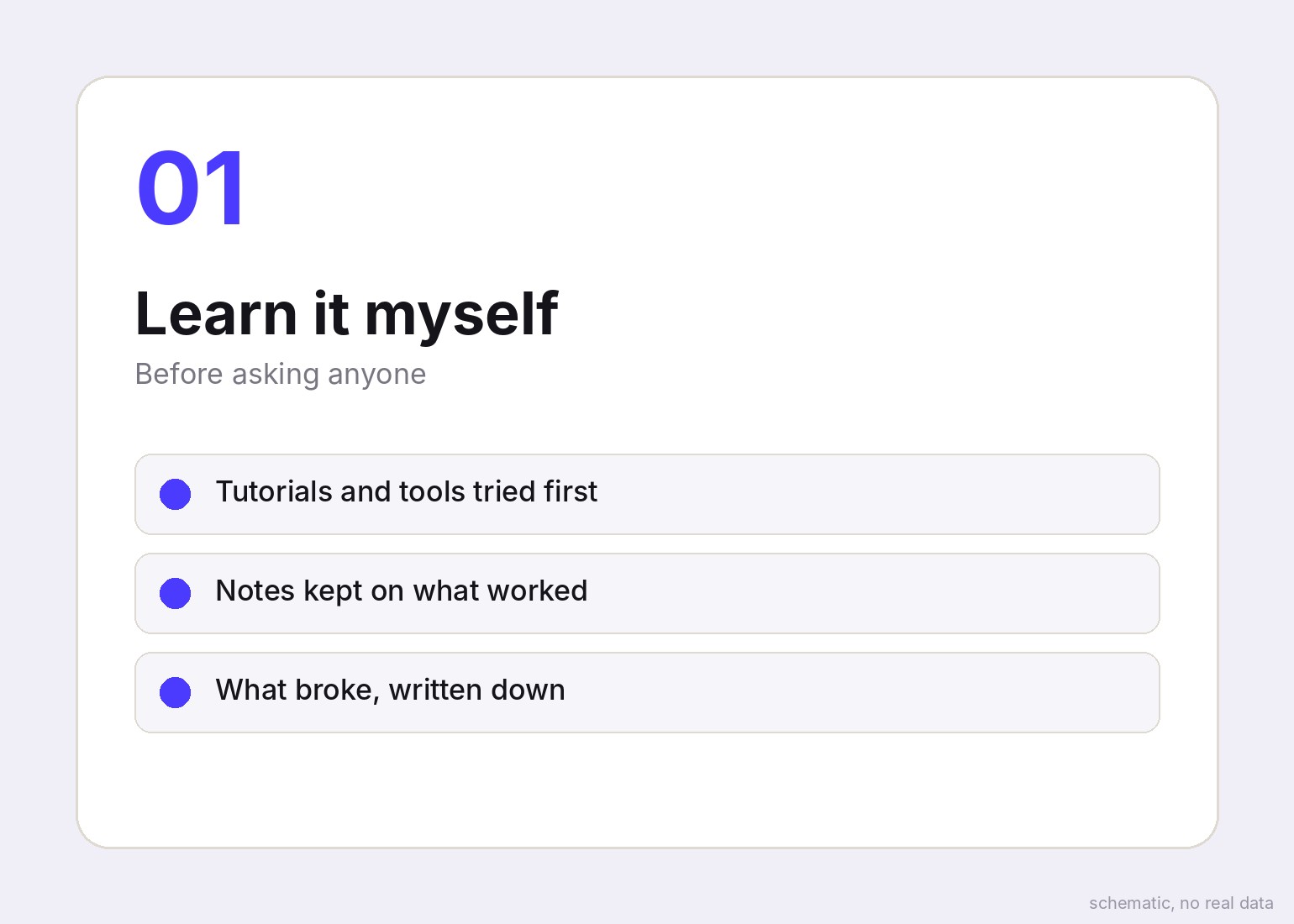
- Learned the tools first
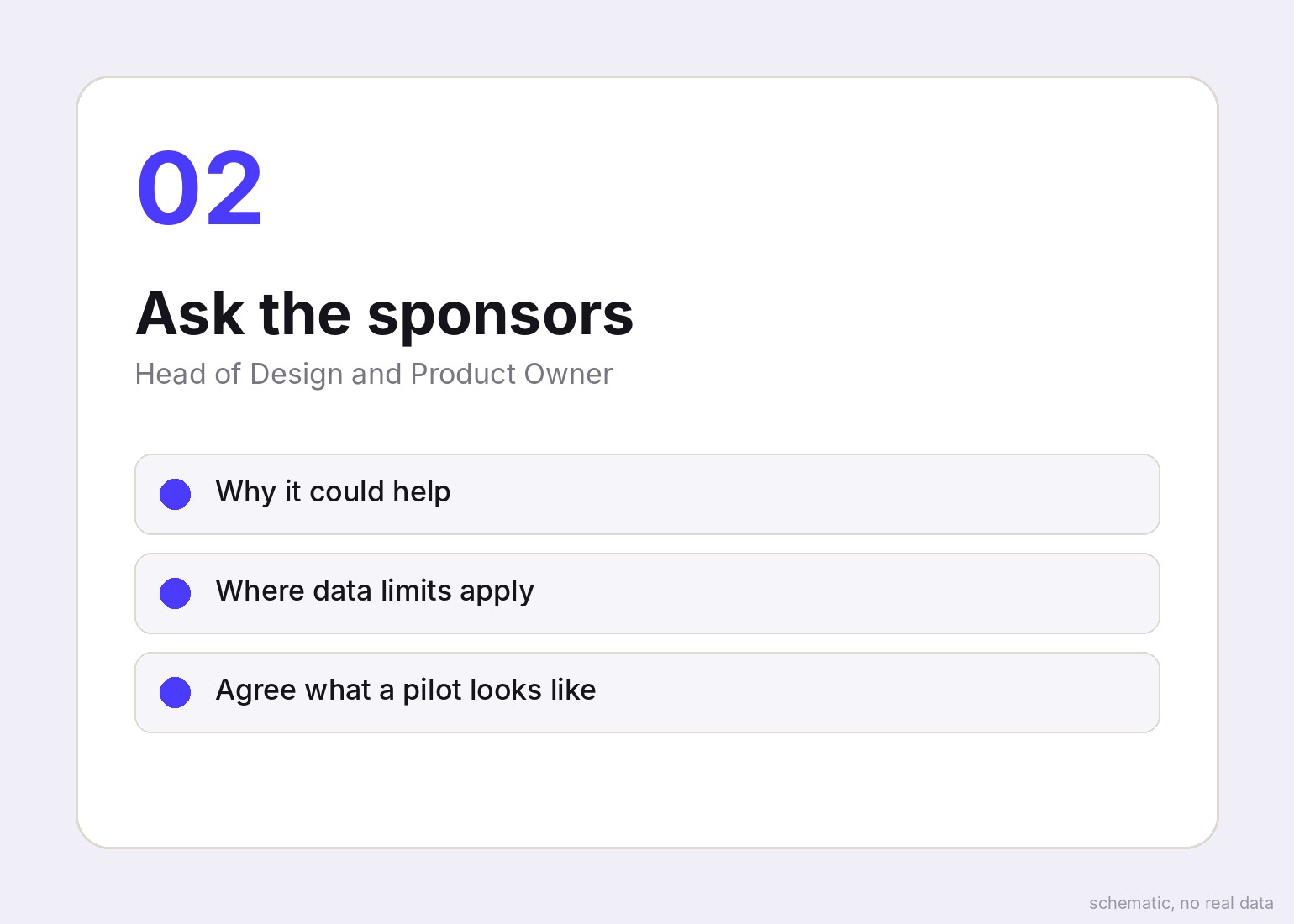
- Made the case to sponsors
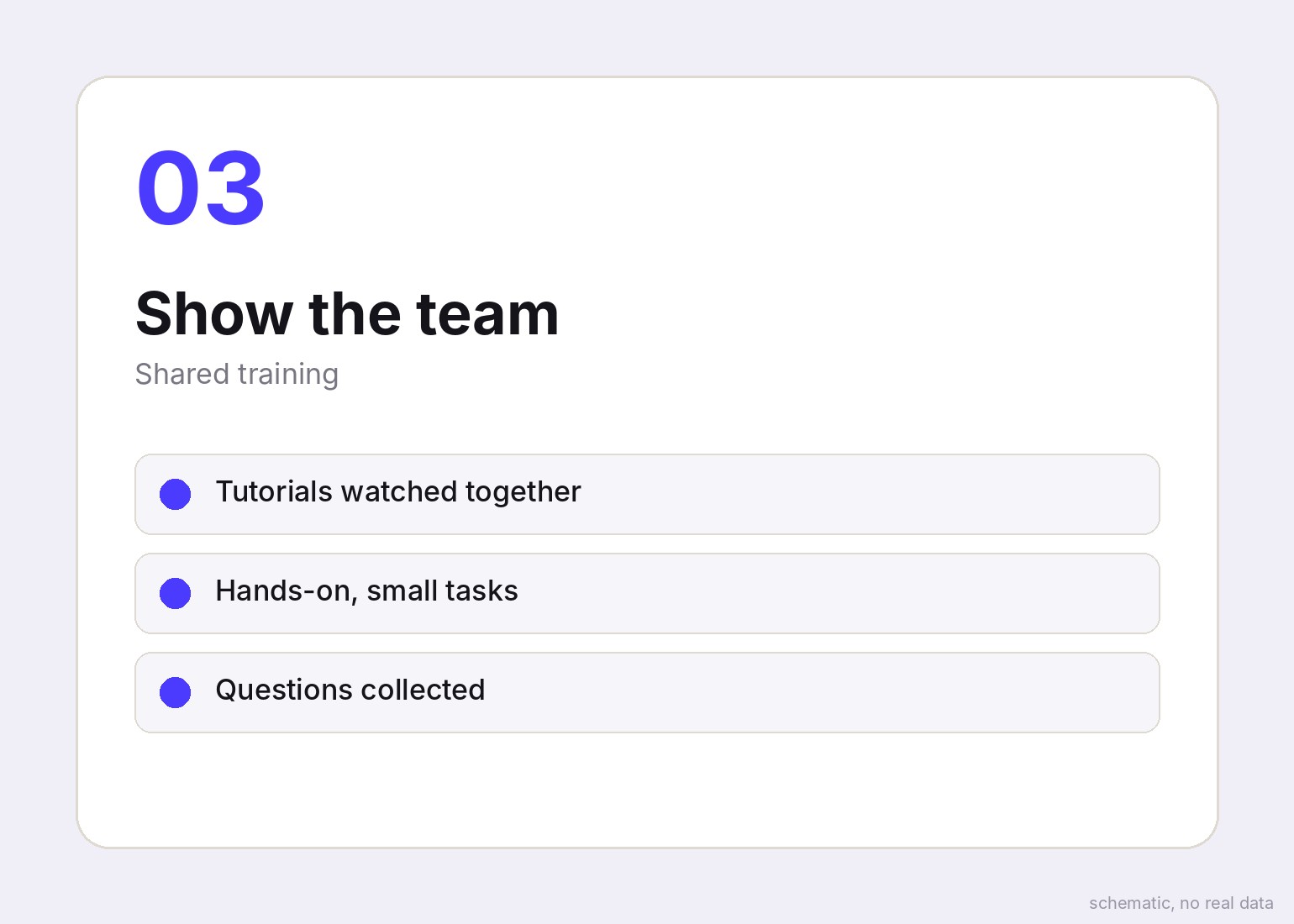
- Ran training for the team
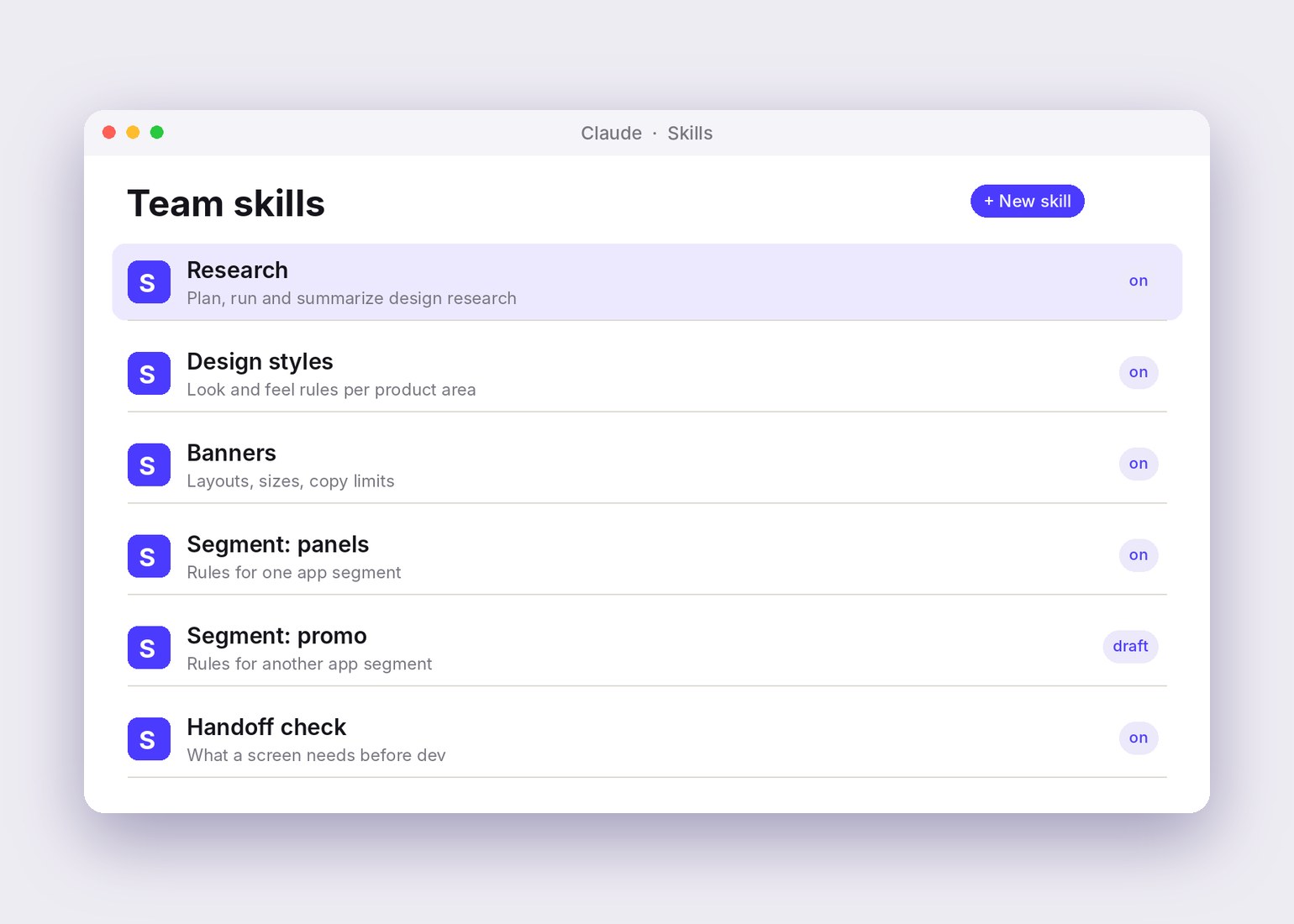
- Built skills with the team
- Set the working rules
Others did
- Head of Design and Product Owner: sponsorship
- Management: the final yes on AI in the teams
- Product managers: priorities
- Developers: their own AI work, later
Four rules I held to.
These came from how I work, and from my research background.
- AI is a tool and a colleague, not a replacement. Nobody on the team saw it as a threat.
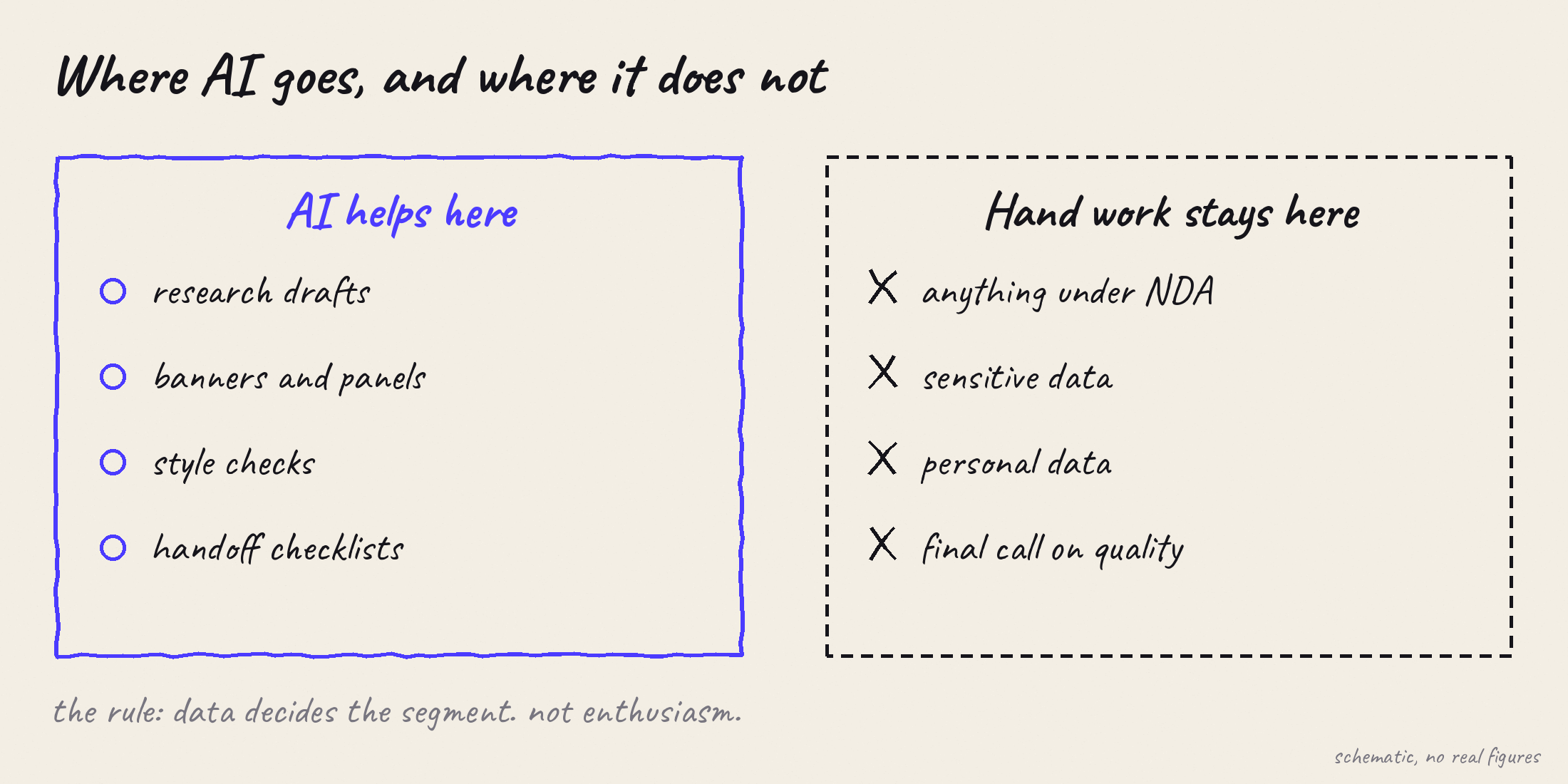
- Data decides where AI goes. Not enthusiasm.
- It has to read as one product. Shared skills carry the rules, so every screen follows the same standards.
- AI does not do the whole job. It generates well. It does not understand behavior the way we do.
Real screens, made by the team.
Before the AI examples, here is work from the real app that our team designed: a promo module, and the payment screens, which I made with the team. The promo module is original, as it runs; the payment screens are redrawn here in the latest design.

Real app, original. A promo module our team designed.
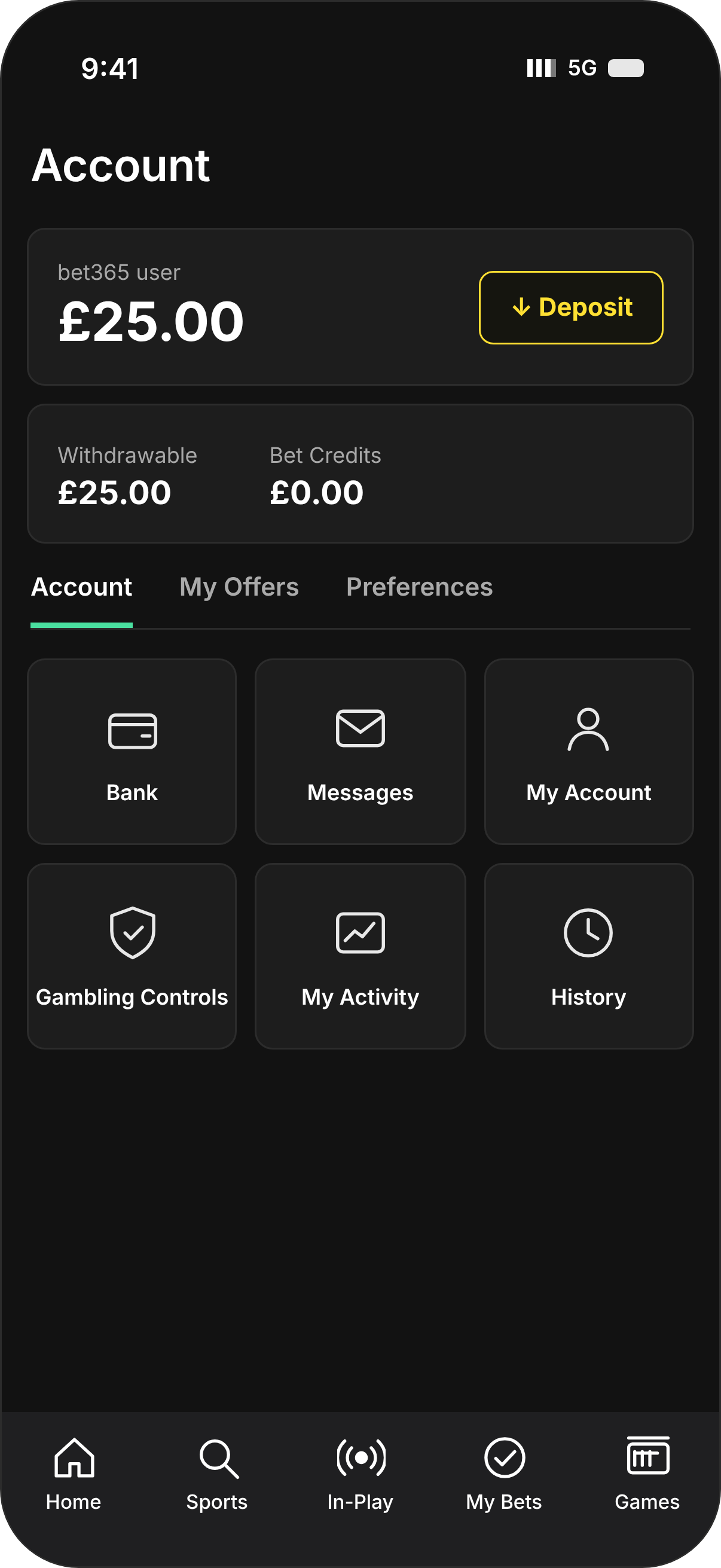
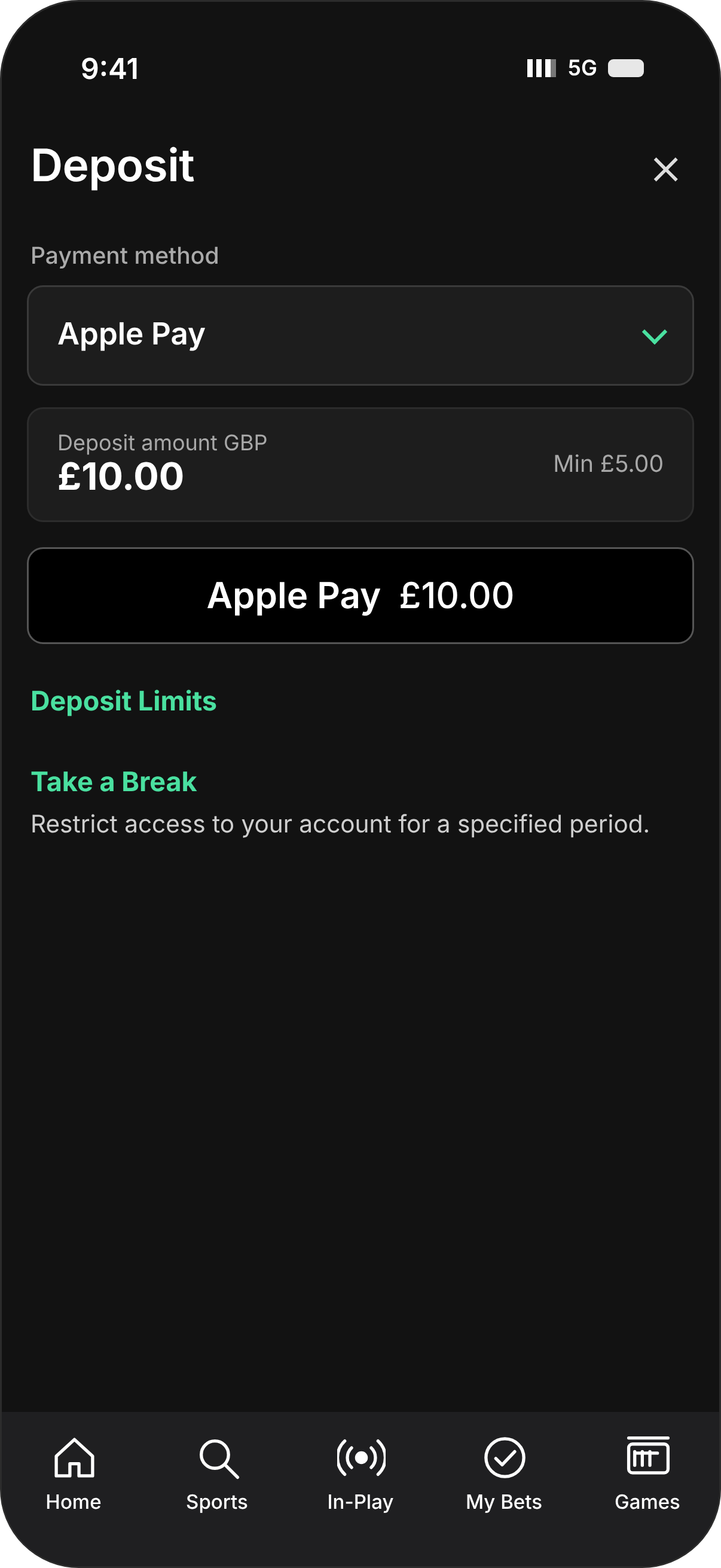
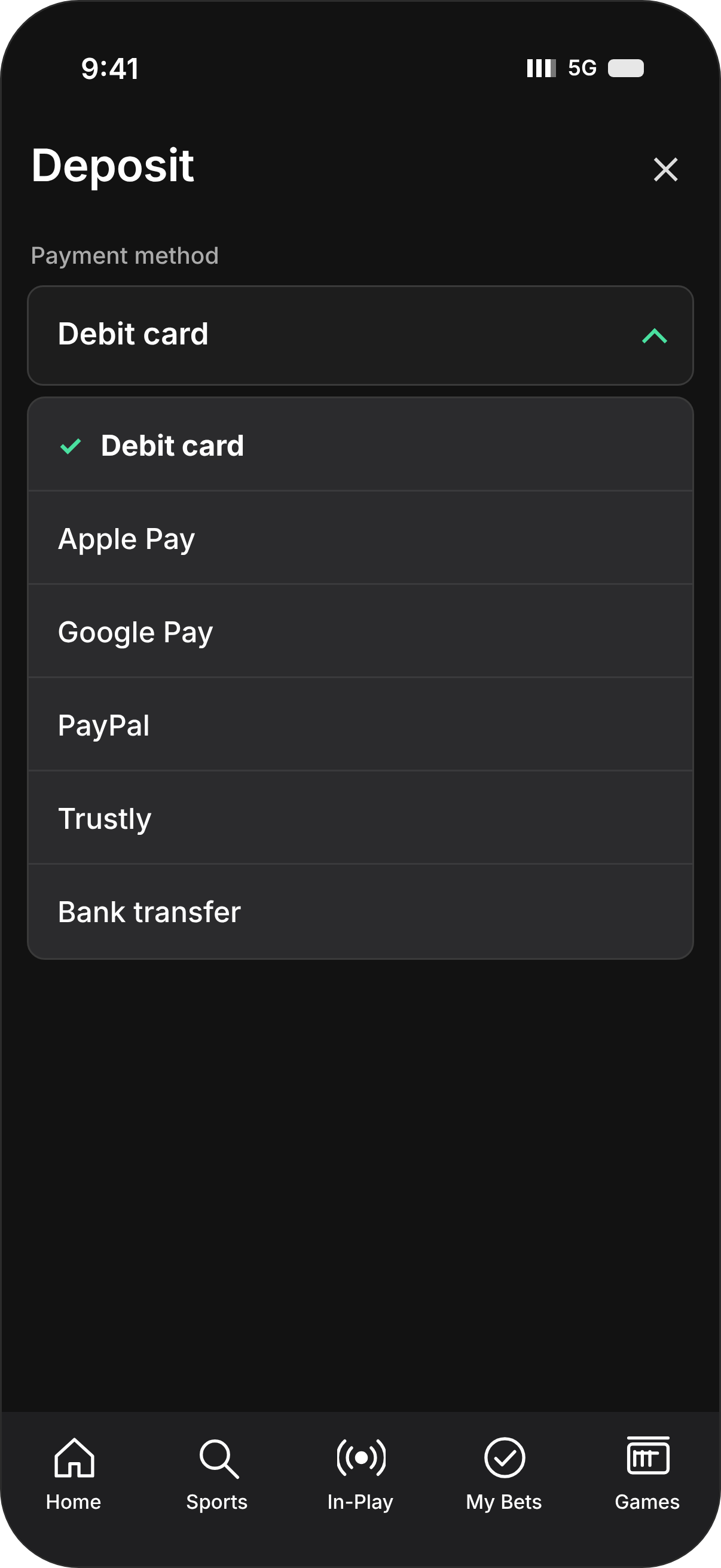
Payment screens made by me and the team, redrawn in the latest design at iPhone 18 Pro size: account, deposit and payment method. Amounts are placeholders, in pounds.
Paying in, in every market.
Payment is the part of the app where trust matters most, and it is not the same everywhere. In the UK the public list includes debit cards, Apple Pay, Google Pay, PayPal, Trustly and bank transfer, and credit cards are no longer accepted for deposits. The screens above are drawn for the UK, in pounds. In other markets the list differs: in the EU, for example, it includes Sofort, paysafecard and Skrill.
Even this short flow carries the care tools. Deposit Limits and Take a Break sit on the deposit screen itself, under the amount, where someone about to pay will see them.
The payment flow was designed by the team I lead. We kept it short, and we put the care tools in the one place where a customer is sure to see them.
- Where the list differs
- By market. UK and EU screens do not offer the same methods.
- Public source
- UK payment list from a public third-party site
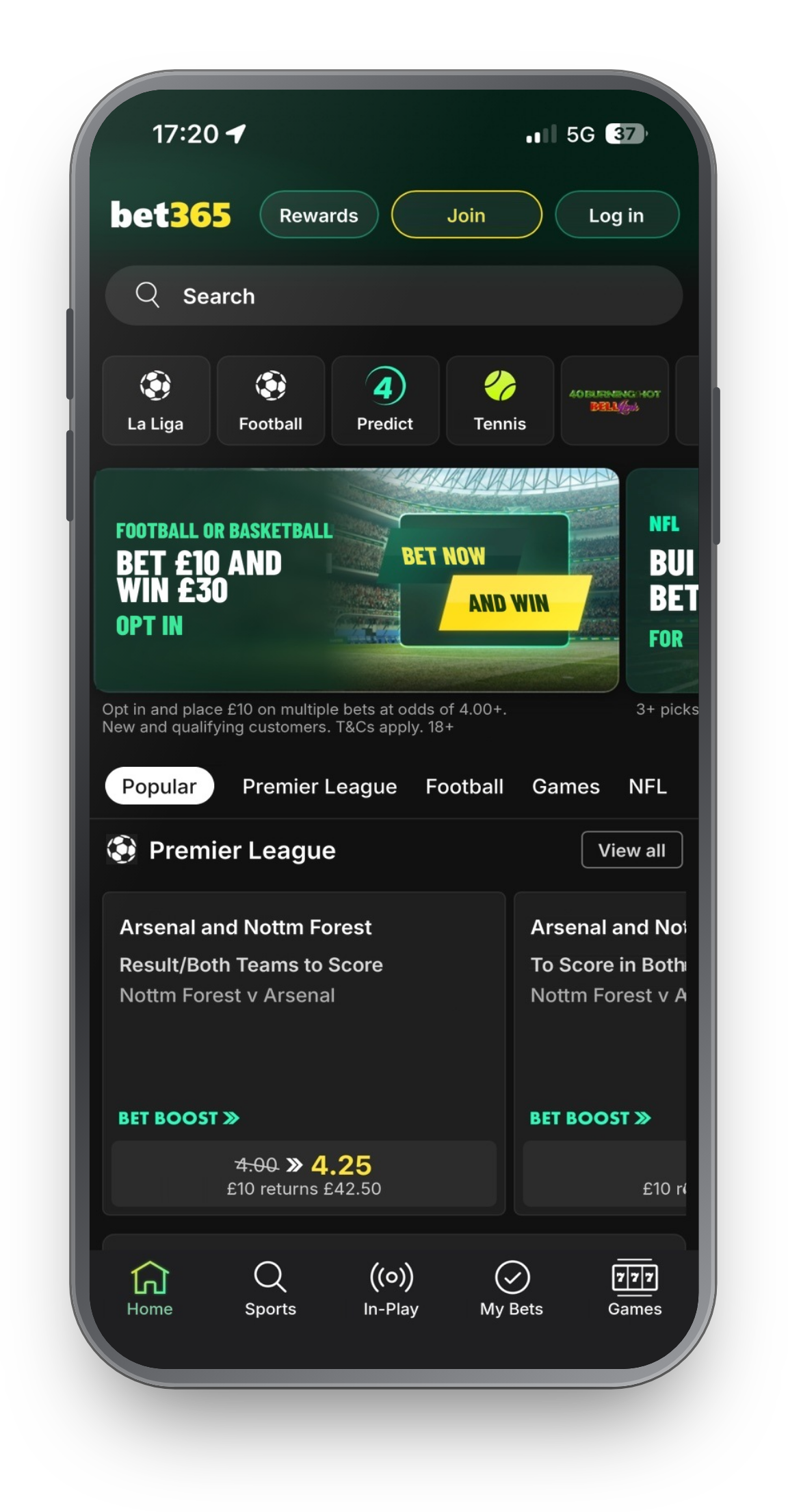
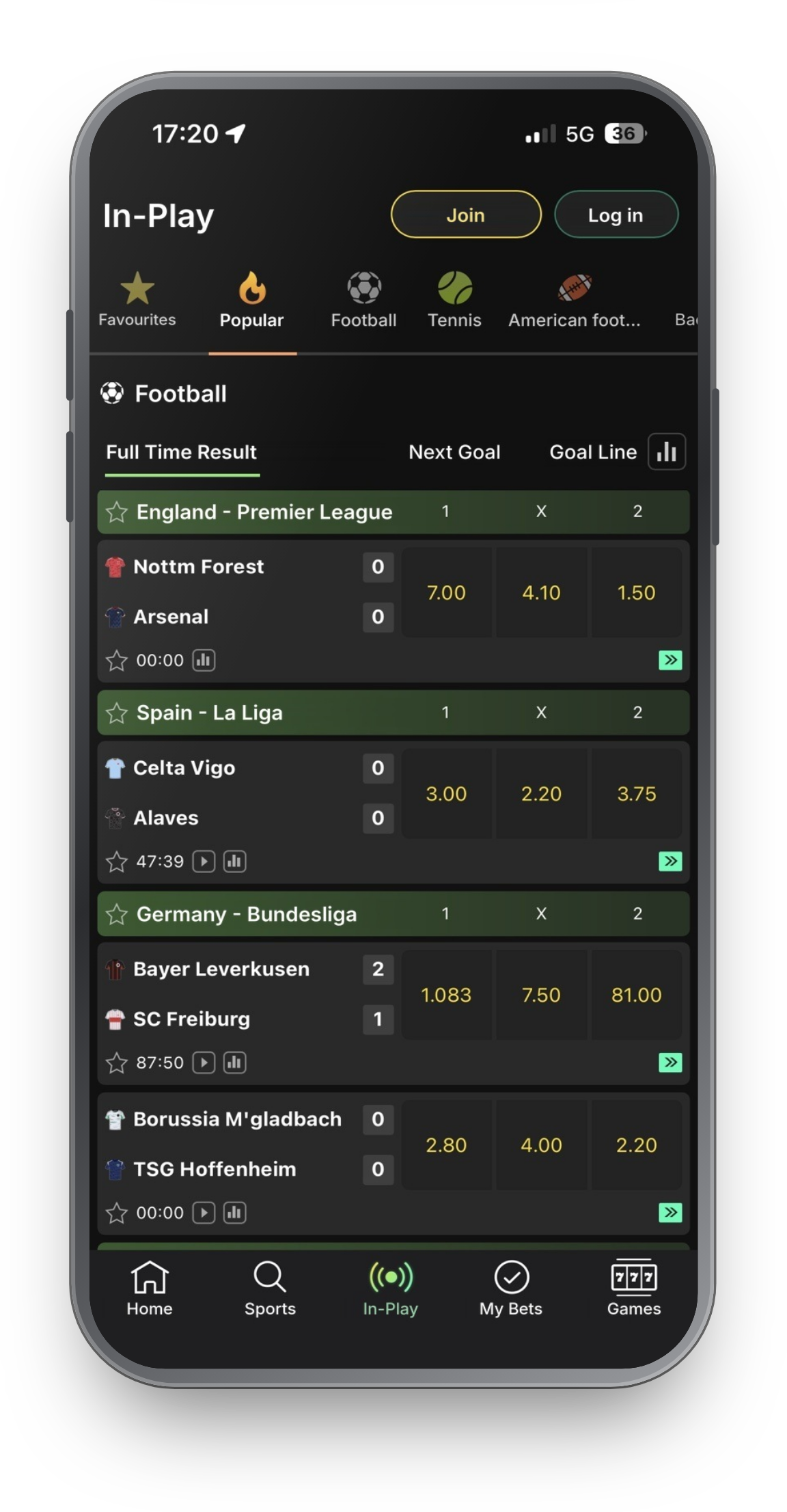
Latest app design. Text and amounts localized to English and pounds for this page.
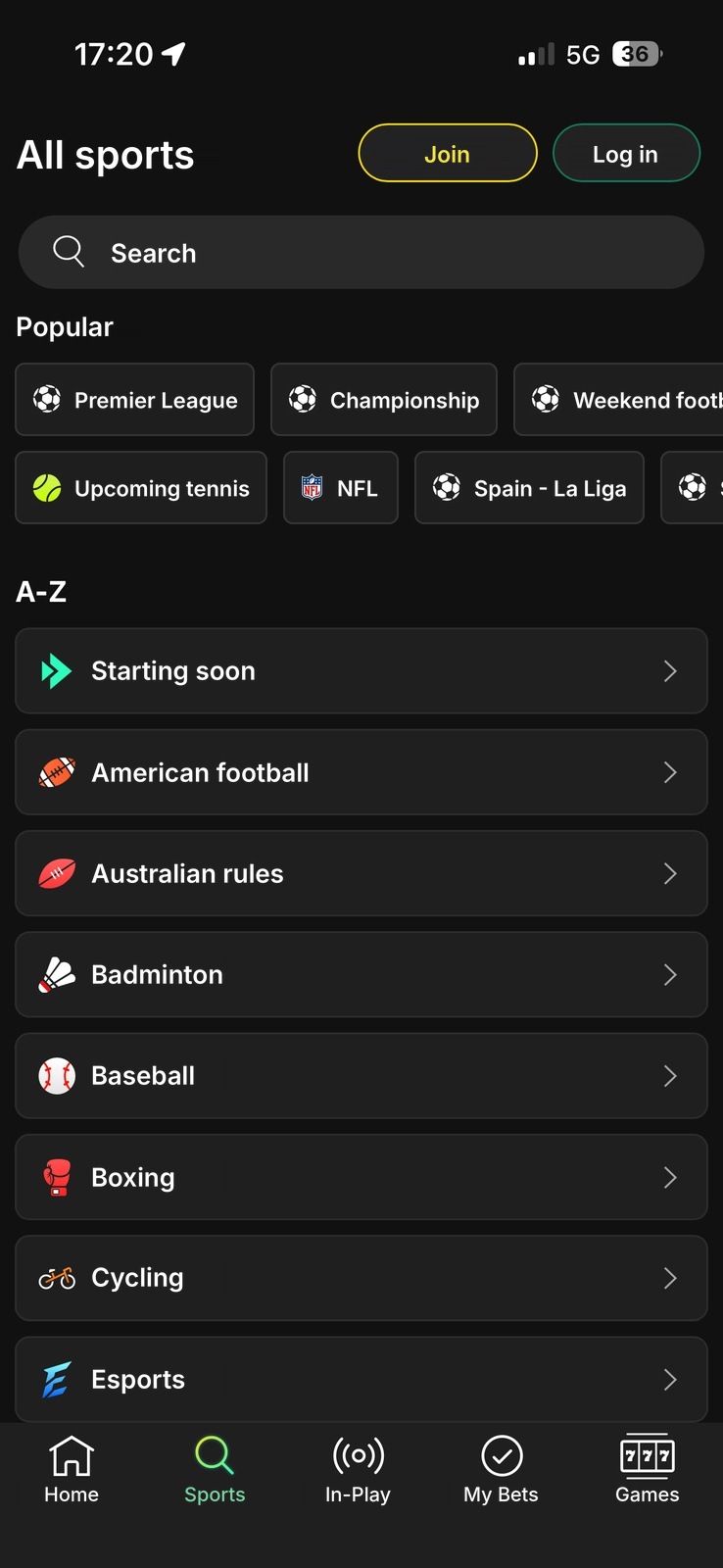
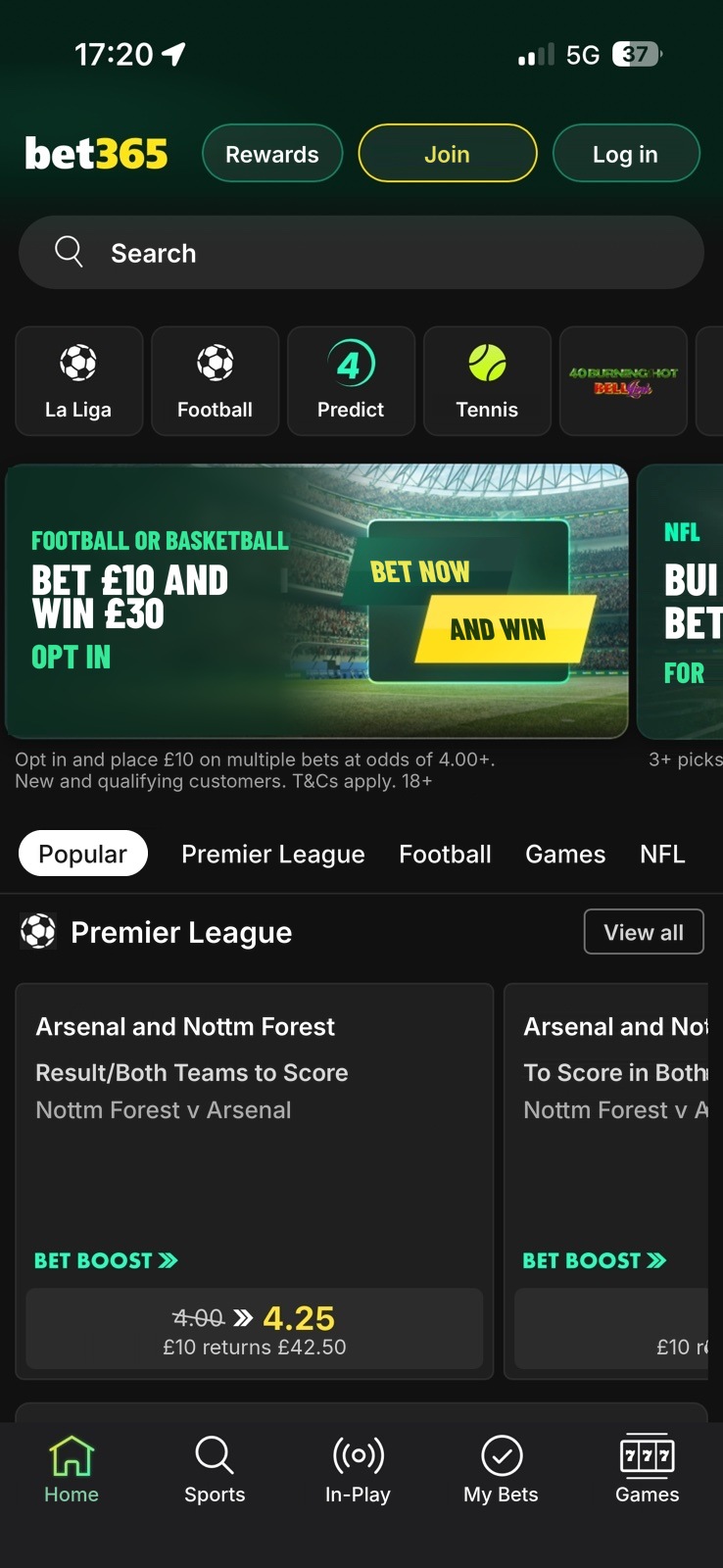
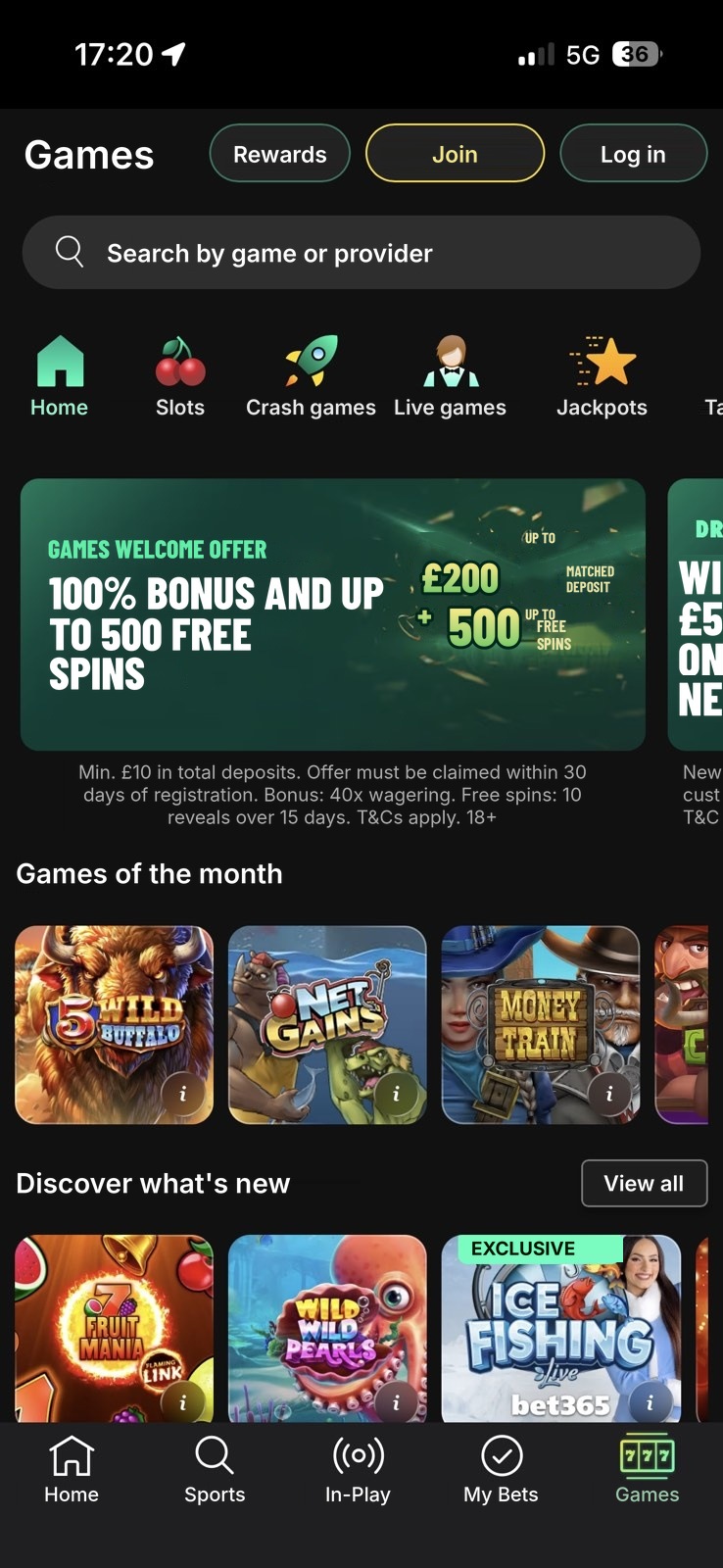
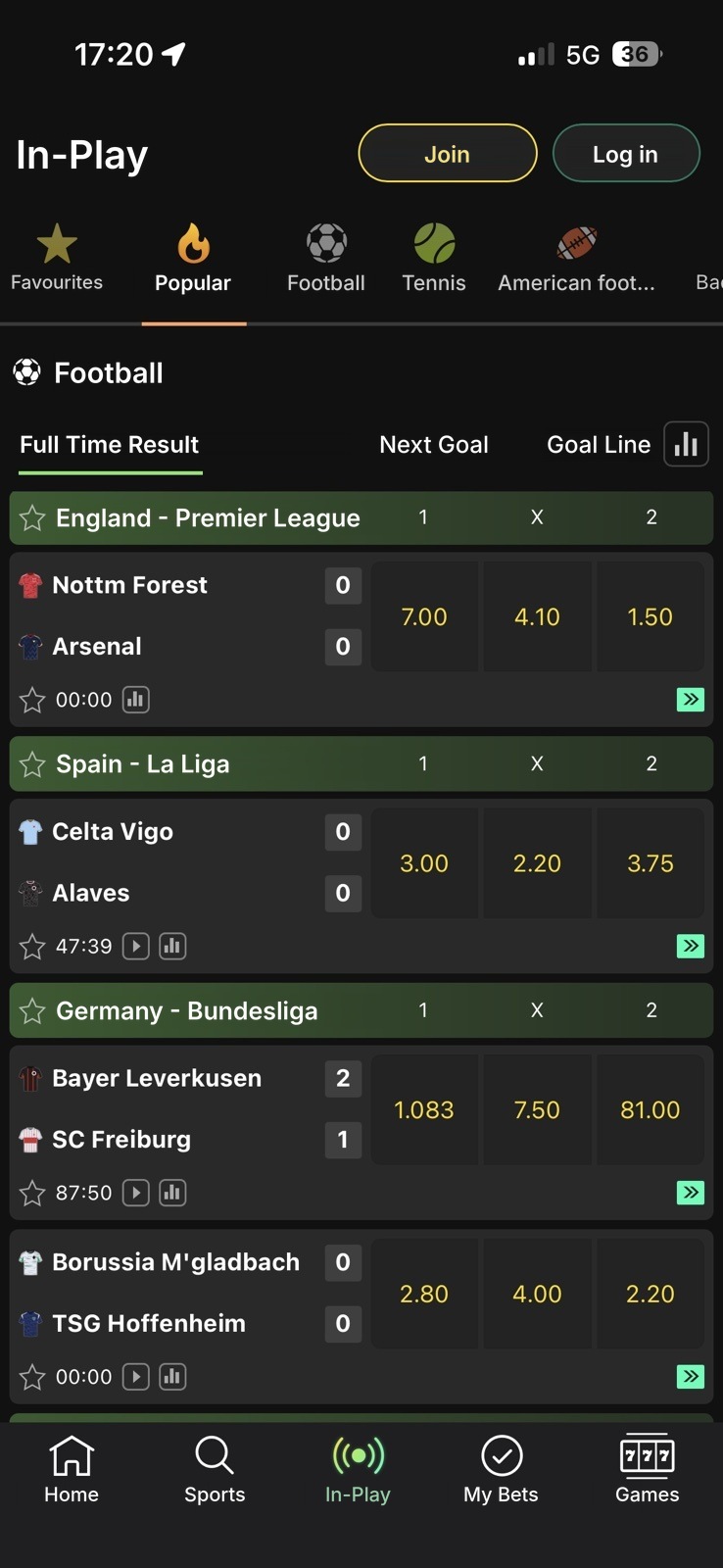
Five tabs, one clear place
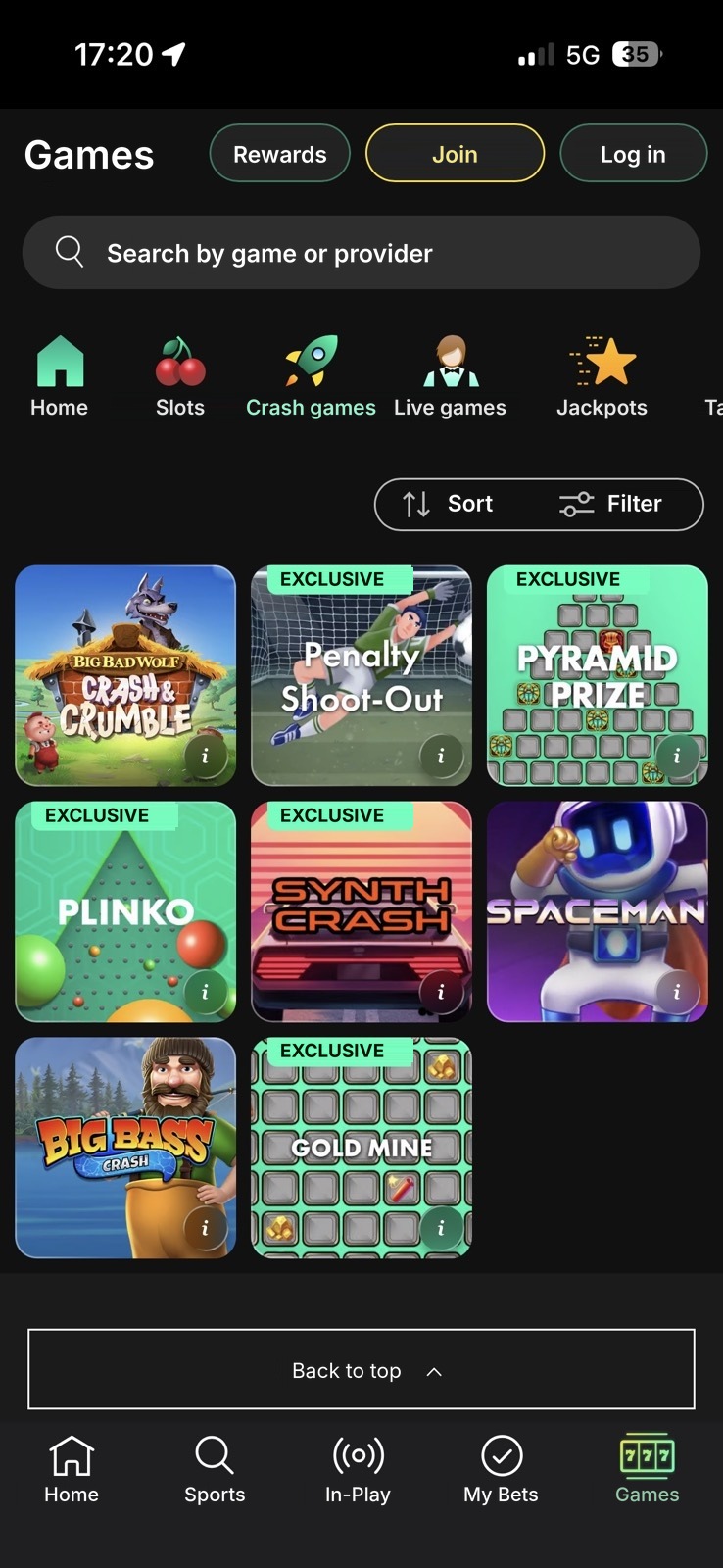
The latest app design is built around five tabs: Home, Sports, In-Play, My Bets and Games. The team designed the screens you see here, and my focus was the navigation, so that a customer always knows which part of the app they are in.
- Navigation
- Active states
- App design
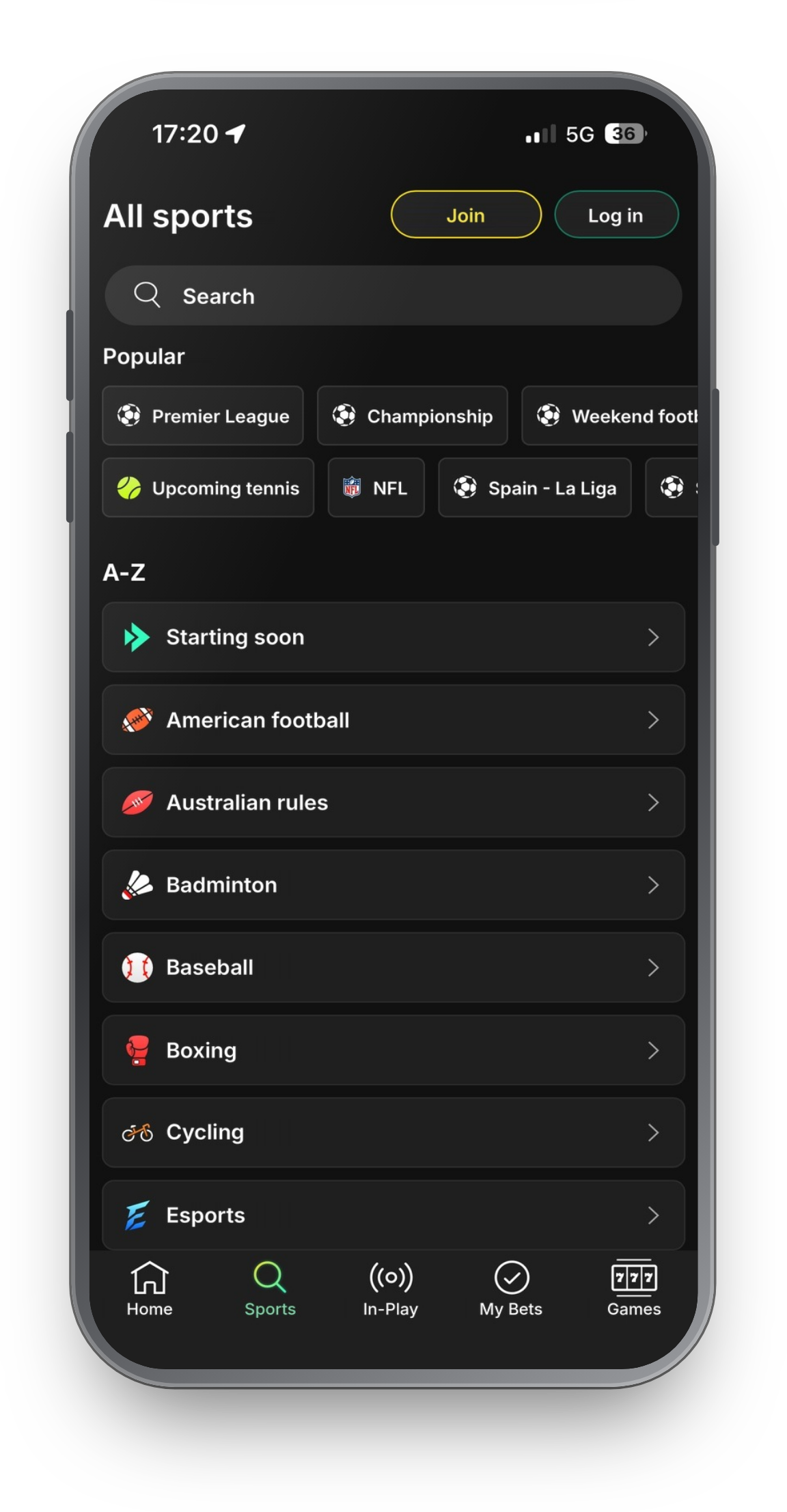
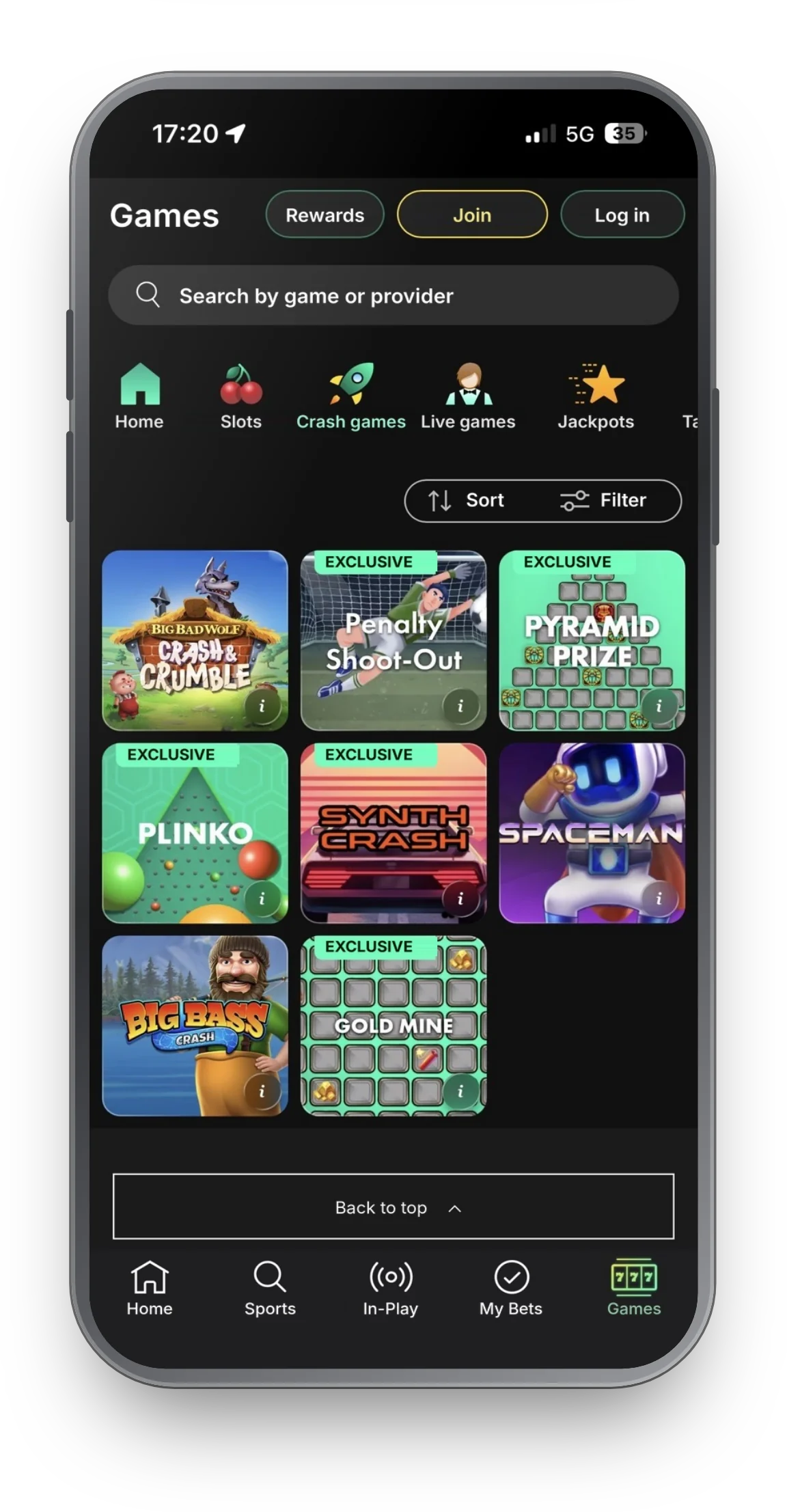
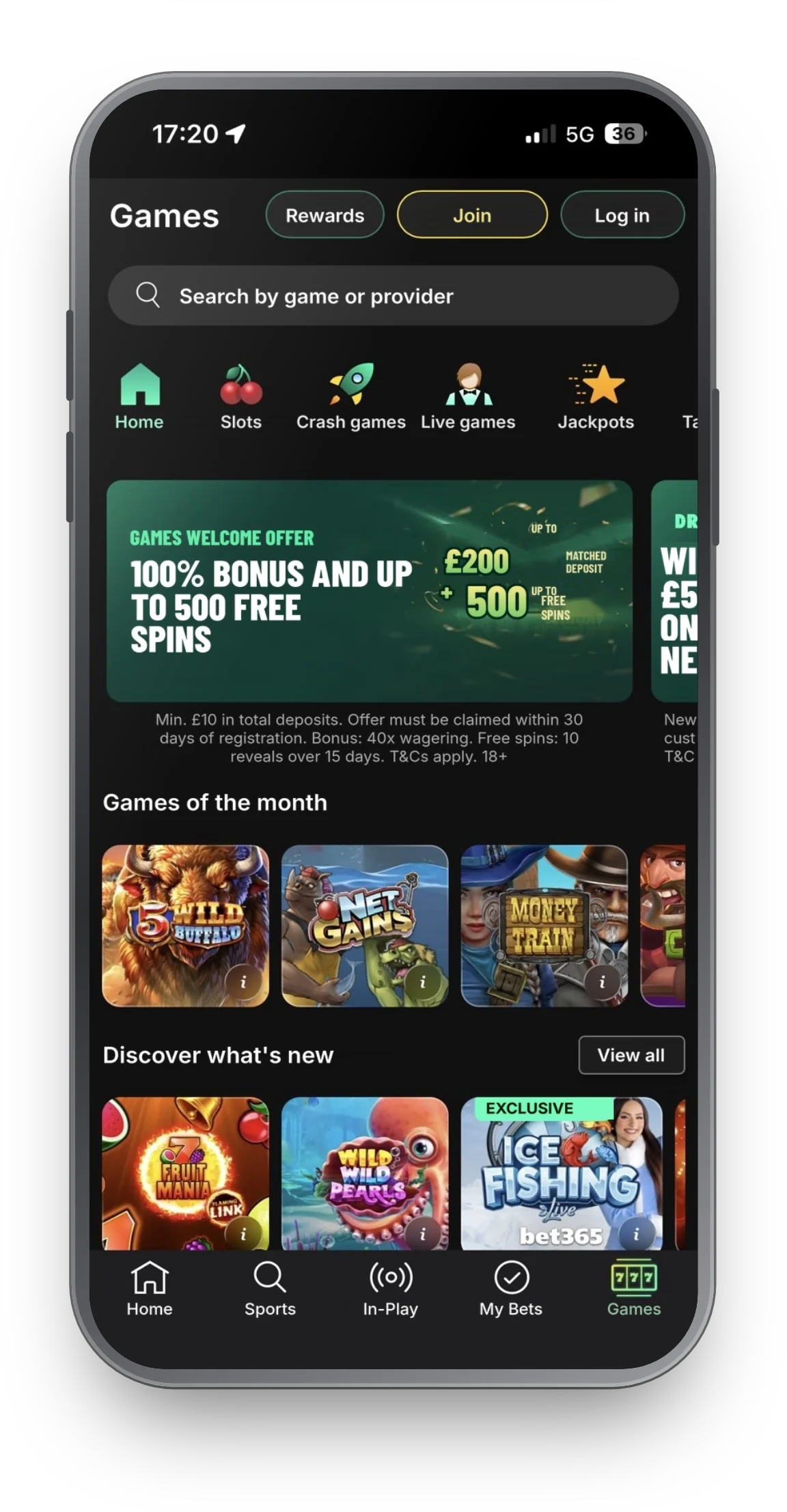
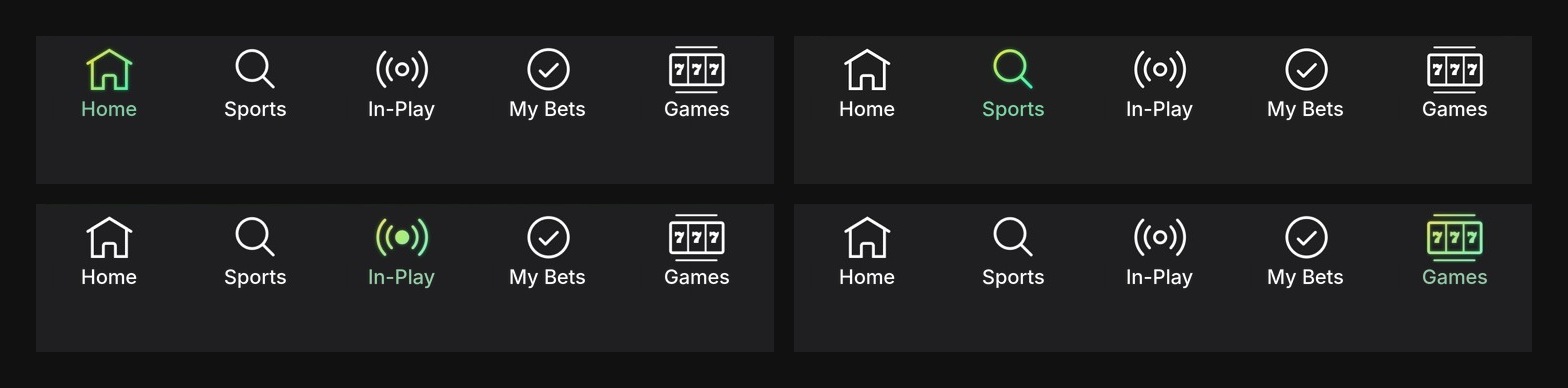
Latest app design, with the navigation I focused on: five tabs, one clear active state. Text and amounts localized to English and pounds for this page.
A small bar, a big job.
The navigation bar appears on almost every screen, so a small unclear detail there is repeated across the whole app. That is why I spent my time on it: five tabs and one clear active state, so that Home, Sports, In-Play, My Bets and Games each feel like a place of their own.
What the skills produce.
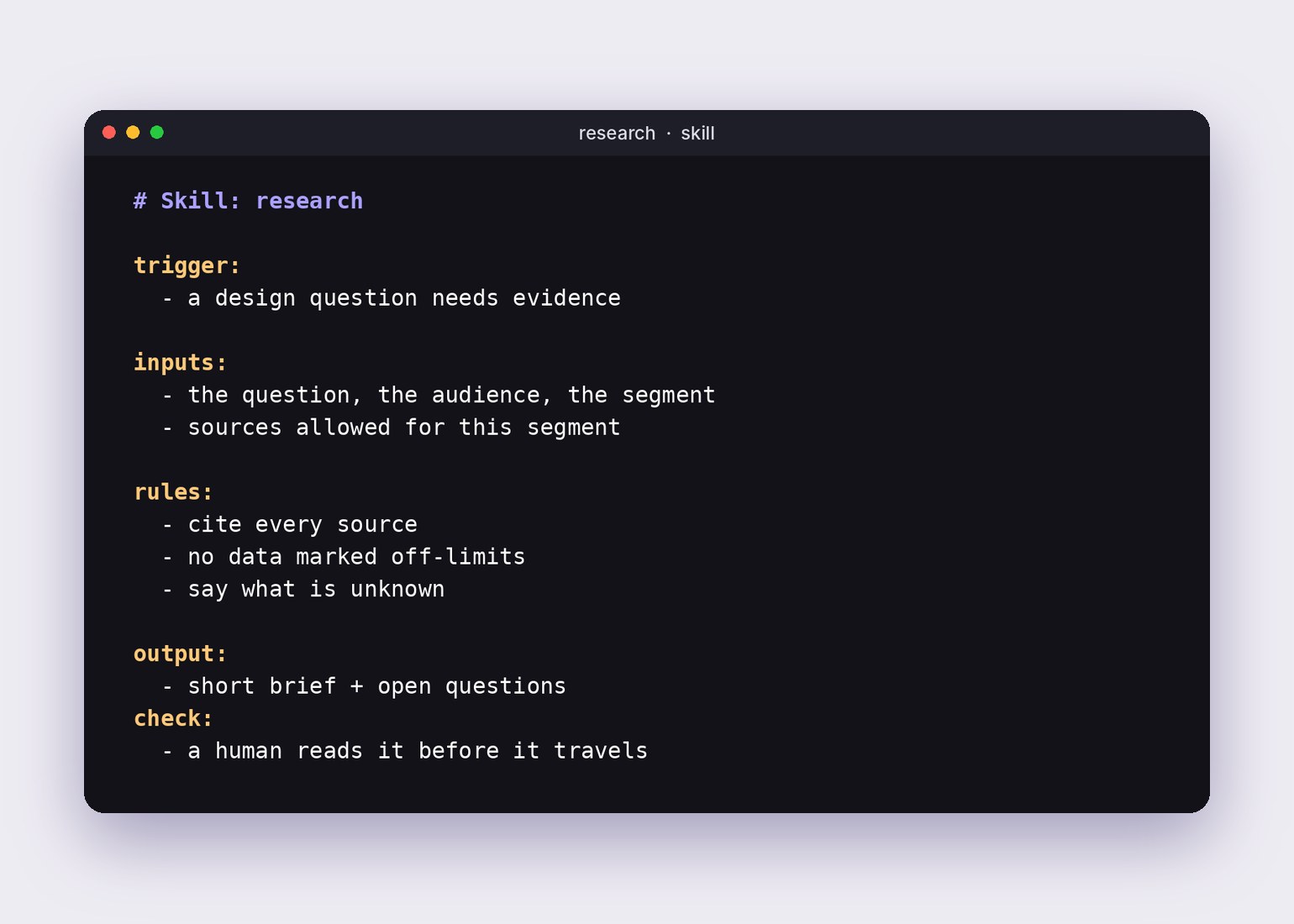
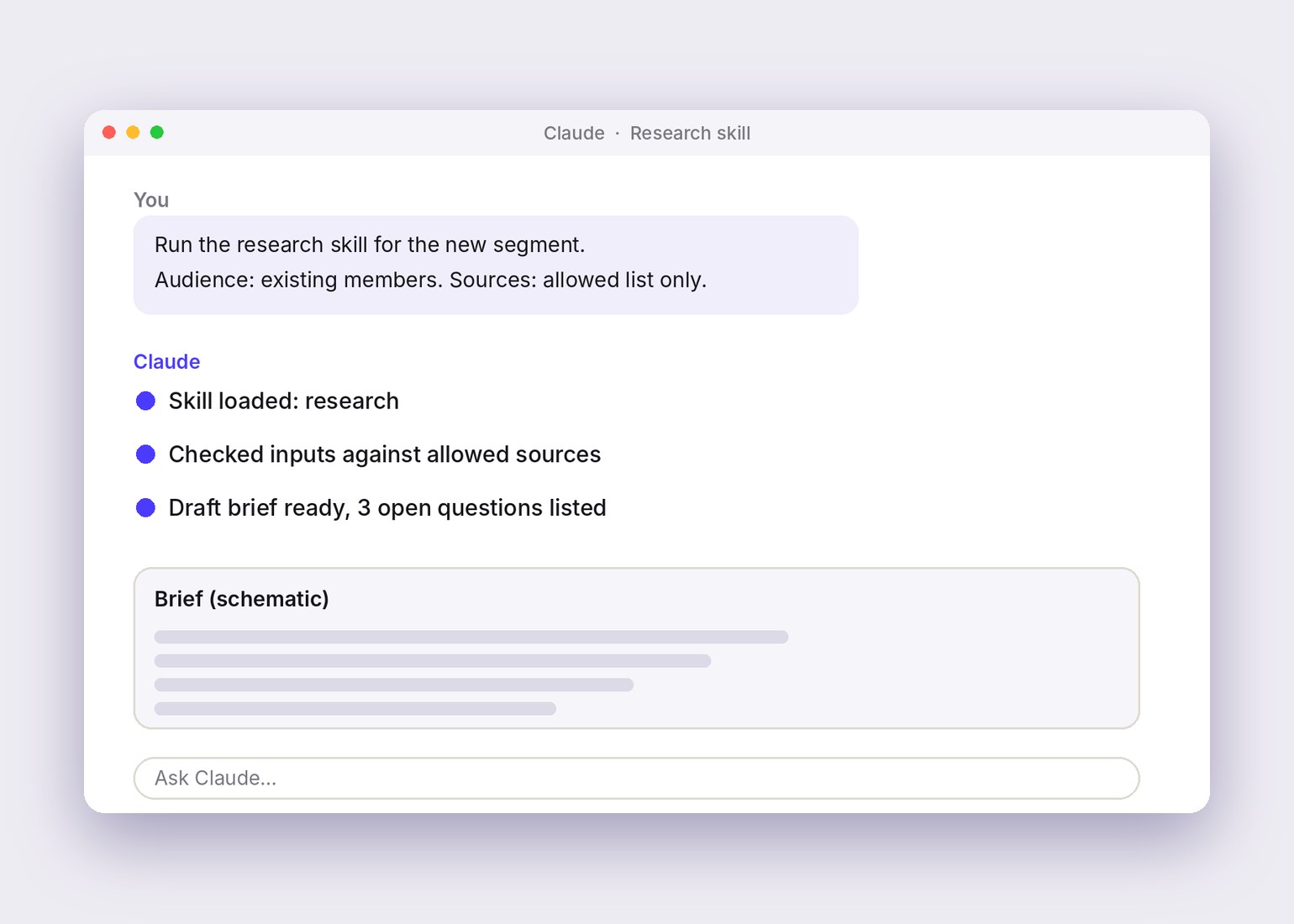
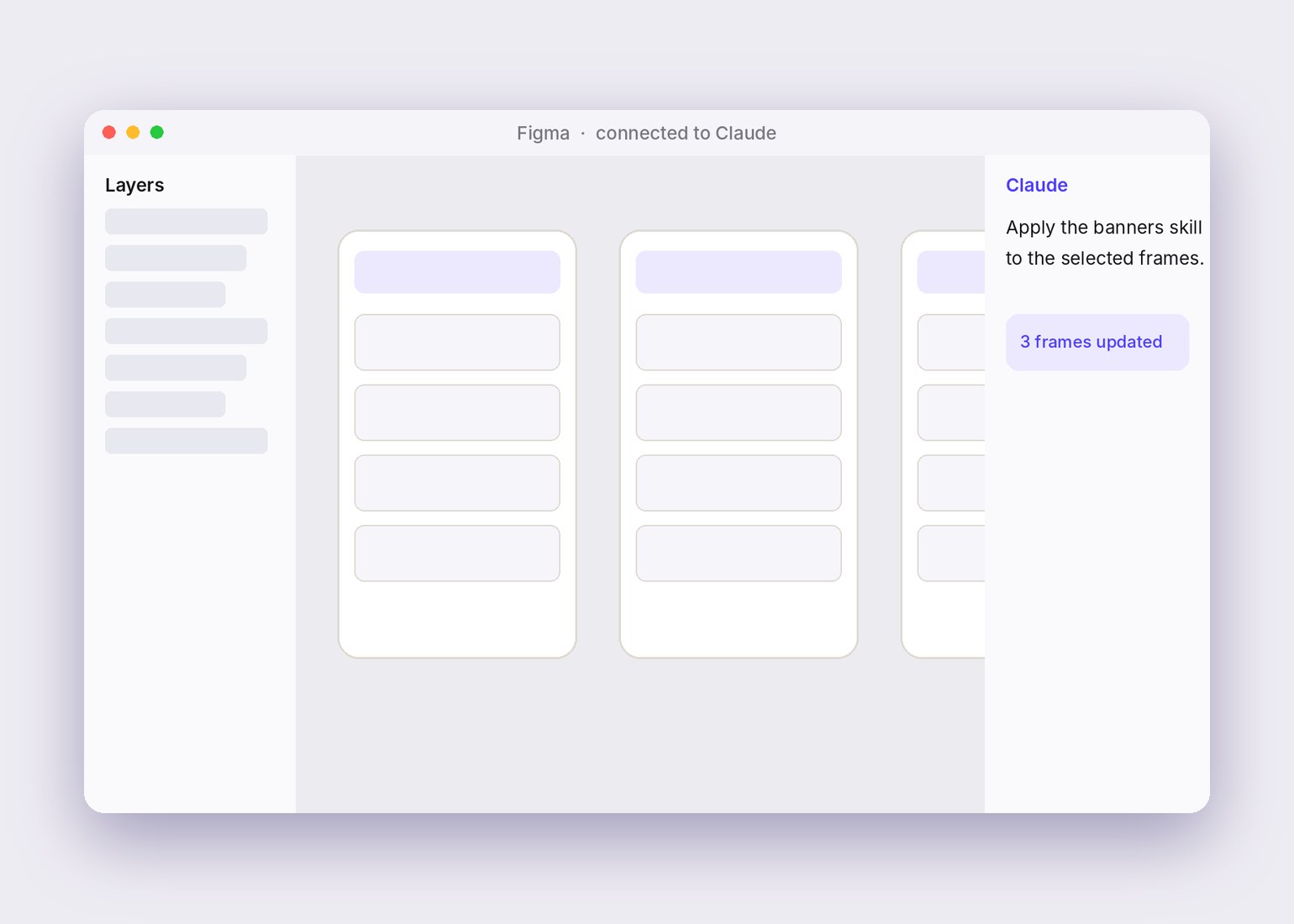
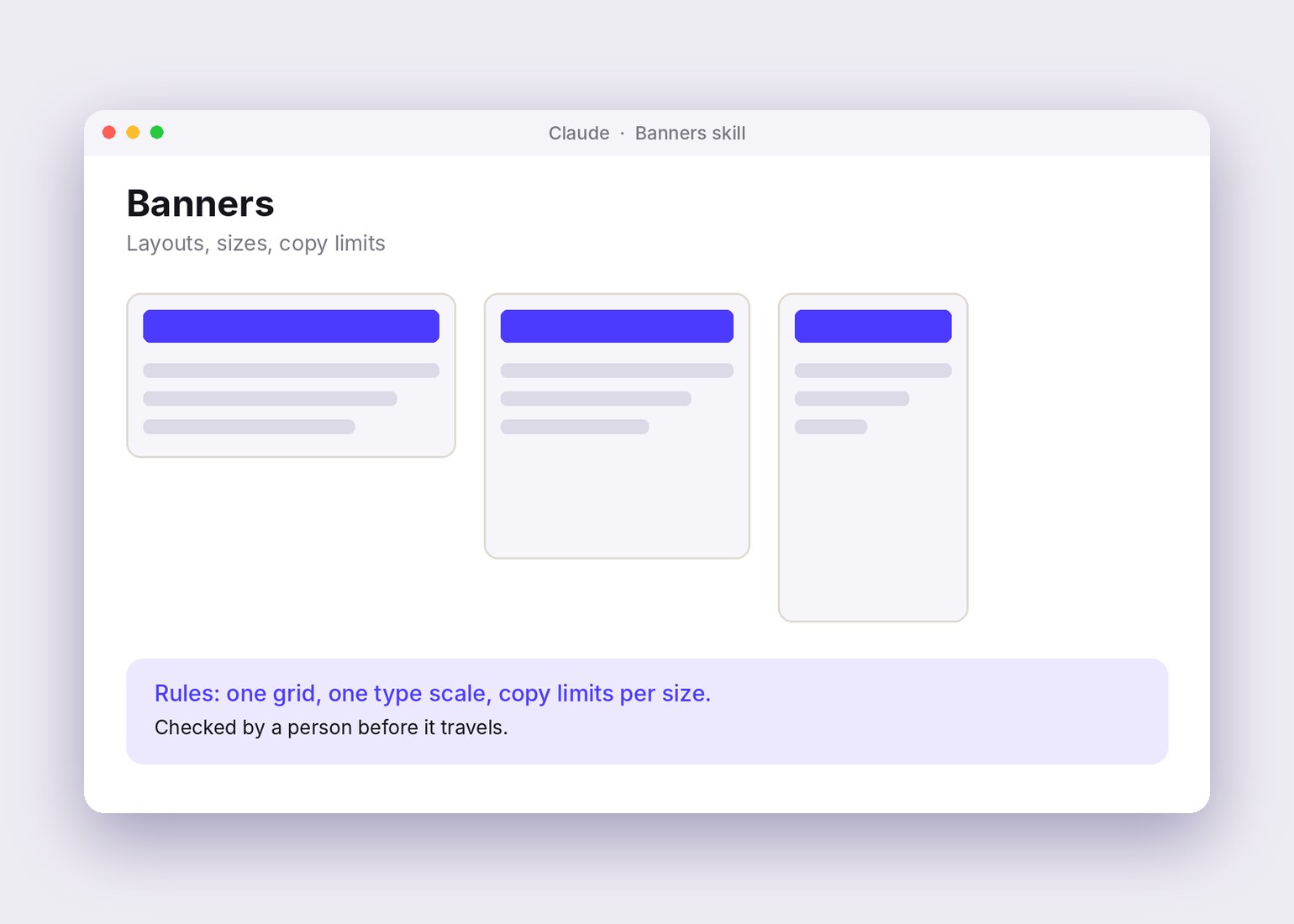
The skills write down the steps and the rules, so the output follows one grid and one type scale. The screens and banners below were made with AI to show the kind of output I mean. They are illustrations, not real work screens.
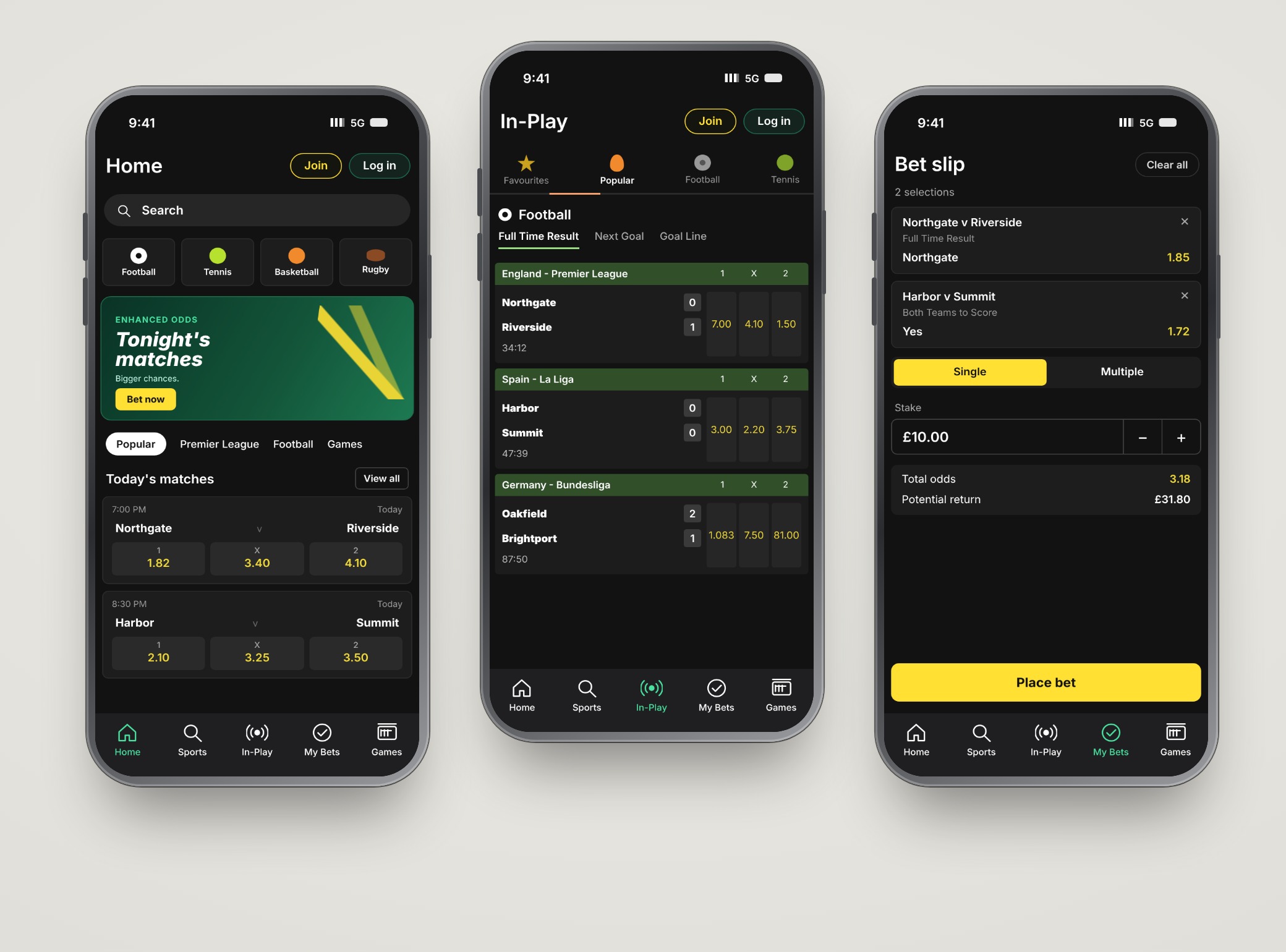
AI illustration. Example screens, not real work.


AI illustration. Example banners with AI-generated people, not real work.
A new feature, made with AI.
Bet Track lets customers follow their bets in real time from the iPhone lock screen or the Dynamic Island, so they do not have to keep opening and refreshing the app to catch the key moments of a match.
It shows the status of single bets and Bet Builder bets, key match stats, and the current cash-out amount, which updates as soon as something changes on the field. For football, American football and basketball there is also a Progress Track mode: visual indicators of how specific markets are going, such as corners, dangerous attacks or shots on target.
We made this feature with AI.
- Feature
- Bet Track and Progress Track, on the lock screen and the Dynamic Island
- Made with
- AI, with our team
- Note
- Exactly which steps AI did and which stayed by hand is not detailed here

Illustration, animated. Bet Track in a stadium: a phone running the bet365 app, winning bet cards popping out, confetti. Amounts are placeholders, in pounds.
What AI is good at, and what it is not.
AI is excellent at generating beautiful designs. It does not yet go as deep into behavior as we do, and behavior is what we fine-tune every day.
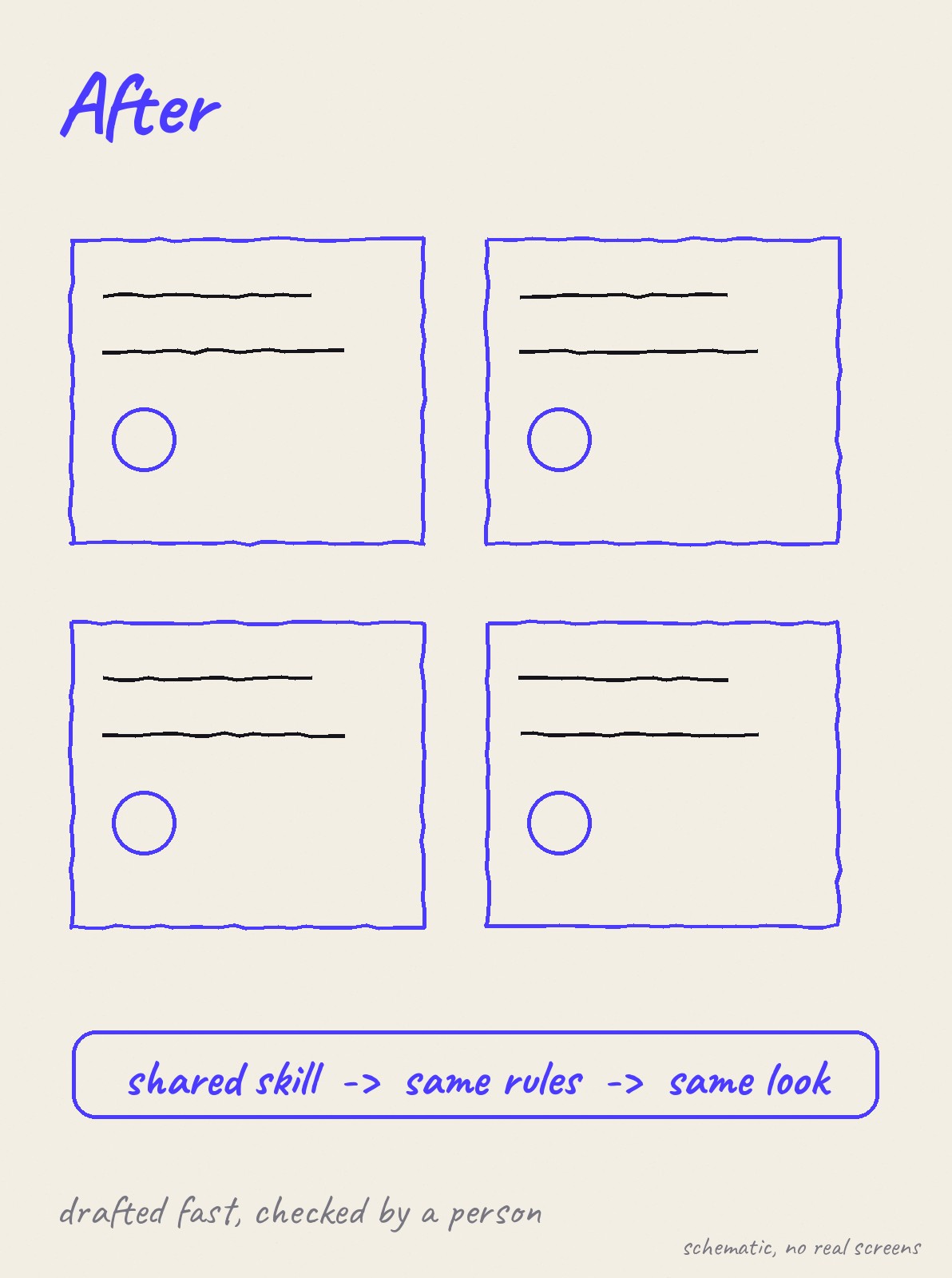
So I did not ask it to replace that work. I asked it to clear the routine, so the team had room for it. Before writing any skill, the team and I analyzed our brand personality and what we wanted to achieve with it.
Schematic, drawn by me. No real figures.
Three paths. One chosen.
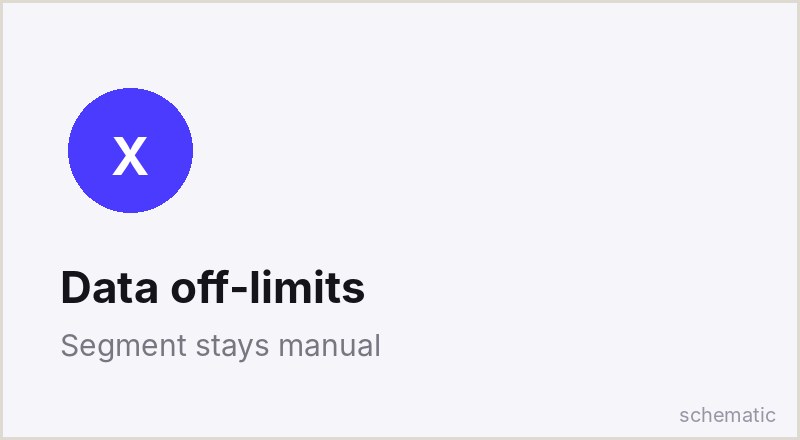
The team was excited, so “AI nowhere” was never the plan. “AI everywhere” did not survive the NDAs and the data-security rules. The decision was how to do it selectively, and by what criterion.
AI nowhere
Safe, but it leaves speed and connection on the table. Set aside.
AI everywhere
Fastest on paper. Ruled out by NDAs and data security.
AI where data allows
Selected segments use AI. The rest stays by hand. Chosen.
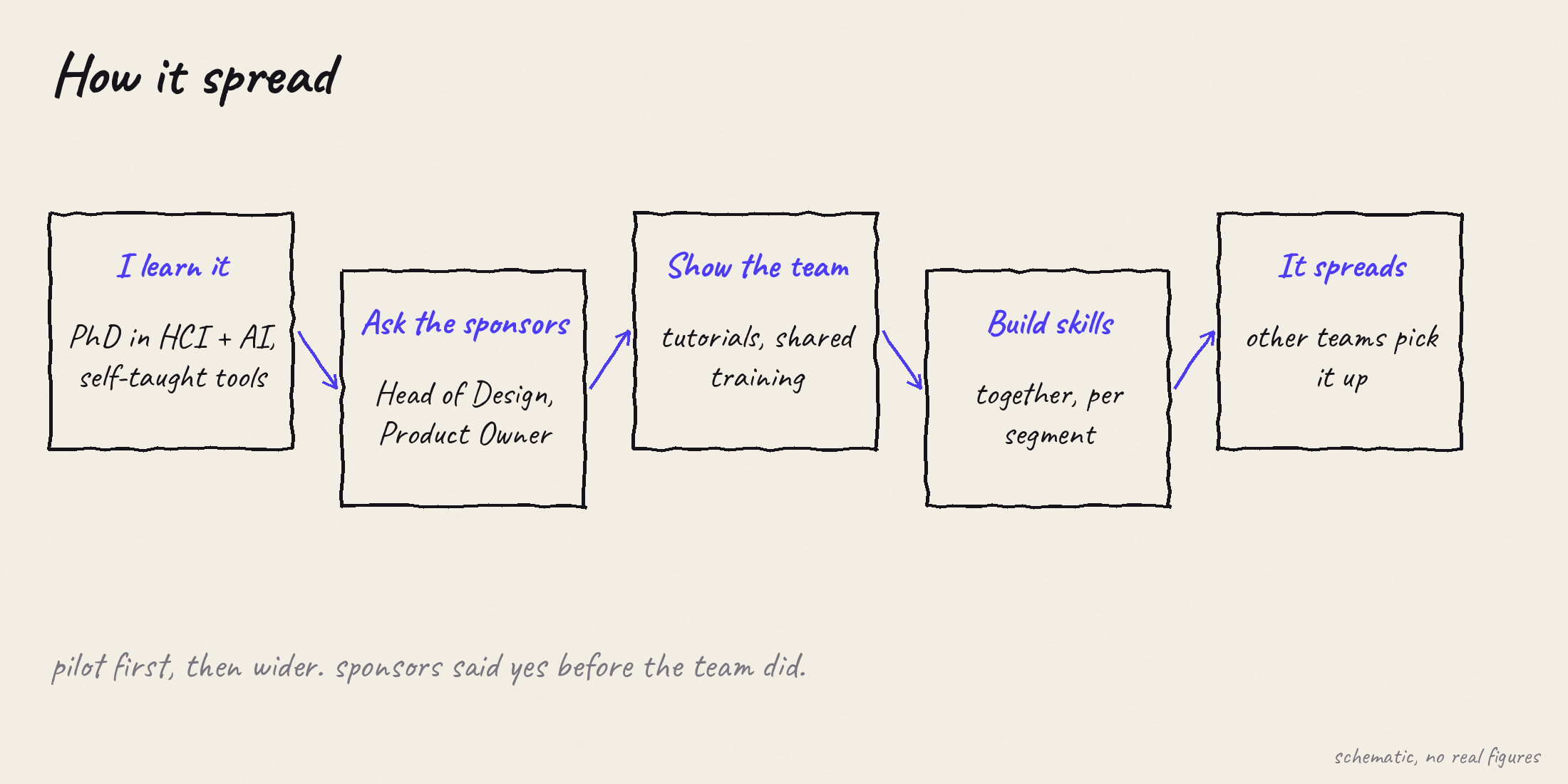
Schematic. How it spread, redrawn. No real figures.
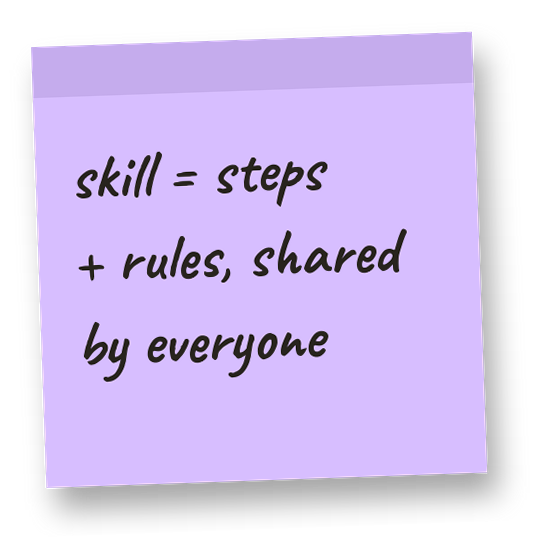
Skills, together.
D1. Roll out selectively, by data sensitivity
- Problem
- Some segments cannot use AI because of NDAs and data-security rules.
- Decision
- AI only in segments where the data allows it. The others stay by hand.
- Why
- It let me start inside a clear boundary for protected data.
D2. One skill per segment, not one big prompt
- Problem
- The app has many segments, and each has its own rules.
- Decision
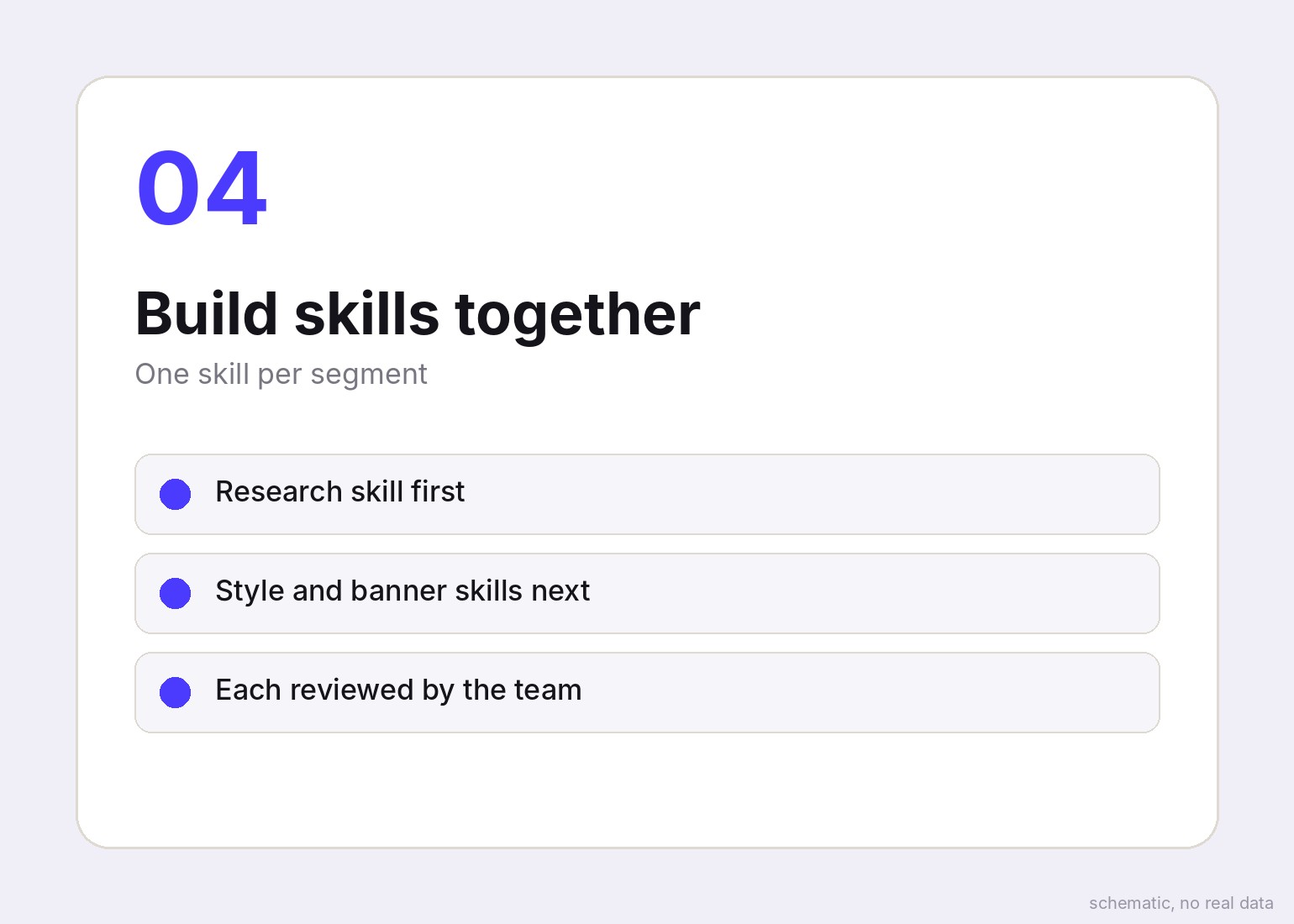
- I built a skill for each segment with the team: research, design styles, banners, panels and more.
- Why
- Small skills are easier to review, correct and share than one giant instruction.
D3. Skills carry the order of work
- Problem
- Large teams drift apart without a shared order of working.
- Decision
- Each skill holds the steps and rules, so the team follows the same sequence.
- Why
- That is how the design keeps the same standards in every market.
D4. Learn first, then teach
- Problem
- The team was enthusiastic but unsure this was the right answer.
- Decision
- I learned and studied first, then showed the team with tutorials and shared training, and I built skills together with them.
- Why
- Building the skills together meant the whole team shaped how they work.
The ethical bit.
Regulated product, sensitive data, and AI that makes mistakes: this is where a reviewer rightly asks where I drew the line.
- Mechanism
- Shared AI skills inside selected segments.
- Risk
- Data security, NDAs, regulation, hallucinations, weak quality.
- Safeguard
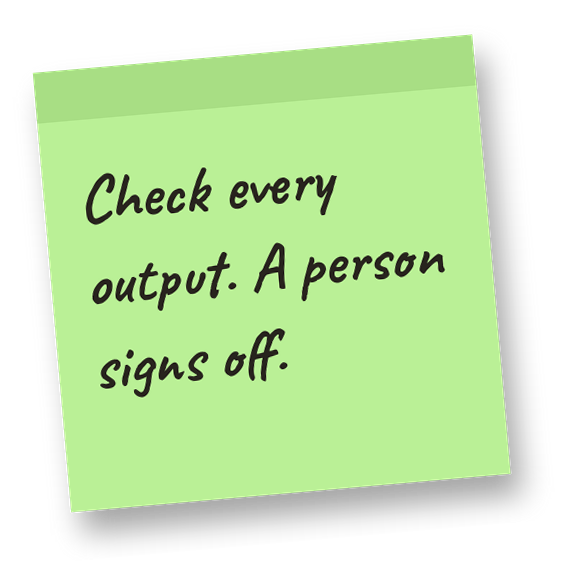
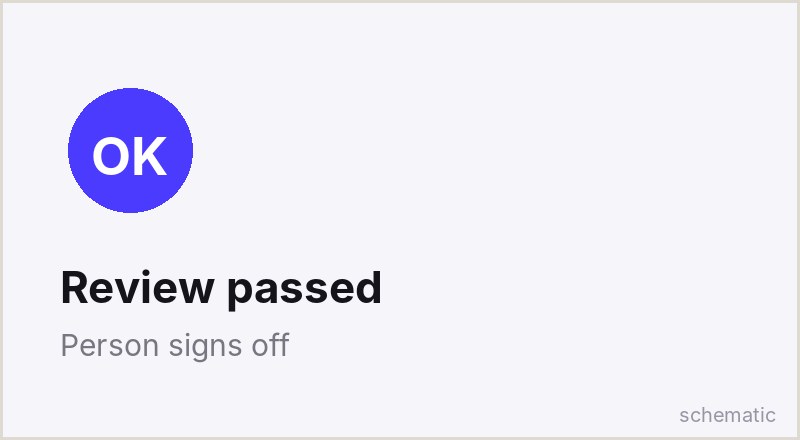
- AI only where data allows. A person checks every output.
- Who decided
- Management, after the sponsors and I made the case.
- Evidence level
- Observation, no published figures.
The first weeks were chaos.
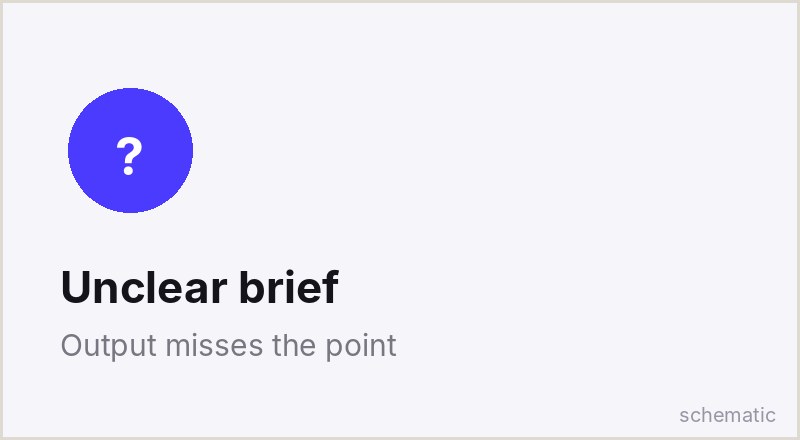
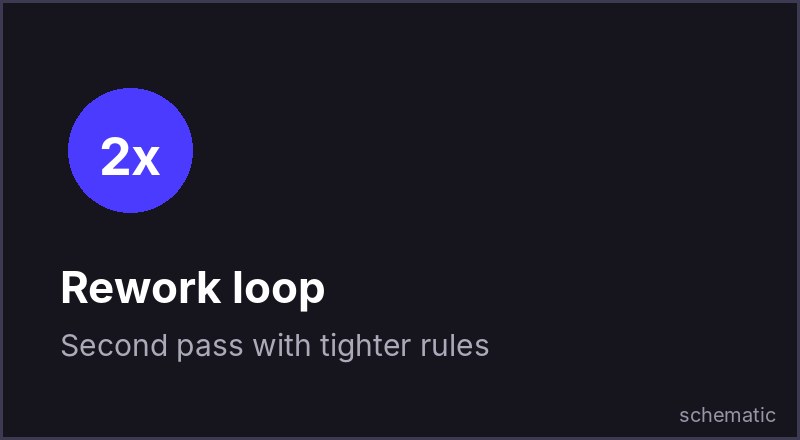
I saw hallucinations, weak designs, and AI that did not understand what it was asked to do. Quality was often poor. At first the team did not want to accept it, and the team and I stayed longer hours than we should have.
Developers resisted at the beginning.
Privacy policy and country-specific rules are still a source of problems. The company has many rules and decisions it has to respect, and AI has to fit inside them.

Developers came around.
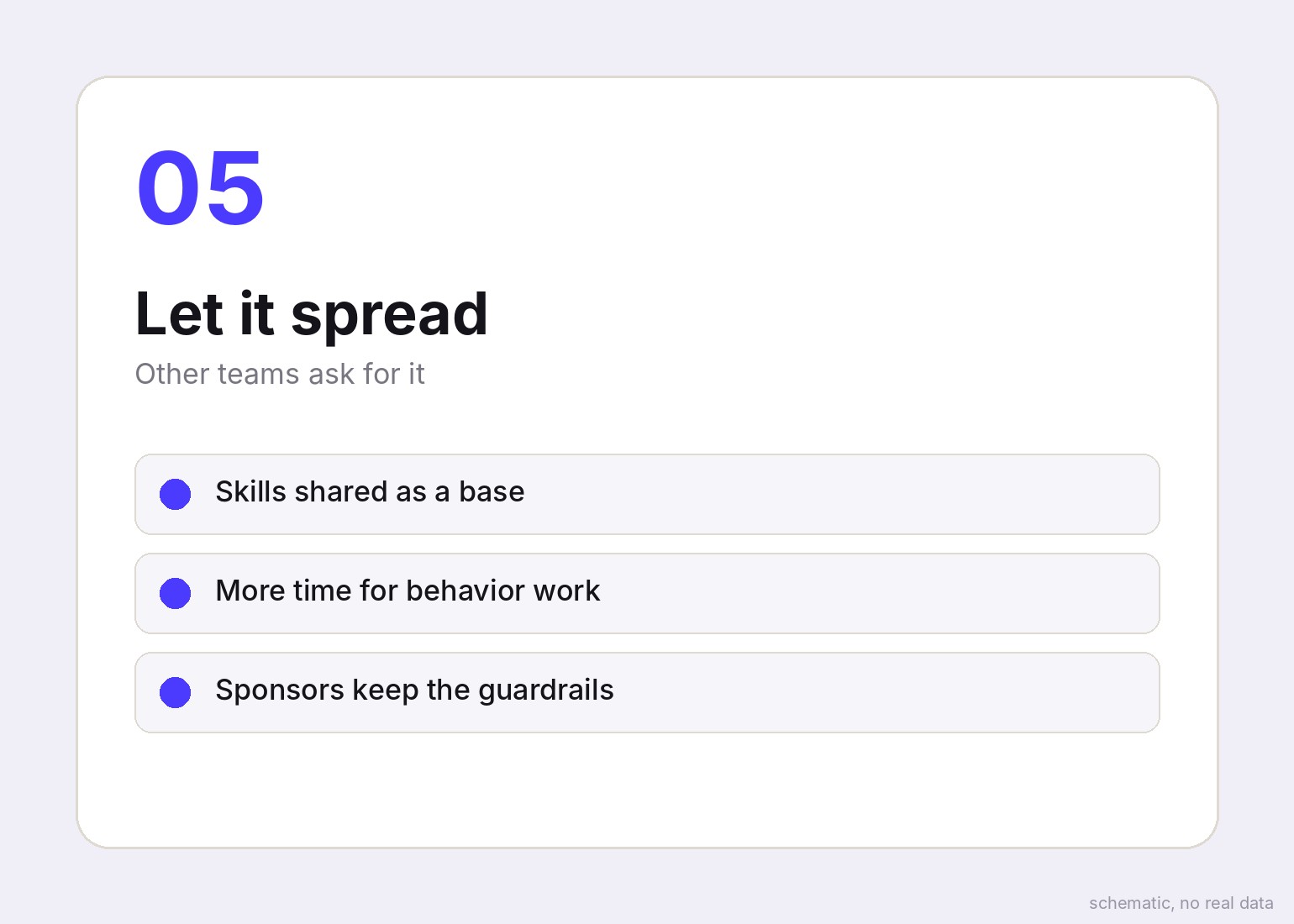
Developers were among those who resisted AI at first. Later they began working with it too, and today the whole developer team works with AI, with limits.
The system then spread to other teams, using the foundation the team and I built.
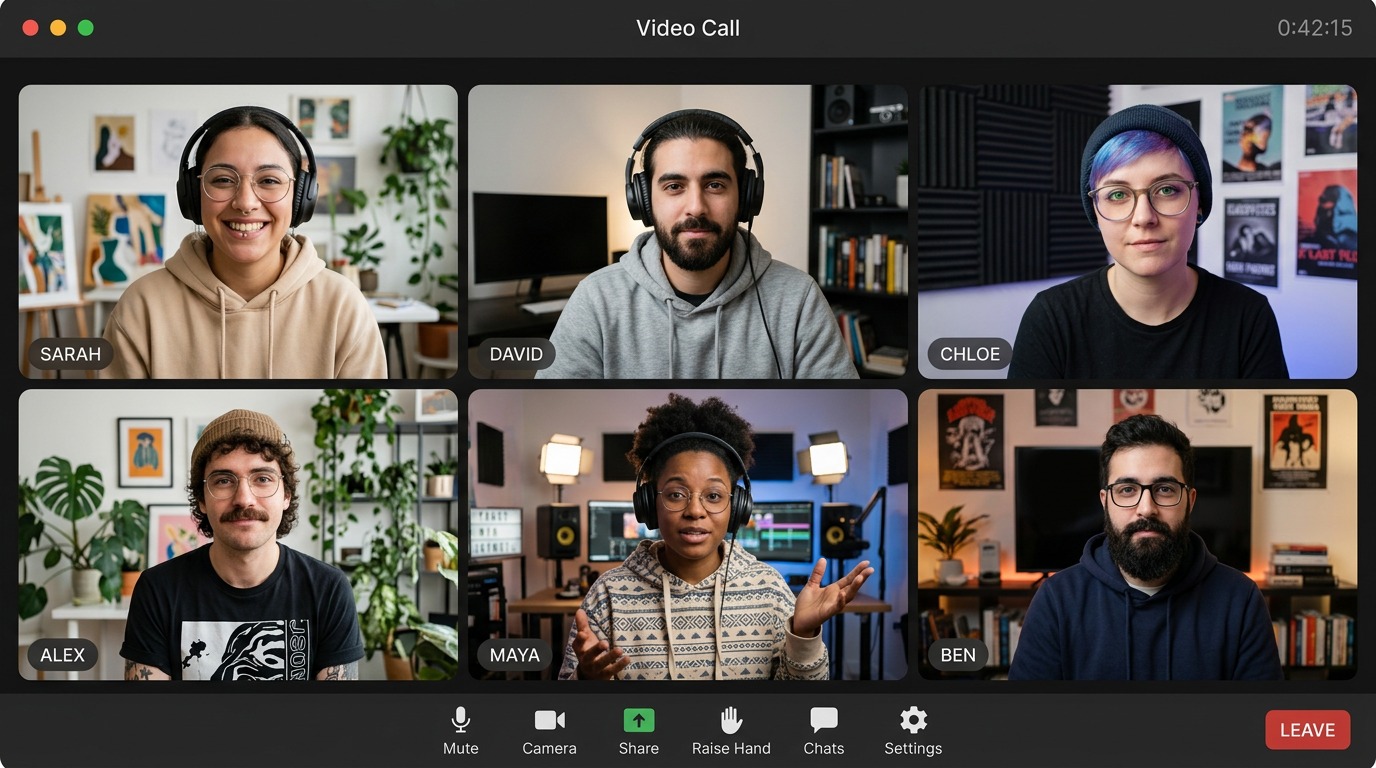
Illustration showing our meetings. Because of the NDA, I cannot show real people or faces.
Did it work?
Faster, better and more unified. More people now work as if one person did, and the team became more cohesive. I spend less time explaining, because every task has an exact skill reference that the team and I built and automated. This is what I observe, and it is not measured.
- Goal
- Move faster and keep teams connected
- Outcome
- Faster, better and more unified work; less time spent explaining; spread to other teams
- Baseline, period, n
- Not measured. This is an observation.
- Attribution
- Observation across several changes at once
- Guardrail metrics
- Not published
A base that keeps working.
The system took root in other teams, using the foundation the team and I built. With the routine handled, the team has more time for behavioral work and research.
The product still gets daily fine-tuning, and AI is still limited to the segments where data rules allow it.
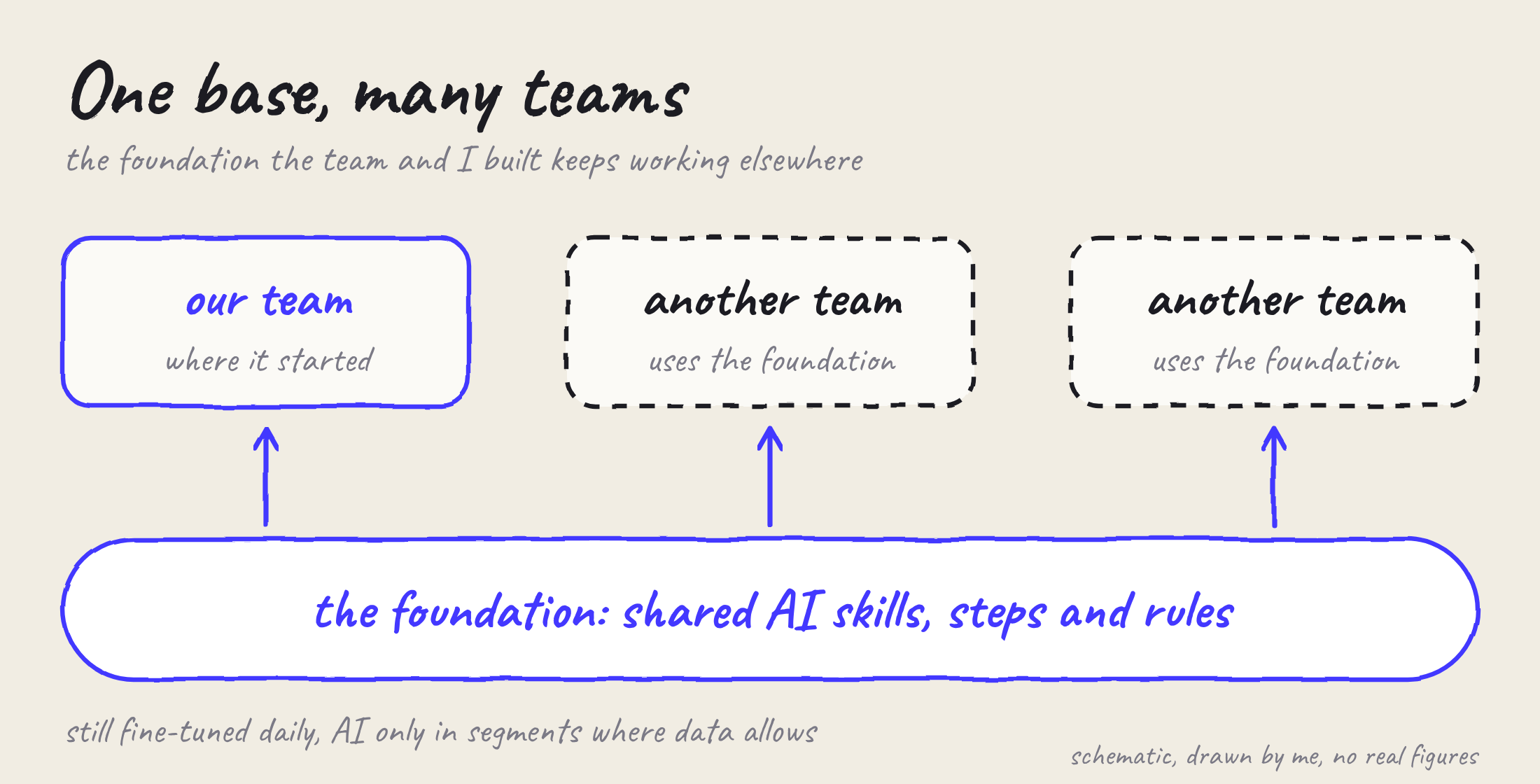
Schematic, drawn by me. No real figures.
What I take from it.
For me this is the first time I apply the ideas from my doctoral research in daily work with a team, with AI as a colleague. It freed time and space for free thinking and creative ideas.
I am grateful that I was given the lead role first and then the leader role, with room to apply my own knowledge and ideas.
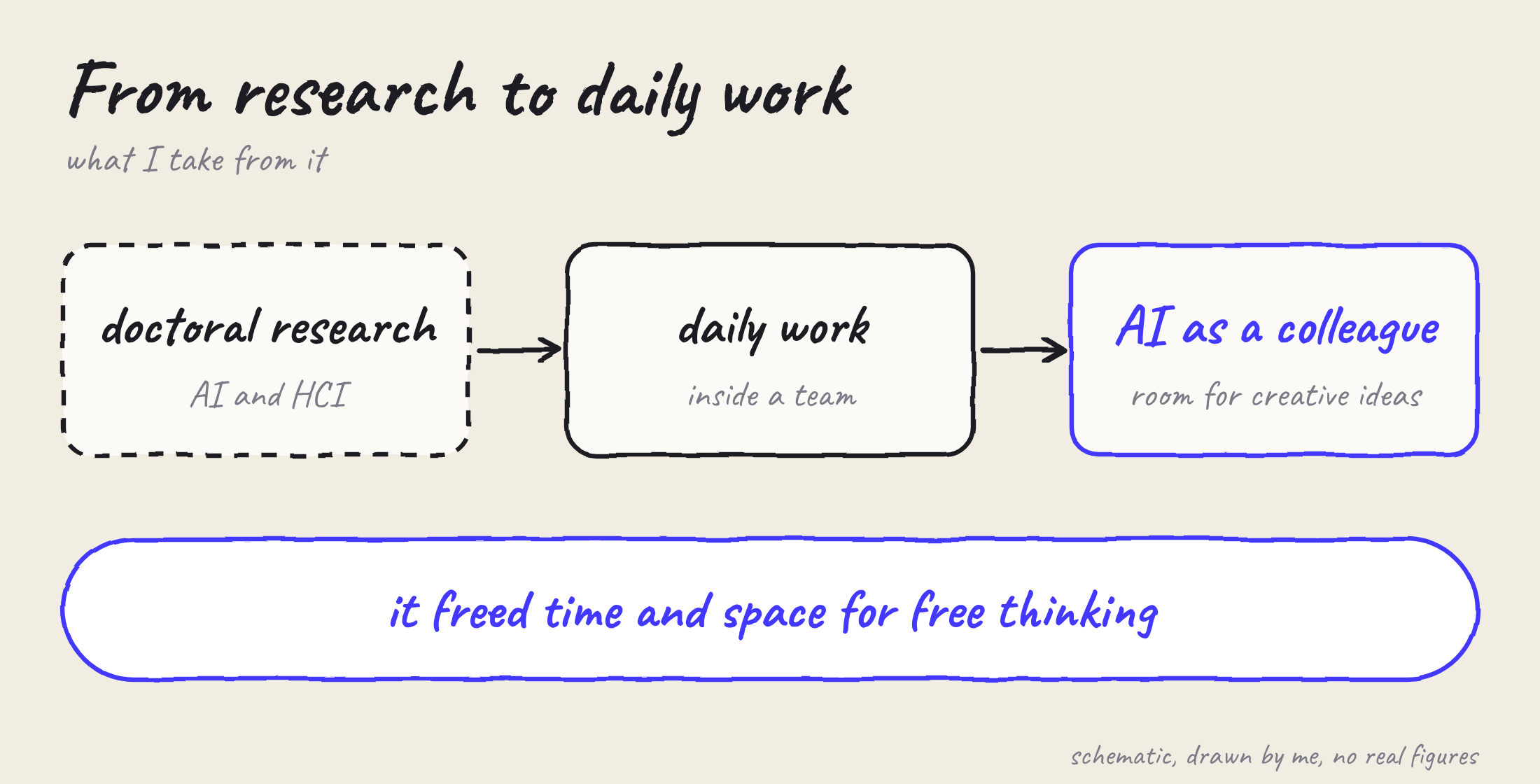
Schematic, drawn by me. No real figures.
The app, up close.
The screens of the app as it looks now, redrawn in the latest design at iPhone 18 Pro size: the five main tabs and the three payment screens. Each screen starts as a pencil sketch and turns into the digital design. Hover a screen to see its sketch again. Drag or swipe to browse.
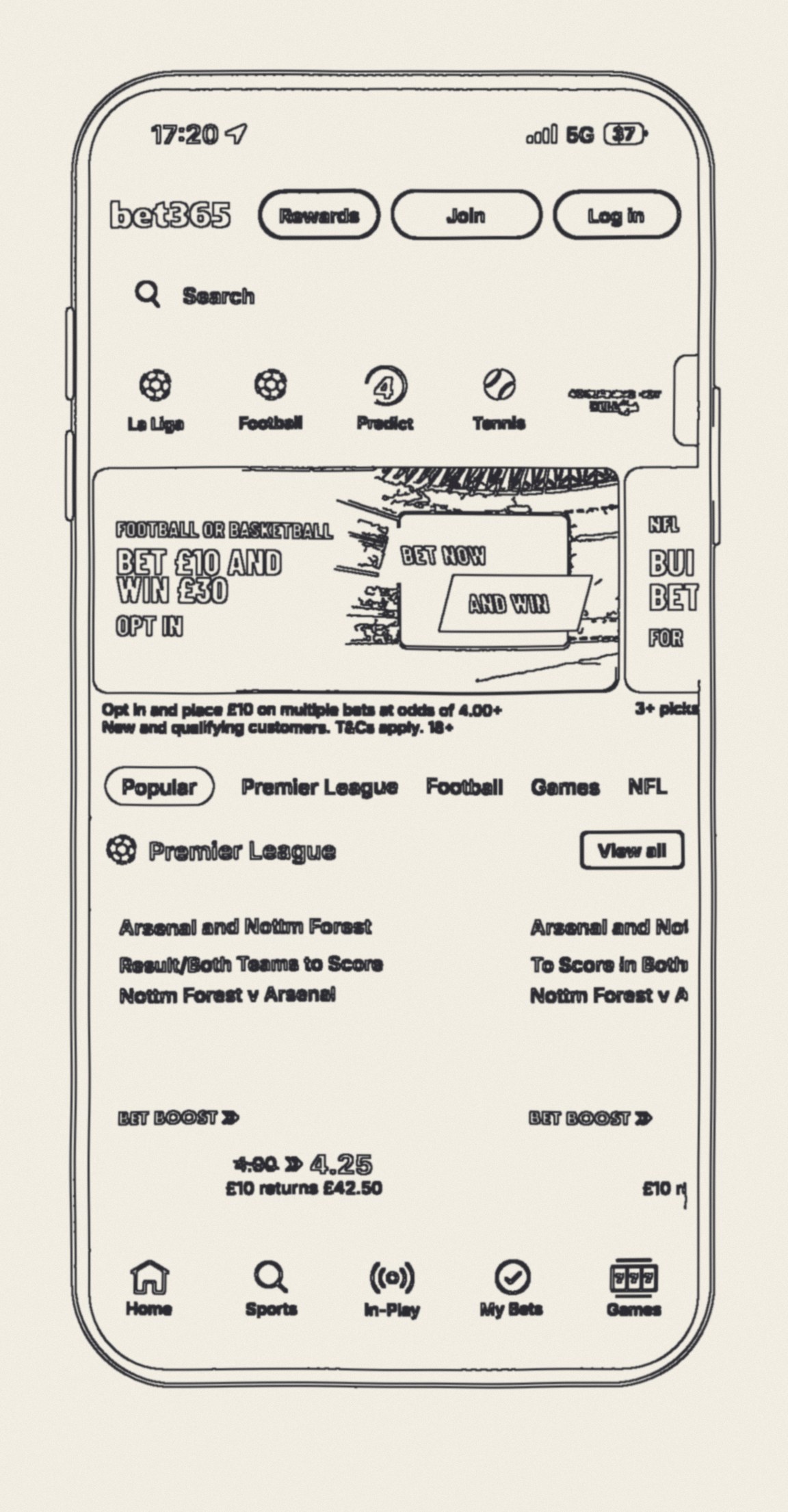
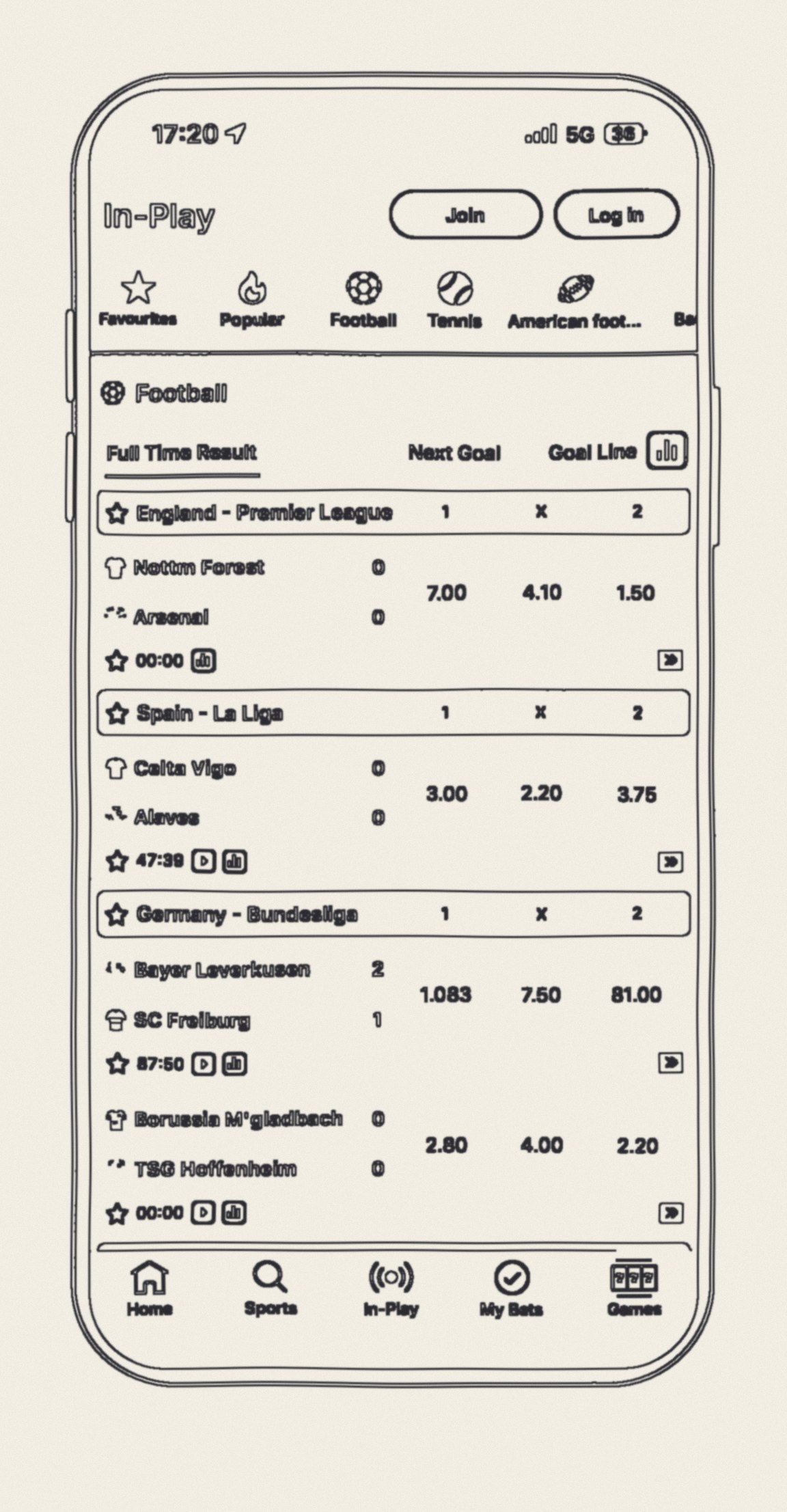
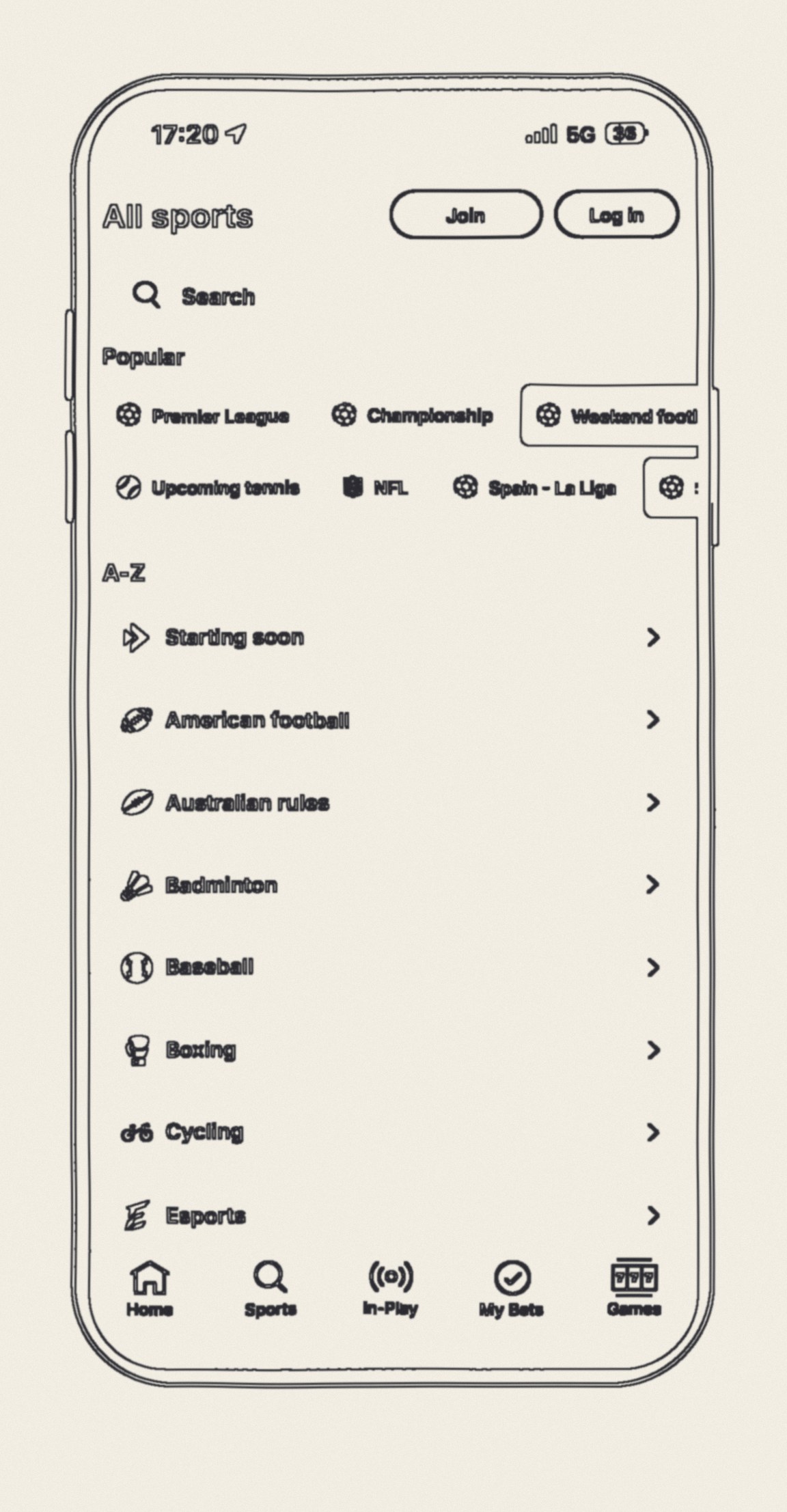
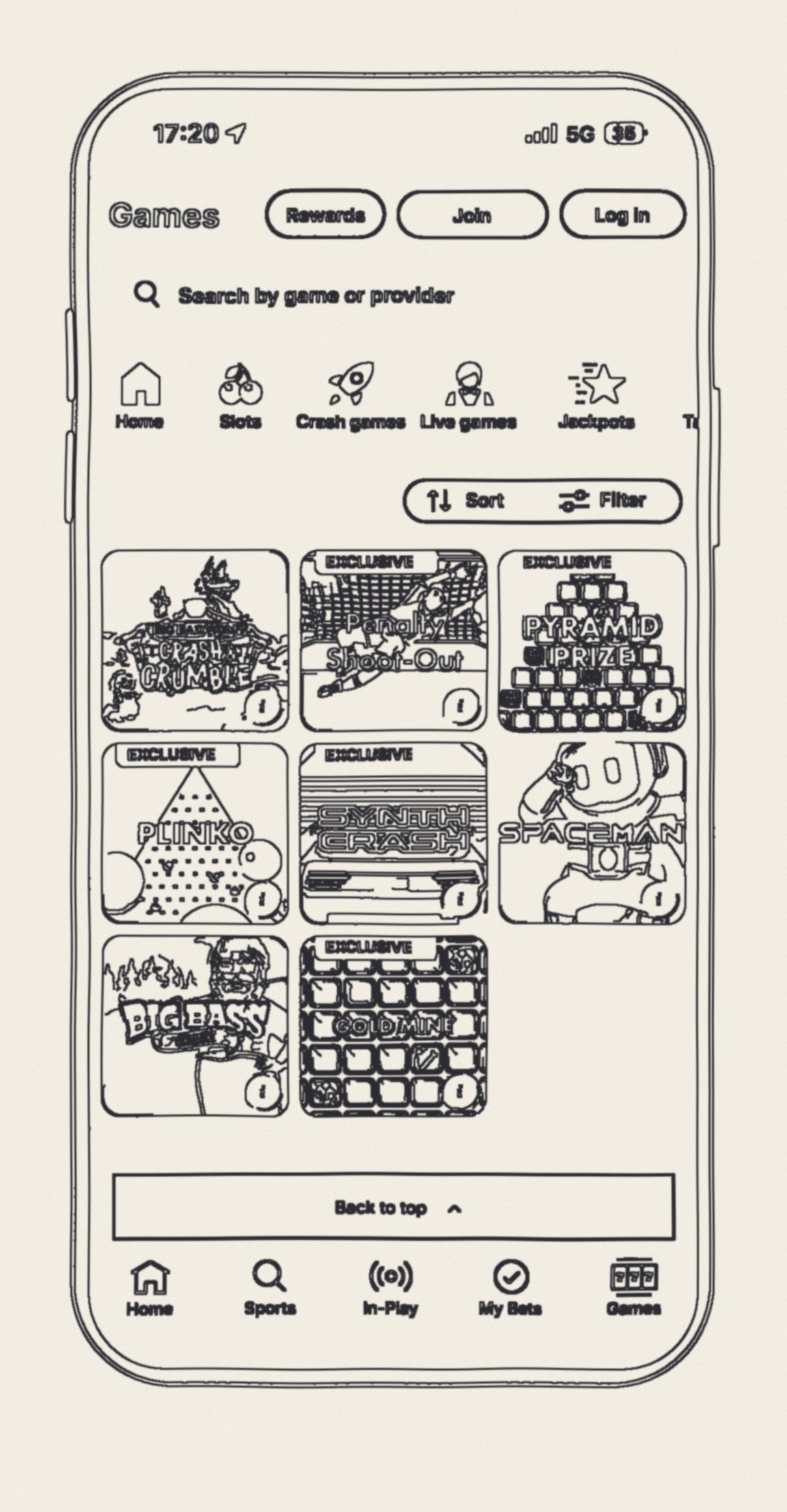
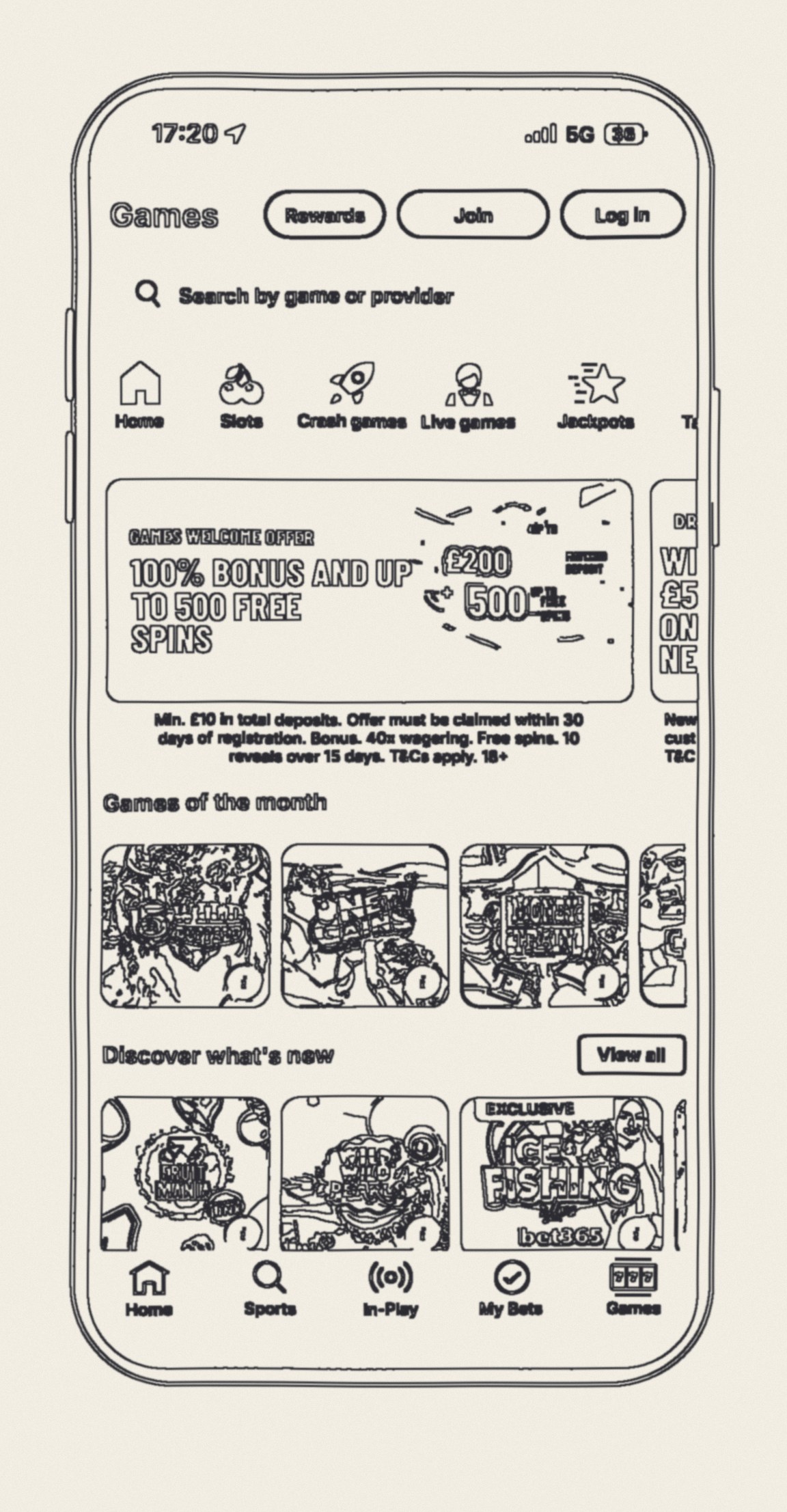
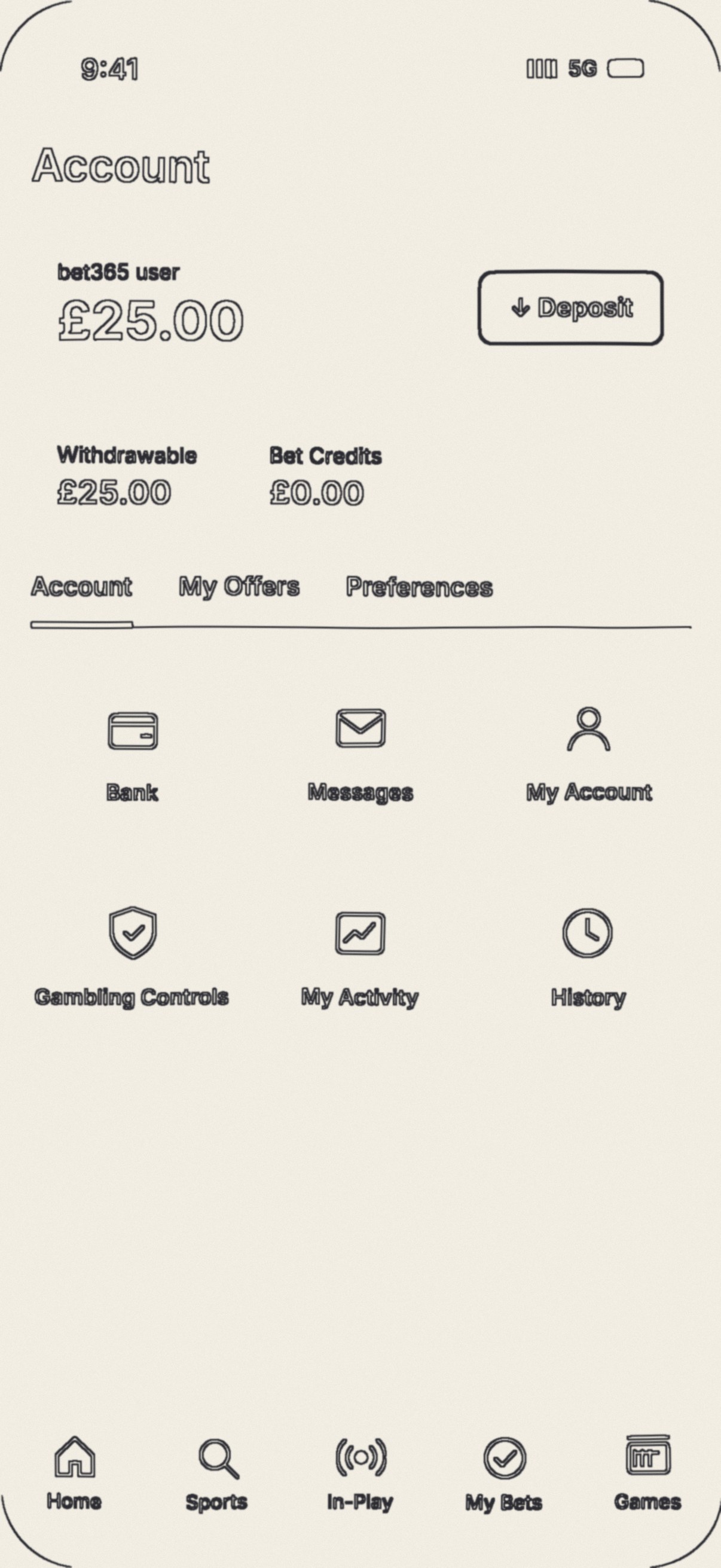
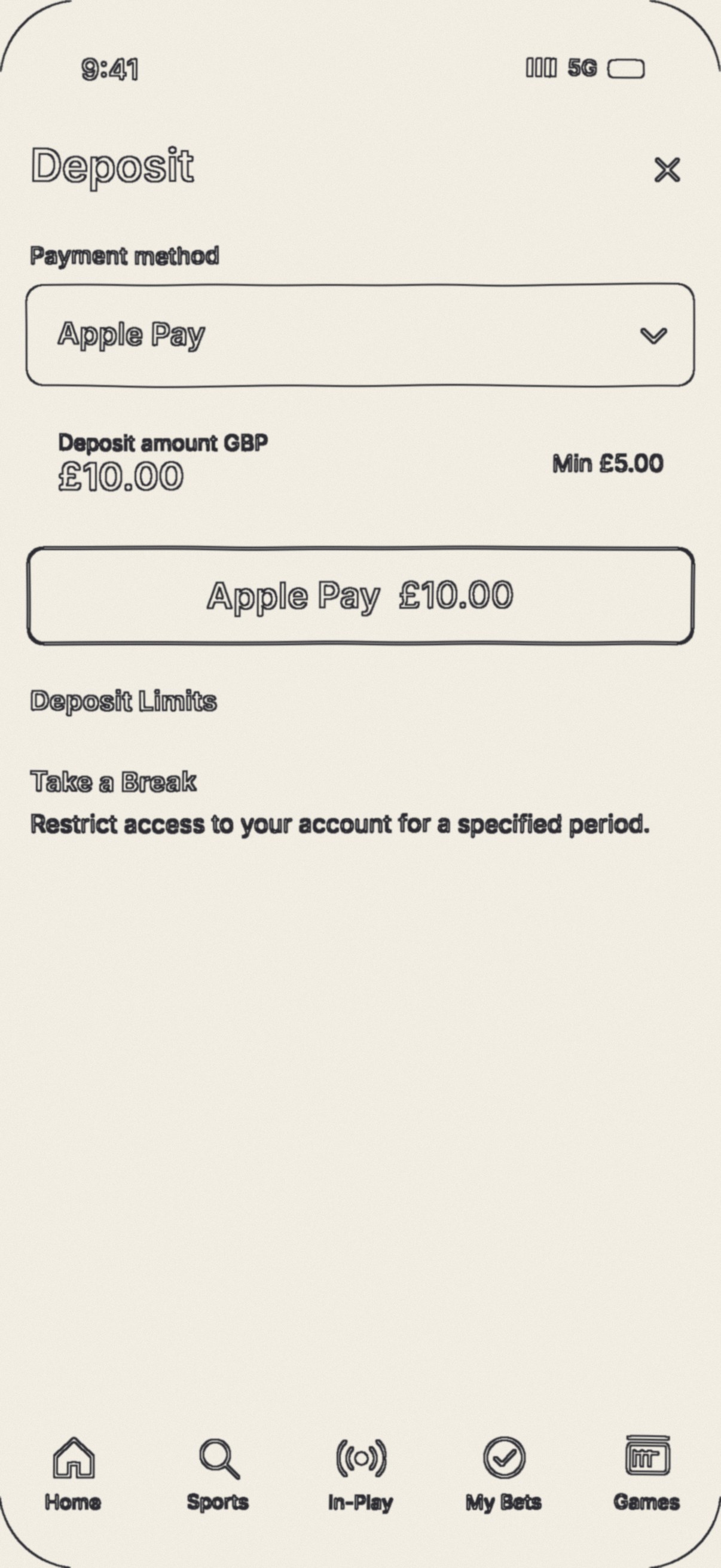
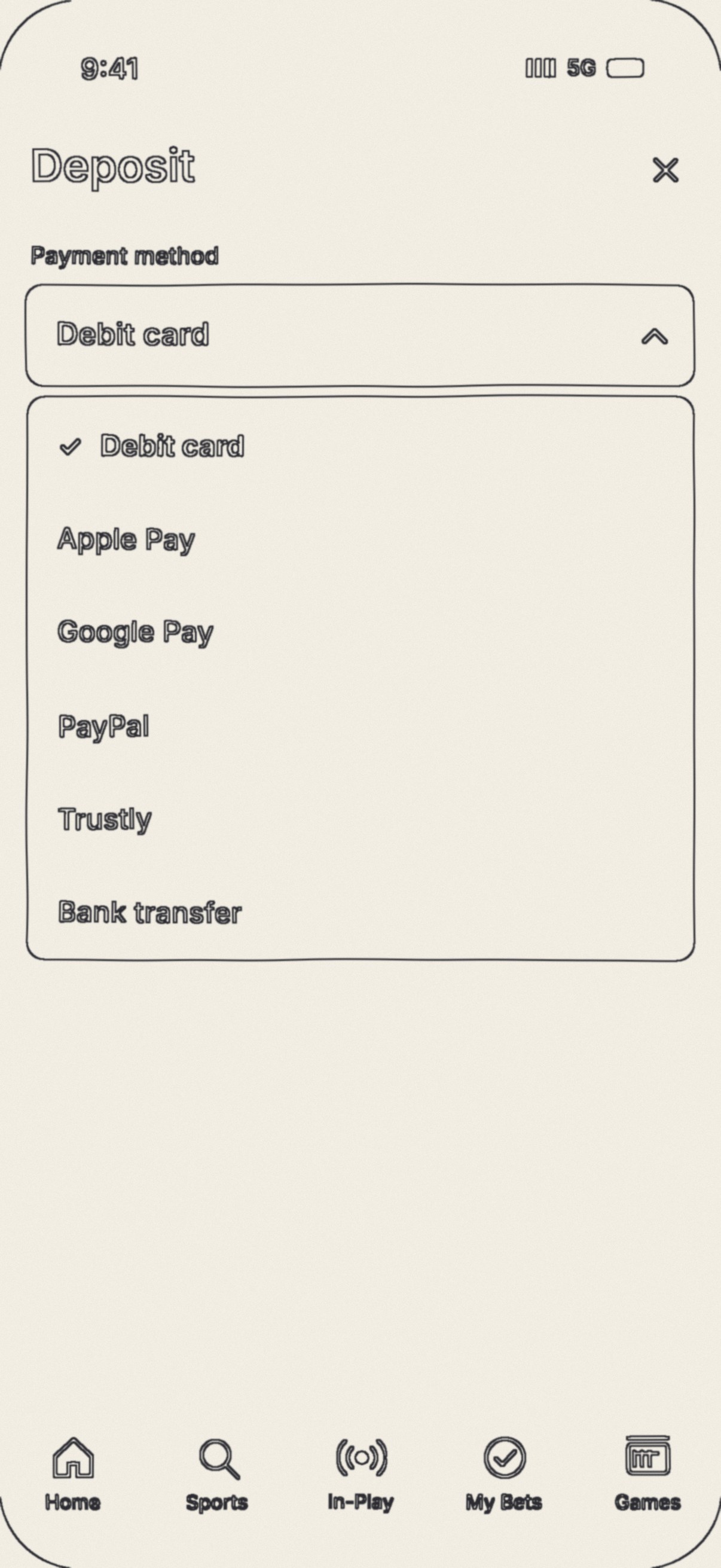
Screens redrawn by me and the team in the latest design. The pencil sketches are line drawings traced from the screens, for illustration. Amounts are placeholders, in pounds.
Honest limits.
This study shows leadership of a change inside a large team. It does not show measured results, internal screens, or exact numbers, because the work is confidential. The Video Wall module is original; the payment screens and the screens in the header are based on the real app. The sketches are schematics I drew. The team images, the example screens and the example banners are AI-generated illustrations, not real work screens.
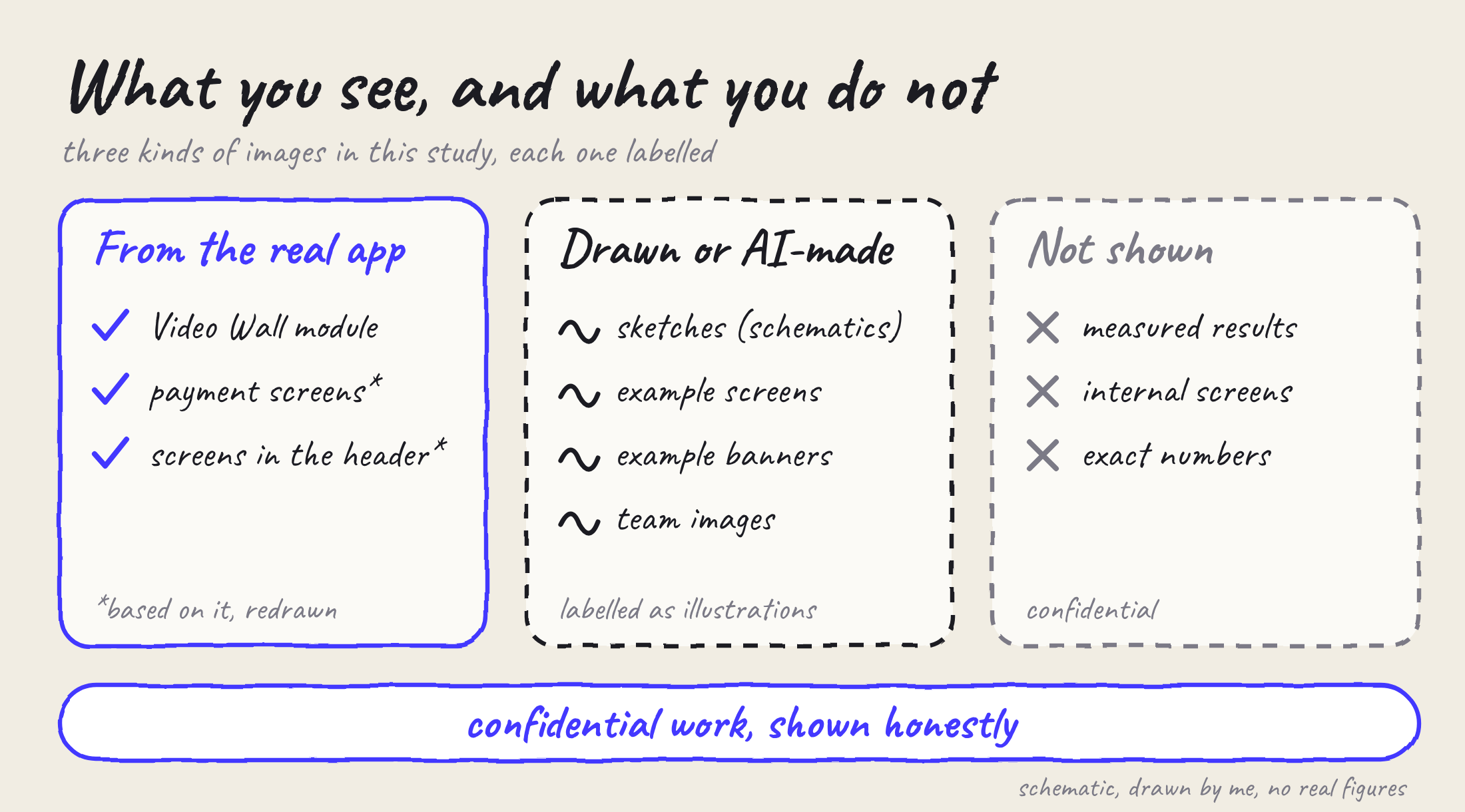
Schematic, drawn by me. No real figures.
The short answers.
ScopeDid you start this, or was it assigned?
I started it. I learned the tools first, then asked the Head of Design and the Product Owner for room to try them.
See in the study: Hook, Role
ScopeHow many people, and for whose work were you responsible?
I led designers with direct reporting. The team is a mix of mid and senior designers with a few juniors, across region-specific versions of one product. I am not publishing exact numbers.
See in the study: Role, Limits
StrategyWhy did you roll AI out selectively?
NDAs and data security meant some segments could not use it. Data decided where AI went.
See in the study: Options, Ethics
ResearchWhere did the approach come from?
From my doctoral work on human-computer interaction and AI, and from analyzing our brand personality before the first skill was written.
See in the study: Insights, Decisions
DecisionsHow did you convince people?
I learned first, then showed the team. Sponsors heard the case before the team did, and a pilot came before anything wider.
See in the study: Decisions, Collaboration
ResultsDid it work, and how do you know?
It made the work faster, better and more unified, and the system took root in other teams.
See in the study: Result
MistakesWhat did not work?
Hallucinations, weak designs, and AI that missed the task. The first weeks were chaotic and cost extra hours.
See in the study: What did not work
Ethics and AIWhere did you draw the line?
AI is only used where data rules allow it. A person checks every output before it is used, and the final call on quality stays human.
See in the study: The ethical bit